
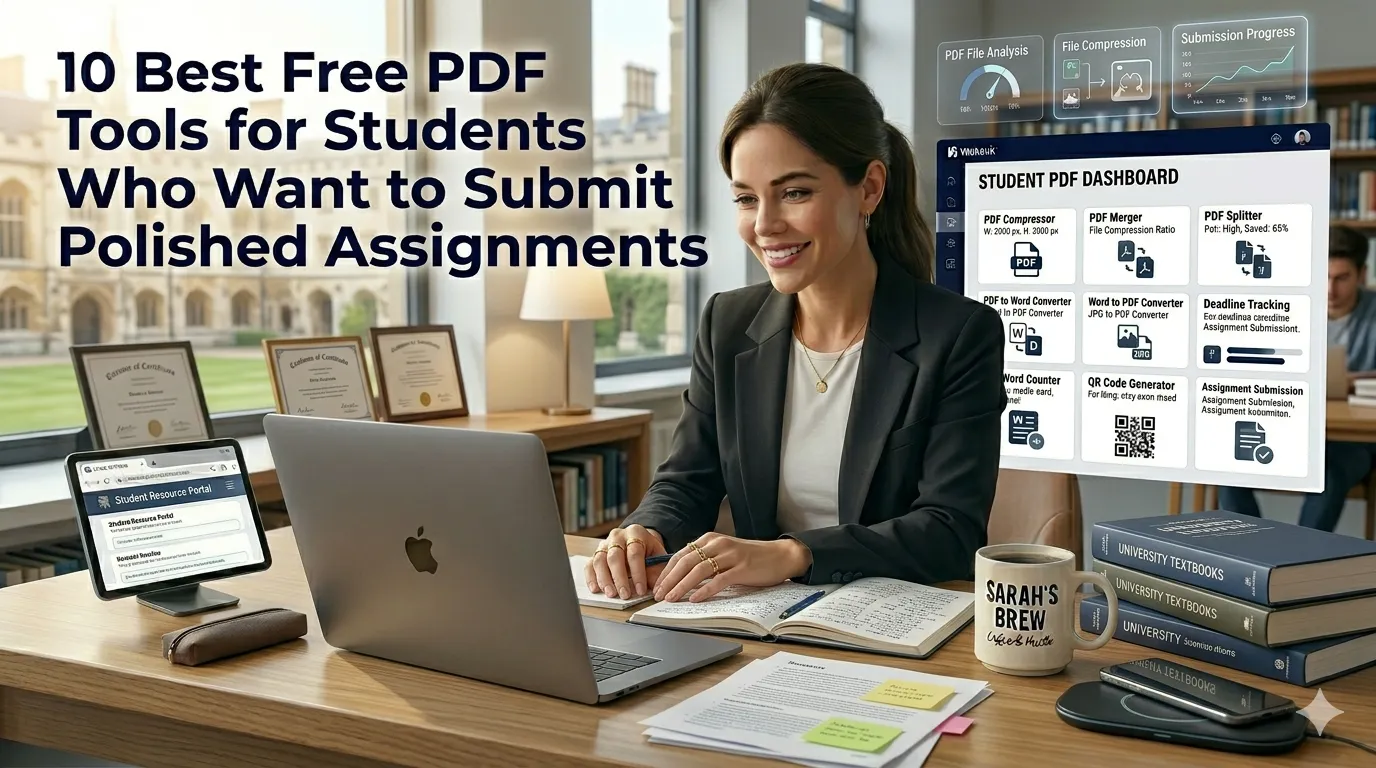
Students juggle research papers, lecture notes, and group projects every week. The 10 best free PDF tools for students remove obstacles between drafts and final submissions. This roundup walks beginners through every utility worth bookmarking before exam season.
Premium PDF suites cost more than a textbook. Free browser tools handle most academic chores instantly. The right kit keeps GPA strong and stress levels low.
Why students need a focused PDF toolkit
Class portals enforce strict file sizes and formats. A curated kit helps students hit submission rules without paid software.
Group projects demand quick merges and edits across multiple contributors. Additionally, scholarship applications often require neatly assembled documents. Such variety supports tooling whether you submit weekly or yearly.
10 best free PDF tools for students
Each tool below solves a specific academic problem. Bookmark them inside your study browser today.
1. Shrink essays for upload
Reach for the PDF Compressor when portals reject large files. Quick compression saves submission day stress.
2. Merge group assignments
Combine teammate sections with the PDF Merger. Group submissions look unified without manual cut-and-paste.
3. Split chapters for review
Use the PDF Splitter to break textbook downloads into chapters. Easier studying without scrolling endless pages.
4. Convert PDFs to editable text
Try the PDF to Word tool when professors share notes you need to expand. Editable text speeds up study guides.
5. Convert essays into PDF
The Word to PDF tool ensures formatting survives the upload. Professors see exactly what you intended.
6. Convert images for printable handouts
Use the JPG to PDF tool to bundle whiteboard photos. Group study notes stay organized.
7. Trim large research drafts
The Word Counter keeps essays under strict limits. Combined with PDF tools you maintain control over every submission.
8. Add scannable QR codes
Generate codes with the QR Code Generator when posters need links. Professors love quick scans to supporting research.
9. Secure final files
Use the Password Generator for shared cloud folders. Keep group projects secure from accidental viewing.
10. Track due dates accurately
The Date Calculator counts days between submissions and exam deadlines. Plan study sprints with precision.
Best practices for sustainable study habits
Beyond the tools, supporting routines protect grades. Apply them every term.
Maintain organized folders by class and semester. Document submission rules inside personal study notebooks. Pair tools with steady study sprints for long-term success.
| Goal | Featured Tool | Smart Tip |
|---|---|---|
| Upload | PDF Compressor | Stay under portal limit |
| Group submission | PDF Merger | Maintain page order |
| Study notes | PDF to Word | Annotate freely |
| Deadlines | Date Calculator | Block out study weeks |
Tools that simplify the entire workflow
Free PDF utilities meet most academic needs. Bookmark them inside your browser. Reach for premium suites only when group projects demand richer features.
Explore the entire Smart SEO Toolz library for hundreds of free utilities. Pair the experience with our GPA Calculator for academic tracking. Students also love combining it with the Grade Calculator.
Common mistakes beginners should avoid
Several pitfalls trip up new students. Watch out for these traps before submissions close.
- Forgetting to compress before uploading large PDFs
- Submitting Word docs without converting to PDF
- Trusting one device for backups instead of cloud copies
- Skipping QR codes that boost poster engagement
- Ignoring strict word counts inside academic briefs
Turning the toolkit into stress-free submissions
Consistent tool usage frees energy for actual studying. Pair tools with study group accountability for compounding results. Encourage classmates to share their own discoveries.
Pair the workflow with our Time Calculator when planning sleep and study balance. Steady curation, accurate uploads, and clear deadlines turn academic work into manageable detail. Each tool supports the next confident submission.