
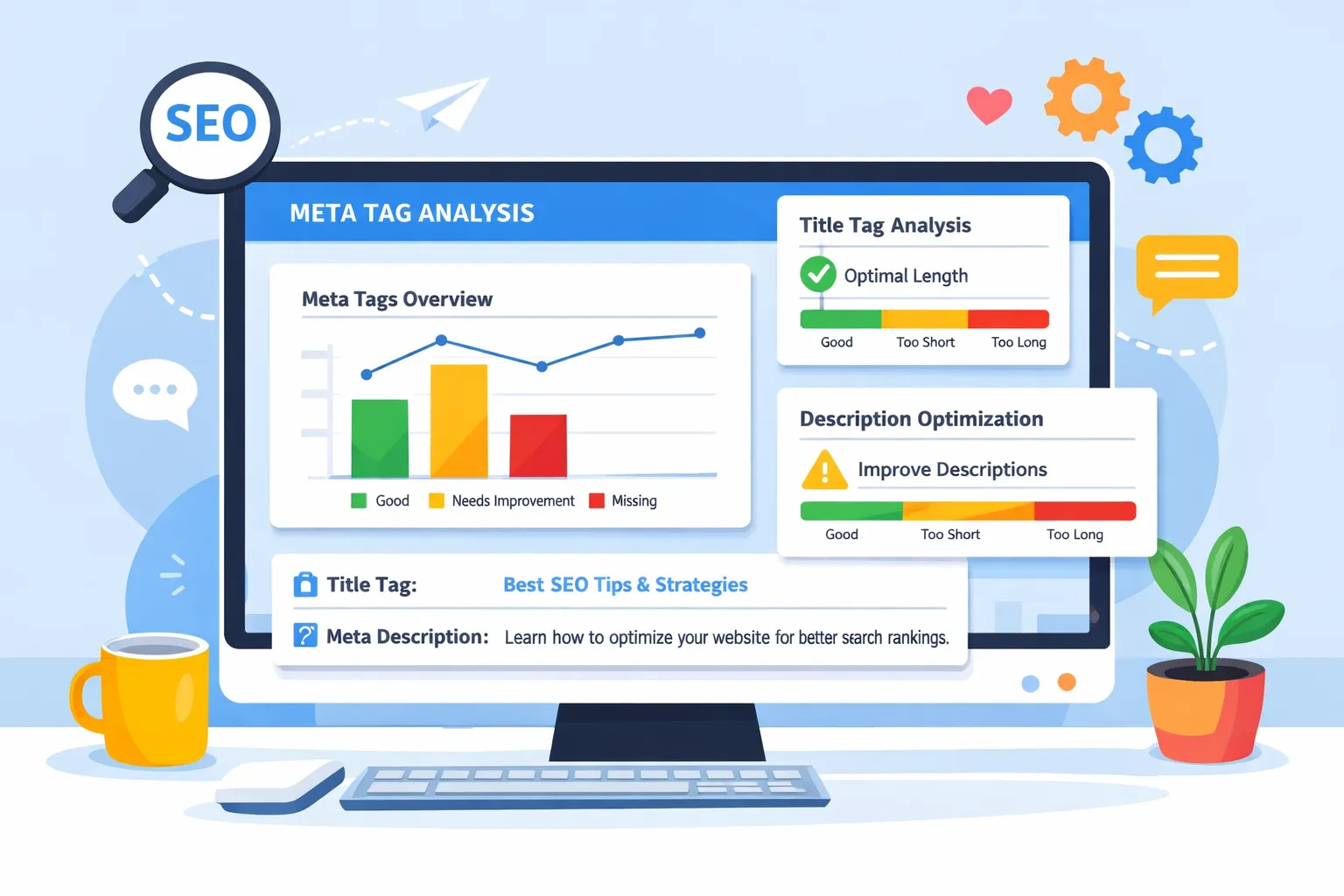
Your meta tags are some of the most important on‑page SEO elements — yet many websites ignore them. A “SEO meta tag analyzer” helps you instantly spot meta tag errors and optimize them for better rankings, higher click‑through rates (CTR), and stronger search visibility.
Think of meta tags as the labels search engines use to understand your page content and decide how and where to show it in results. With the right tool and strategy, you can uncover hidden SEO issues, enhance your rankings, and boost organic traffic.
What Are Meta Tags?
Meta tags are HTML snippets included in your website header that provide information about the page to search engines and browsers. Common types include:
Title & Meta Length Checker
Meta description
Meta robots
Canonical tag
Open Graph & Twitter Cards
These tags don’t appear on the main page content, but they influence how your site is displayed in search results and on social media.
What Is an SEO Meta Tag Analyzer?
A SEO meta tag analyzer is a tool that scans your web page and reports all essential meta tags. It checks:
Meta title and length
Meta description and length
Presence of robot tags
Duplicates or missing tags
Social tags (Open Graph, Twitter)
Keyword usage, tag formatting, and more
It helps you spot issues quickly without checking code manually.
Why Meta Tags Matter for SEO
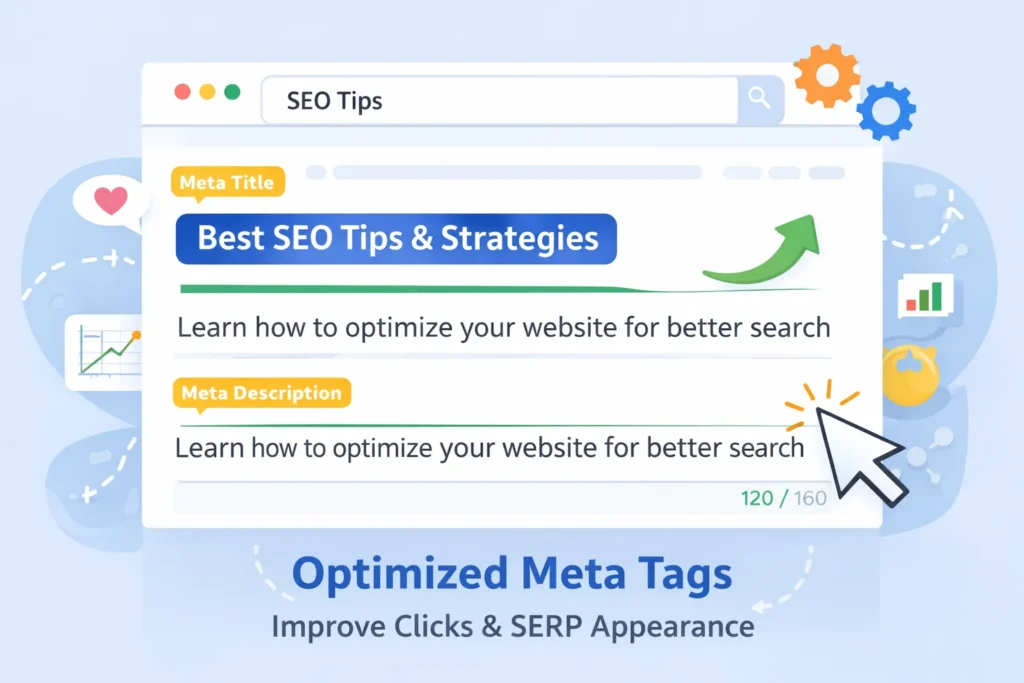
Meta tags don’t just inform search engines — they help them display your page in the best possible way:
Search Engine Understanding
Search engines use meta tags to understand what your page is about and what words describe it best. Good tags help Google index correctly.
Search Result Appearance
Your title tag and meta description often determine how users see and click your result. A compelling meta description can boost CTR even without ranking changes.
Page Relevance
Well‑optimized tags ensure your content matches search queries, improving rankings and relevance.
How an SEO Meta Tag Analyzer Works
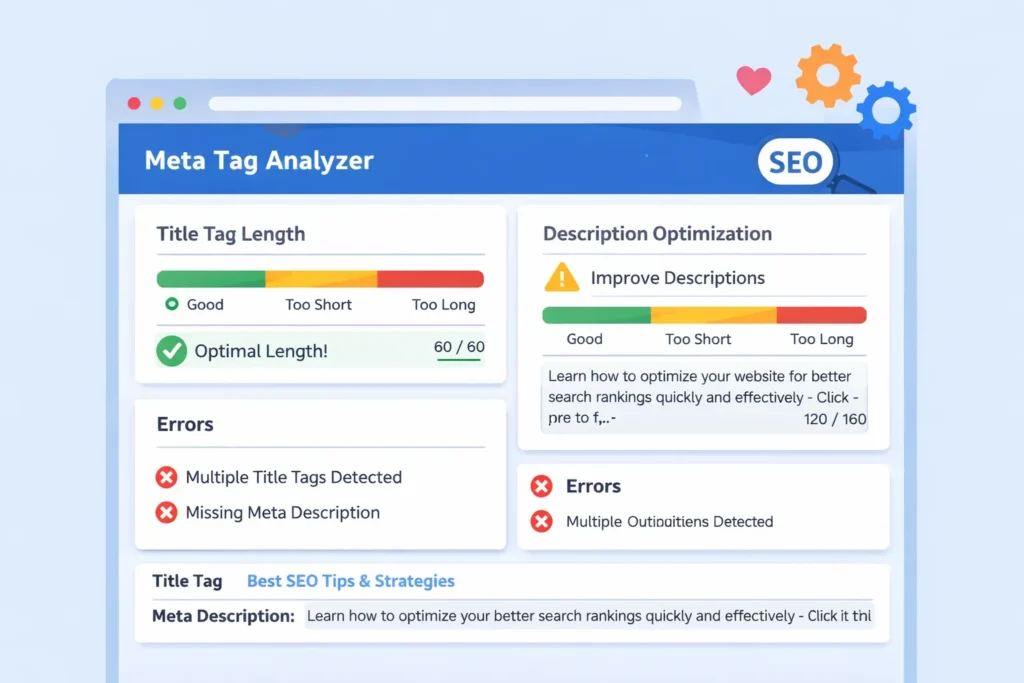
Most analyzers work the same way:
- Input your URL
- The tool fetches the HTML
- It scans head tags
- Generates a report with actionable recommendations
Popular analyzers do this instantly and highlight issues like missing tags, duplicate tags, missing social metadata, and length problems.
Key Meta Tags & Best Practices
Meta Title
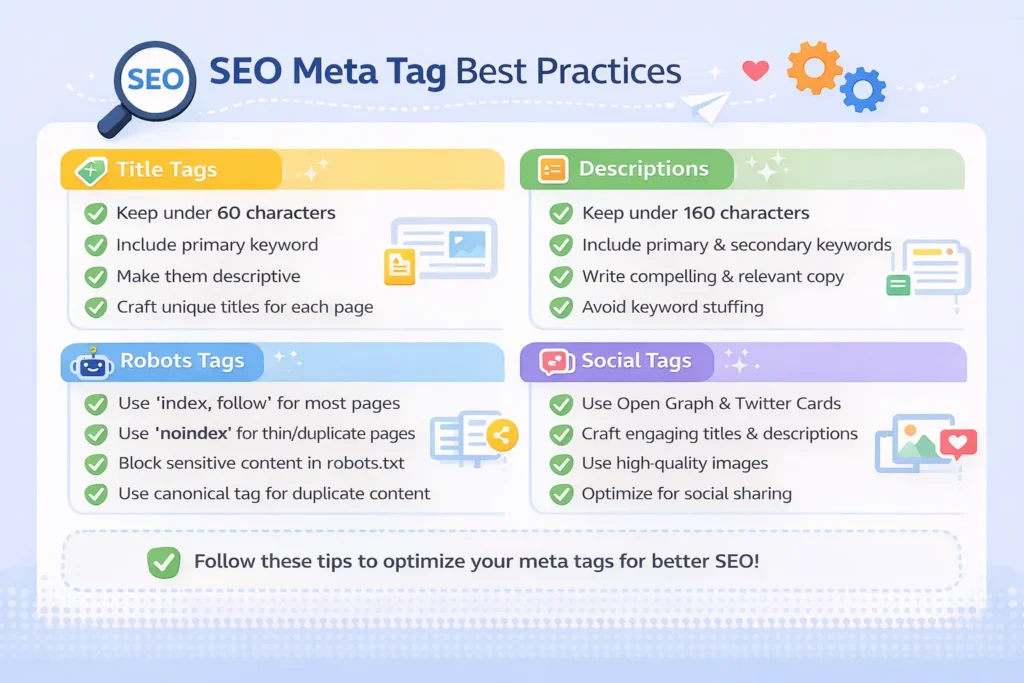
- Length: 50–60 characters
- Include the primary Keyword Density early
- Keep it readable and compelling
- Avoid keyword stuffing
The Meta Description
- Length: 150–160 characters
- Summarize the page value
- Add a call to action
Meta Keywords
Google no longer uses meta keywords for rankings — don’t waste effort on them.
Robots & Canonical Tags
These help search bots index correctly and avoid duplicate content issues.
Social Meta Tags
Open Graph & Twitter tags help when your content is shared on social media.
Best SEO Meta Tag Analyzer Tools
Here are some top free and paid tools:
Free Tools
- Meta Tag Analyzer by TargetRankSEO — quick analysis of titles and headers.
- SEOStudio Meta Tags Analyzer — shows detailed tag information.
- Turbo SEO Tools Meta Analyzer — checks title and description length.
- One Shot SEO Meta Analyzer — easy to use for beginners.
- SEO Tools Centre Meta Tag Analyzer — simple tag viewer.
Advanced / Professional Tools
- Ahrefs Site Audit
- SEMrush On‑Page SEO Checker
- Screaming Frog SEO Spider
- SiteGuru Meta Tags Analyzer
Step‑by‑Step: How to Use a Meta Tag Analyzer
Enter Your Page URL
Paste the exact page (blog, product, category, etc.) for analysis.
Run the Report
You’ll get a list of all your meta tags with errors highlighted.
Fix Issues
Update your HTML, WordPress SEO plugin, or CMS meta settings based on the recommendations.
Re‑Analyze
Run the tool again to make sure everything is fixed.
Common Meta Tag Mistakes (and Fixes)
| Mistake | Why It Matters | Fix |
|---|---|---|
| Missing title | Search engines don’t know your topic | Write a clear title |
| Duplicate descriptions | Confuses search bots | Write unique descriptions |
| Too long | Might be truncated | Keep within recommended length |
| No robots tag | Crawlers may index unwanted pages | Use correct robots directives |
Should You Use Meta Tags for Google Ranking?
Meta tags themselves aren’t the strongest direct ranking factor, but they affect click‑through rates, relevancy, and indexing — all of which help your SEO success.
Meta Tag Analyzer vs Full SEO Audit
A meta tag analyzer focuses on meta tags only, while a full SEO audit tool also checks site structure, page speed, backlinks, content quality, schema markup, and technical SEO.
Use both together for best results.
How Often Should You Check Meta Tags?
Monthly or after any major content update. Also, re‑check after major algorithm updates or site redesigns.
Meta Tag Optimization Tips That Convert
Use power words in descriptions
Add keyword variants naturally
Include numbers or CTAs
Match user intent carefully
Conclusion
A SEO meta tag analyzer is one of the simplest yet most impactful SEO tools you’ll use — from beginner bloggers to advanced marketers. By checking and fixing your meta tags, you improve visibility, relevance, and CTR, which all help your SEO performance.
Want even more help with optimizing your website or understanding SEO strategy? Just ask!
Faqs
A SEO meta tag analyzer is a tool that scans your website’s meta tags, highlights errors, and suggests improvements to optimize titles, descriptions, robots tags, and social tags for better search performance.
Using a meta tag analyzer helps identify missing or duplicate tags, optimize length, improve click-through rates, enhance SEO visibility, and ensure your pages are search engine-friendly.
Yes, meta tags influence how search engines understand your content and display your pages in search results. Optimized titles and descriptions boost CTR and indirectly improve SEO rankings.
Absolutely! Free meta tag analyzers allow you to check title length, description, robots tags, and duplicates. For advanced insights and multiple pages, paid tools offer more detailed audits.
Check your meta tags monthly or after major website updates. Also, re-analyze after site redesigns, new content additions, or SEO algorithm changes to ensure optimal performance.
Common mistakes include missing titles, duplicate descriptions, overly long or short tags, missing robots or social tags, and keyword stuffing. A meta tag analyzer quickly identifies these issues.
Top tools include TargetRankSEO Meta Tag Analyzer, SEOStudio Meta Tag Analyzer, Screaming Frog, SEMrush On-Page SEO Checker, and SiteGuru. Free or paid, they efficiently highlight optimization opportunities.