Special Deal: Unlimited GMB Leads + WhatsApp Sender β€” Only $19! BUY NOW!

Class C IP Checker

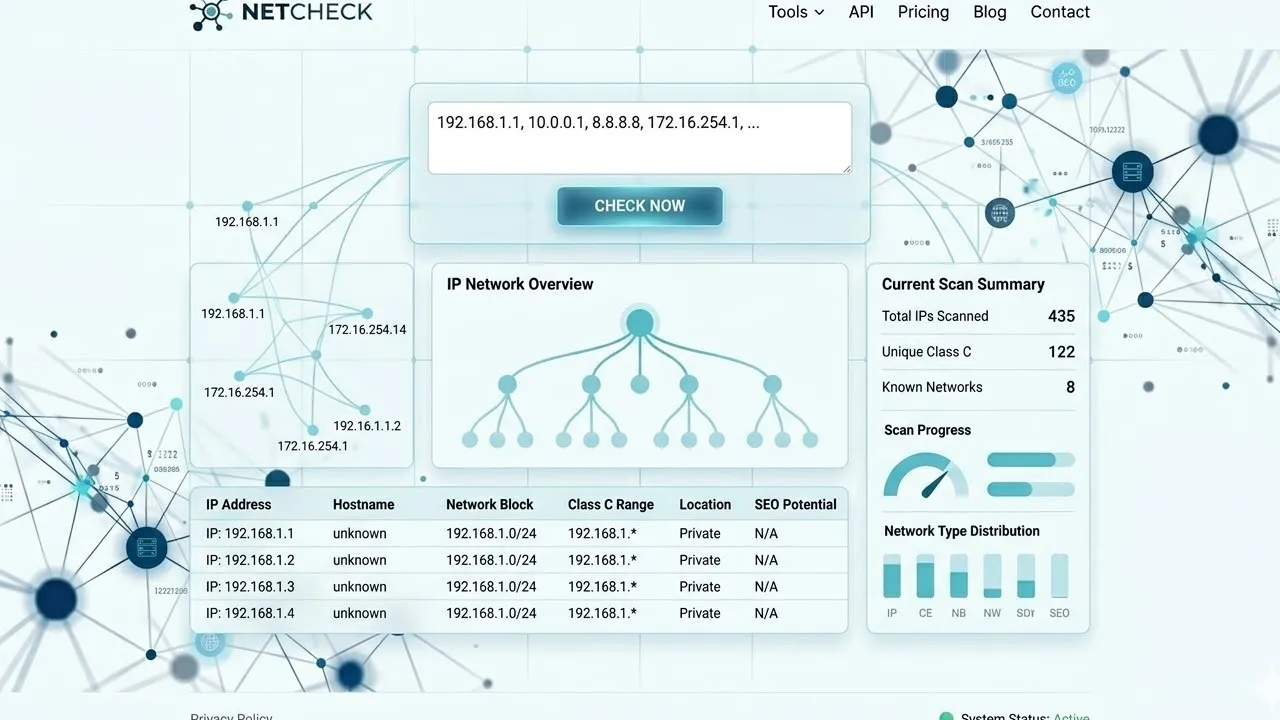
Enter domains or IP addresses (one per line) to group them by their Class C subnet (first 3 octets). Uses Cloudflare DNS-over-HTTPS for real resolution.

⚠️ Please enter at least one domain or IP address.
Resolving DNS…
0
Total Entries
0
Class C Groups
0
Shared C-Block
0
Resolved via DNS
🌐
Paste domains or IPs above and click Check Class C.

Class C IP Checker – Advanced Bulk IP Address Checker Tool

Class C IP Checker – Advanced Bulk IP Address Checker Tool

A Class C IP Checker is an essential online tool for anyone who manages multiple websites, builds backlinks, or works with hosting networks. It allows you to quickly identify whether multiple IP addresses or domains share the same Class C network.

Understanding IP distribution is vital for SEO professionals, webmasters, and digital marketers. Using this tool, you can ensure your backlink profile is diverse, avoid footprint issues, and analyze hosting patterns with ease.

This tool is completely free, easy to use, and requires no technical expertise. Whether you are a beginner or an advanced user, our Class C IP Checker simplifies IP analysis and improves decision-making.
Understanding Class C IP Addresses

Understanding Class C IP Addresses

To fully benefit from this tool, it’s important to understand how IP addresses work.

An IP (Internet Protocol) address is a unique identifier assigned to every device connected to the internet. In IPv4 format, online notepad an IP address consists of four numerical segments separated by dots (e.g., 192.168.1.1).

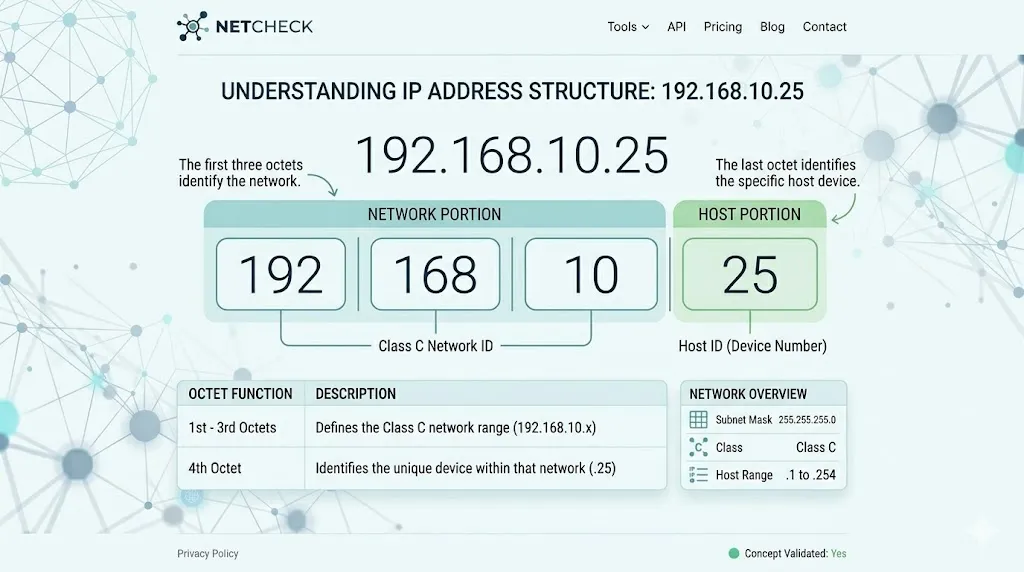
A Class C IP address refers to a specific grouping where:

  • The first three octets represent the network portion
  • The last octet identifies the host or device

Example:

IP Address: 192.168.10.25
Class C Block: 192.168.10.*

This means any IP address that starts with 192.168.10 belongs to the same Class C network.

Understanding this structure is critical when performing network IP analysis or evaluating hosting footprints.
Why Use a Class C IP Checker Tool?Why Use a Class C IP Checker Tool?

Using a Class C IP Checker is not just a technical requirementβ€”it’s a strategic advantage for SEO and web management.

1. Improve Backlink Diversity

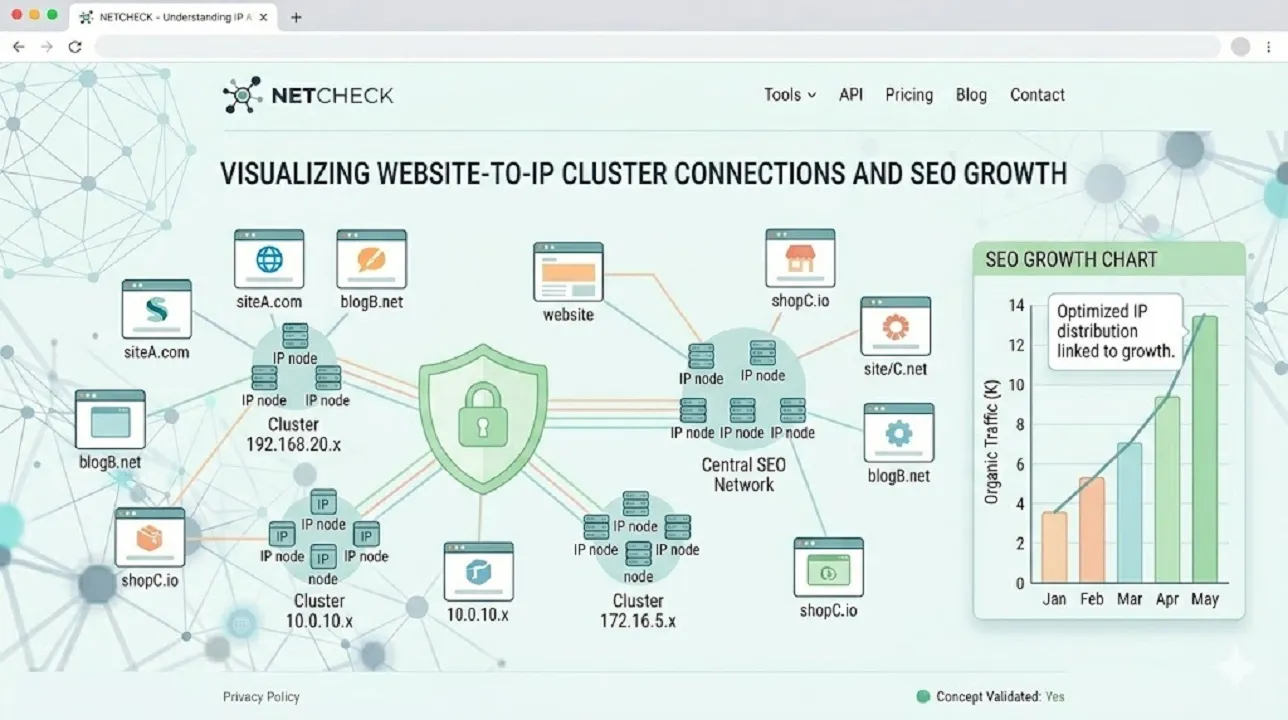
Search engines like Google prefer backlinks from different IP ranges. If multiple backlinks come from the same Class C IP, it may signal manipulation.

2. Detect Shared Hosting Networks

With this IP checker tool, you can identify whether multiple websites are hosted on the same server or network.

3. Avoid SEO Footprints

Footprints occur when multiple sites link to each other from the same IP range. This tool helps you detect and avoid such patterns.

4. Analyze Competitor Hosting

You can use this bulk IP analyzer to understand how competitors are hosting their websites.

5. Enhance Website Security Awareness

Knowing your IP distribution can also help identify suspicious hosting patterns.
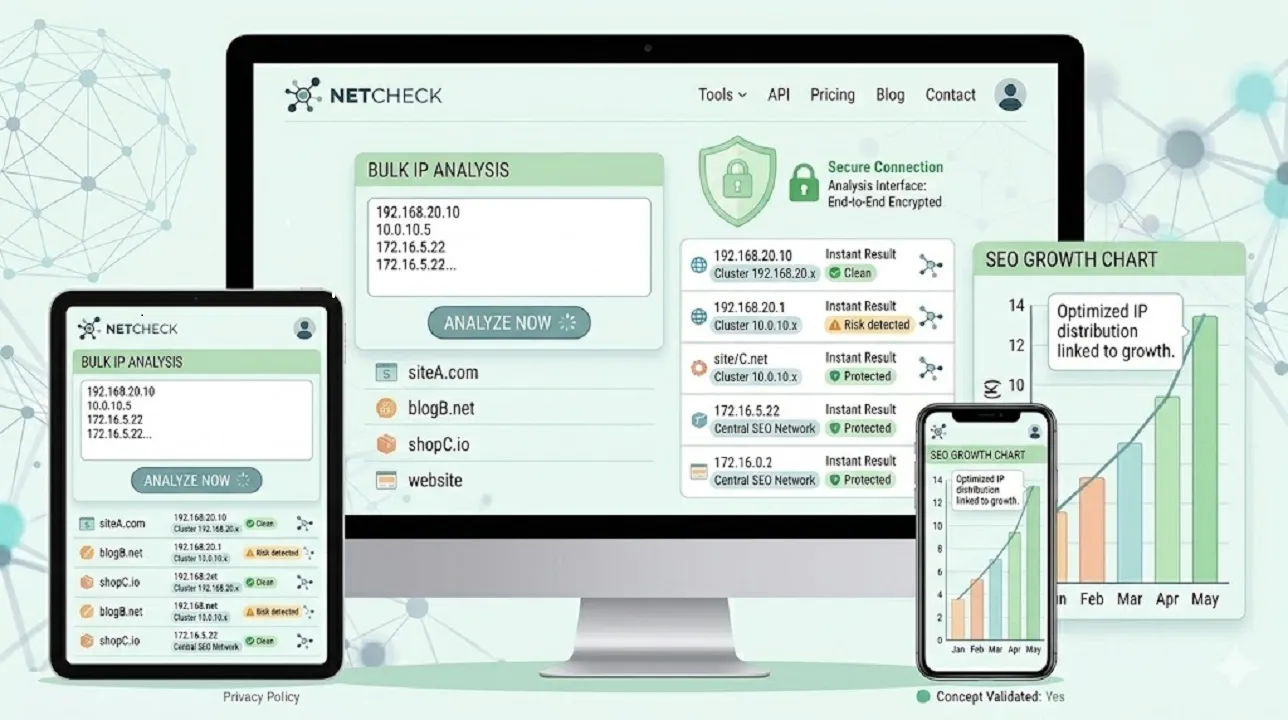
Key Features of Our Class C IP Checker

Key Features of Our Class C IP Checker

Our Class C IP Checker is designed to provide speech to text, accuracy, and ease of use, making it suitable for SEO professionals, developers, and digital marketers alike. Here’s what makes our tool stand out:

1. Bulk IP Analysis

Check multiple domains or IP addresses at the same time. Our bulk IP checker saves you valuable time, allowing large-scale analysis without any hassle.

2. Instant Results

Receive real-time output with precise Class C network grouping. No waitingβ€”get actionable insights in seconds.

3. Comprehensive Network Analysis

Dive deeper into IP ranges, hosting patterns, and server distribution. Use this data to make informed SEO, hosting, or security decisions.

4. Privacy-Focused

Your data is safe with us. The tool does not store, track, or share any of your input, ensuring complete confidentiality.

5. Fully Responsive

Whether you are on a desktop, tablet, or mobile device, our tool works seamlessly with a smooth, responsive interface.

6. User-Friendly Interface

No technical expertise is required. Simply enter your domains or IPs and get clear, easy-to-understand results instantly.

7. Actionable Insights

Beyond displaying IPs, the tool highlights shared networks and Class C clusters, helping you avoid SEO footprints and optimize hosting strategies.
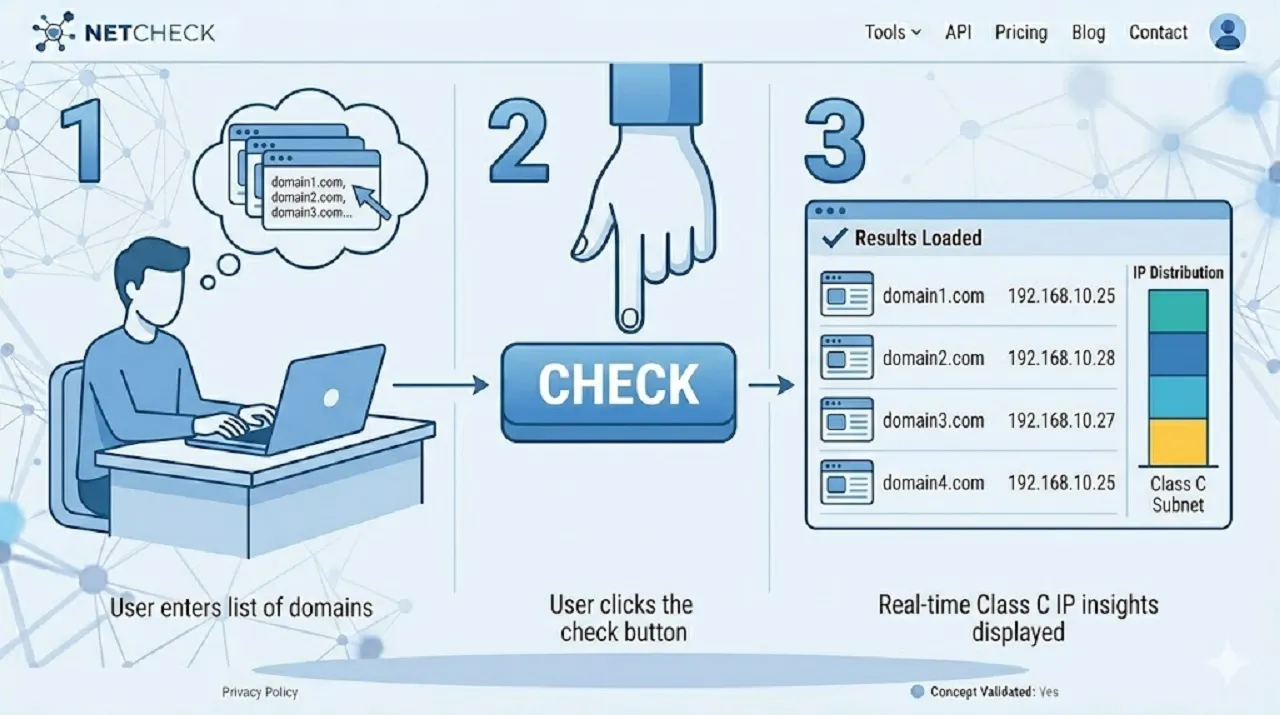
How to Use the Class C IP Checker

How to Use the Class C IP Checker

Using our tool is simple and straightforward:

  1. Enter domain names or IP addresses into the input box
  2. Make sure each entry is on a new line
  3. Click on the Check IP button
  4. View results showing IP addresses and Class C blocks
  5. Analyze whether domains share the same network

Within seconds, you will have a clear overview of your IP distribution.
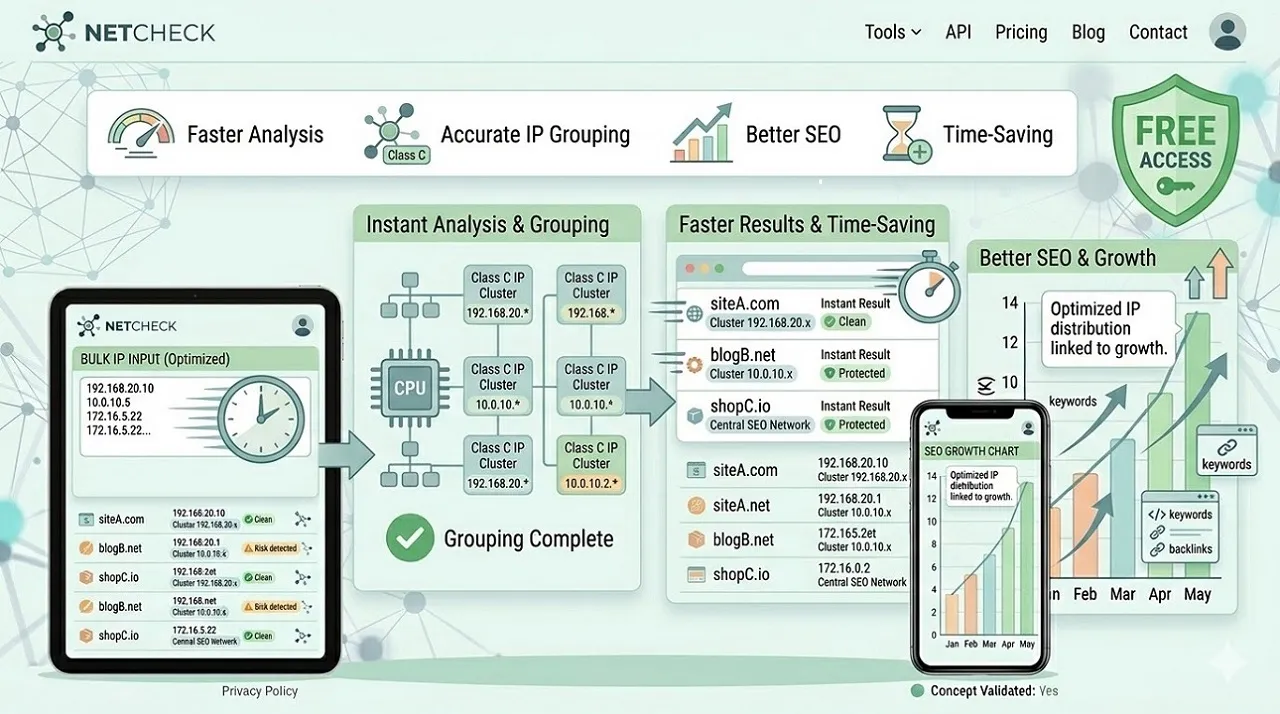
Benefits of Using This IP Checker Tool

Benefits of Using This IP Checker Tool

Better SEO Strategy

Ensure your backlinks come from diverse IP ranges, improving trust and rankings.

Faster Analysis

Instead of checking IPs manually, automate the process with our fast tool.

Accurate Results

Get precise Class C IP grouping for reliable decision-making.

Time-Saving

Bulk checking allows you to analyze hundreds of domains in minutes.

Free Access

No subscription or hidden chargesβ€”completely free tool.

Who Should Use This Tool?

Who Should Use This Tool?

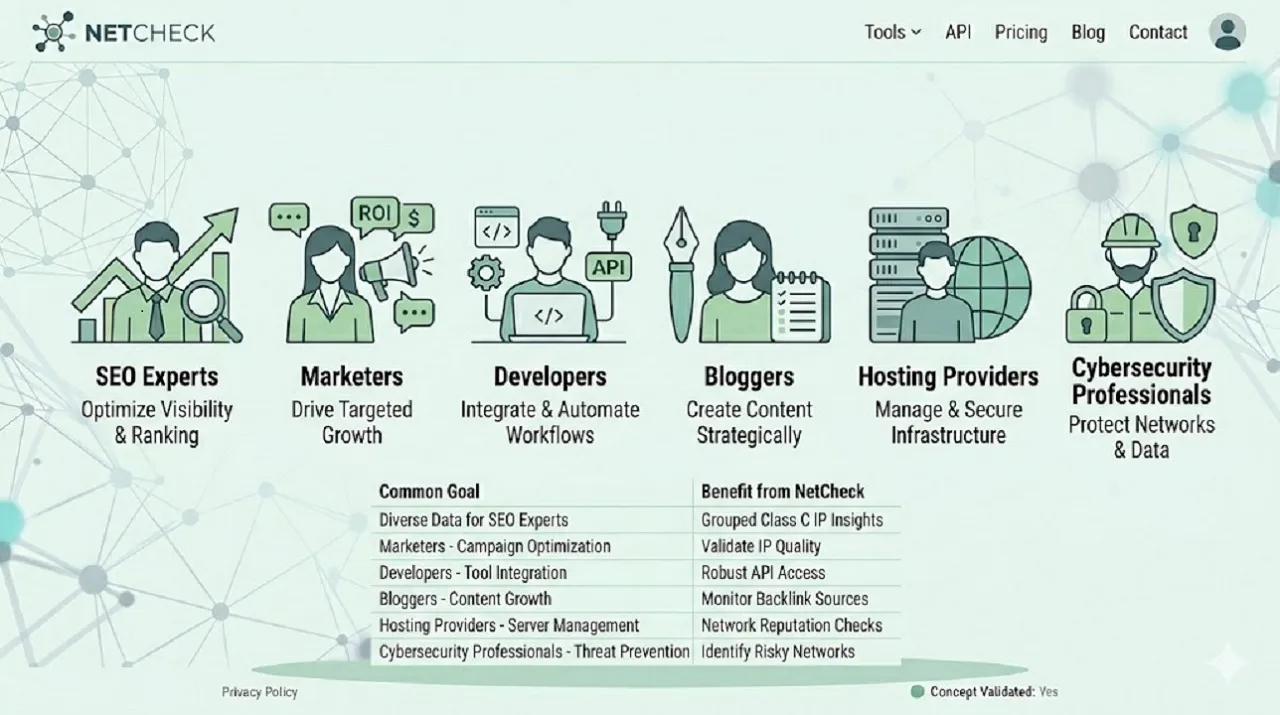
Our Class C IP Checker is designed to support a wide variety of users, from SEO professionals to network administrators. Here’s how different users can benefit:

1. SEO Experts

Audit backlink profiles and ensure links come from diverse Class C IPs to avoid SEO footprint penalties.

2. Digital Marketers

Enhance campaign performance by monitoring link diversity and identifying potential hosting overlaps.

3. Web Developers

Analyze hosting environments, check server distribution, and plan website infrastructure effectively.

4. Bloggers & Affiliate Marketers

Maintain a natural linking structure across multiple websites, preventing duplicate IP footprints.

5. Hosting Providers

Monitor IP allocations, server networks, and hosting patterns to optimize resources.

6. Cybersecurity Professionals

Detect suspicious hosting patterns, identify clustered IPs, and strengthen network security.
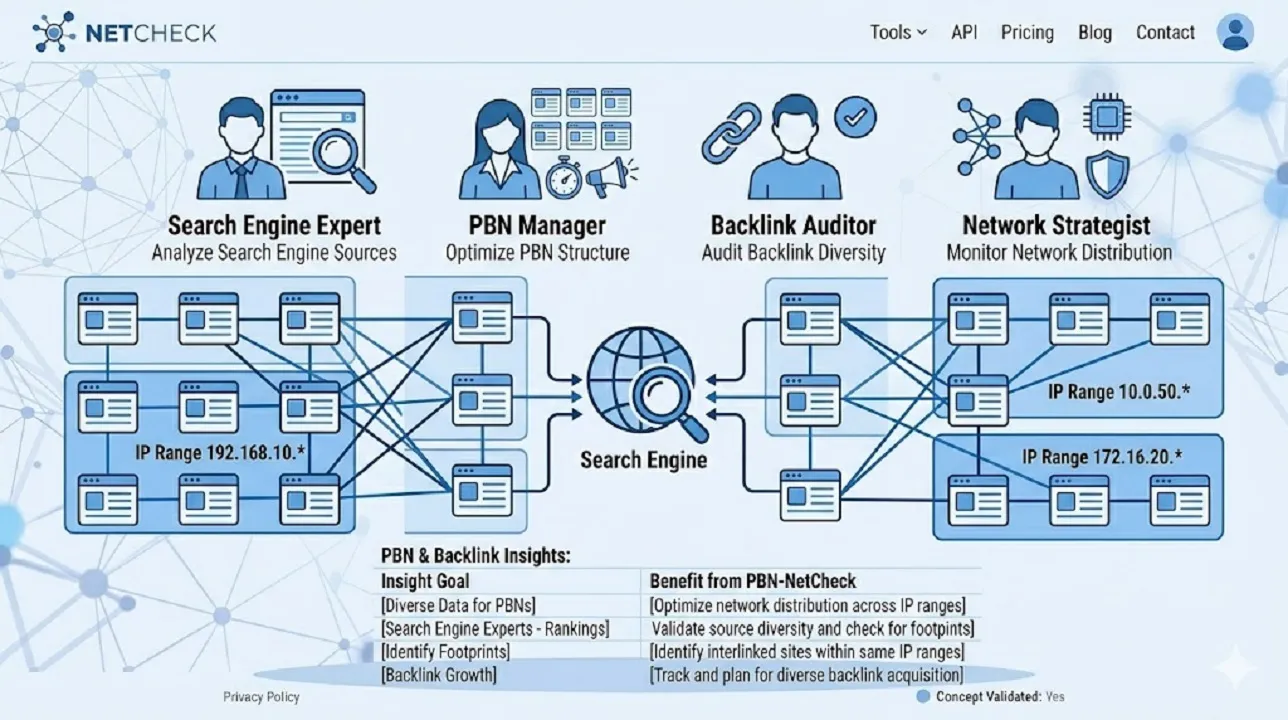
Class C IP Checker for SEO Optimization

Class C IP Checker for SEO Optimization

In modern SEO, link building is not just about quantityβ€”it’s about quality and diversity. Search engines analyze IP addresses to detect unnatural linking patterns.

If multiple backlinks originate from the same Class C IP, it may reduce their value. That’s why using an SEO IP checker tool is essential for:

  • Safe link building
  • Competitor analysis
  • Private blog network (PBN) management
  • Domain authority improvement

This tool helps you maintain a clean and natural backlink profile.
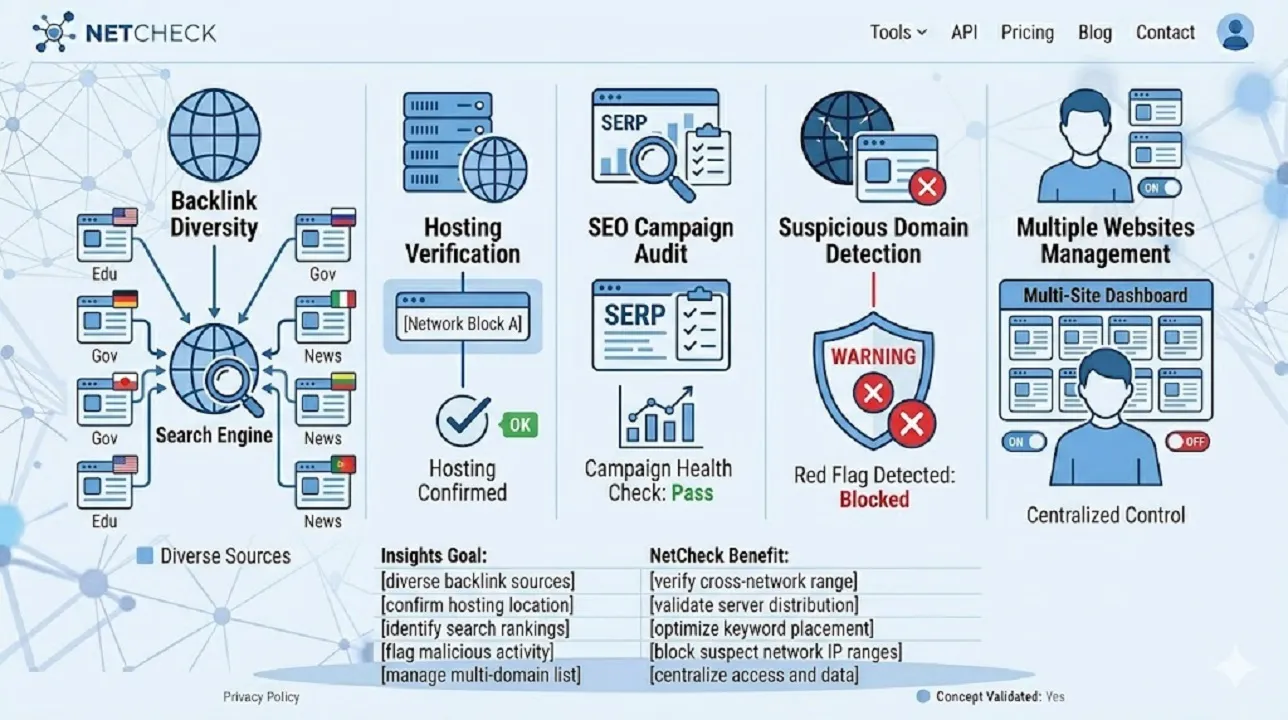
Common Use Cases of a Class C IP Checker

Common Use Cases of a Class C IP Checker

A Class C IP Checker is not just a technical toolβ€”it has multiple practical applications for SEO, web management, and security. Here are some real-world scenarios where this tool proves invaluable:

  1. Check Backlink Diversity
    Ensure that your backlinks come from unique Class C IP ranges. This prevents footprints and helps maintain a natural, search-engine-friendly backlink profile.
  2. Verify Hosting Diversity Across Domains
    Identify whether multiple websites share the same server or network. This is especially useful when managing multiple domains or client websites to avoid hosting clusters.
  3. Audit SEO Campaigns
    Regularly analyze the IP distribution of your backlinks to detect risks or repetitive patterns. This helps in planning safer and more effective link-building campaigns.
  4. Investigate Suspicious Domains
    Detects unusual IP clustering that may indicate spammy websites or potential threats. This is useful for security monitoring and ensuring a clean network.
  5. Manage Multiple Websites or PBNs
    For webmasters and SEO professionals managing multiple sites or private blog networks, this tool helps distribute websites across different IP ranges to maintain credibility and avoid penalties.

Start Using Our Class C IP Checker Today

Take control of your SEO and hosting analysis with our powerful Class C IP Checker. Whether you’re analyzing backlinks, monitoring hosting environments, or performing network IP analysis, this tool provides everything you need in one place.

Try it now and experience fast, accurate, and reliable IP checking!

Frequently Asked Questions

Find quick answers to the most common questions about our SEO tools, pricing, and support. Everything you need to get startedβ€”right at your fingertips.

What is a Class C IP address?

Β A Class C IP address is a type of IPv4 address where the first three octets (e.g., 192.168.10) represent the network portion, and the last octet identifies the host. All IPs within the same Class C block belong to the same network.

Search engines evaluate backlink diversity based on IP addresses. Multiple backlinks from the same Class C IP may appear unnatural, reducing SEO value. Using a Class C IP Checker ensures backlinks come from diverse networks.

A bulk IP checker allows you to enter multiple IP addresses or domains at once. It then identifies each IP’s Class C block and highlights shared networks for quick analysis.

Yes! By grouping IPs by Class C, the tool identifies if multiple websites are hosted on the same server or network, helping you avoid hosting overlaps and SEO footprints.

Absolutely. Our tool is completely free, requires no login, and works for unlimited domains and IP addresses. It’s designed for both beginners and advanced users.

How accurate is the Class C IP analysis?

Our tool provides instant, precise results by calculating the Class C block for each IP address. It ensures reliable data for SEO audits, hosting checks, and security monitoring.

The tool is perfect for SEO professionals, digital marketers, web developers, bloggers, hosting providers, and cybersecurity specialists who need accurate IP and network insights.

Yes! The bulk IP checker is designed for high-volume analysis. Enter multiple domains or IPs on separate lines, and get results instantly without manual effort.

By identifying suspicious clustering of IPs or unusual hosting patterns, you can detect potential threats, monitor server networks, and maintain a secure hosting environment.

  • Enter your domains or IP addresses into the input box (one per line).
  • Click the β€œCheck IP” button.
  • View results showing each IP’s Class C block and shared network connections.
    It’s fast, simple, and requires no technical expertise.Β