
If you have ever registered a domain, you have probably been asked one important question: do you want Whois privacy? Many beginners ignore it, while experienced domain owners usually enable it.
This complete beginner’s guide explains everything you need to know. You will learn how domain privacy works, its pros and cons, and whether it is the right choice for your website in 2026.
By the end, you will be able to make a smart, confident decision before your next domain purchase or renewal.
What Is Domain Privacy?
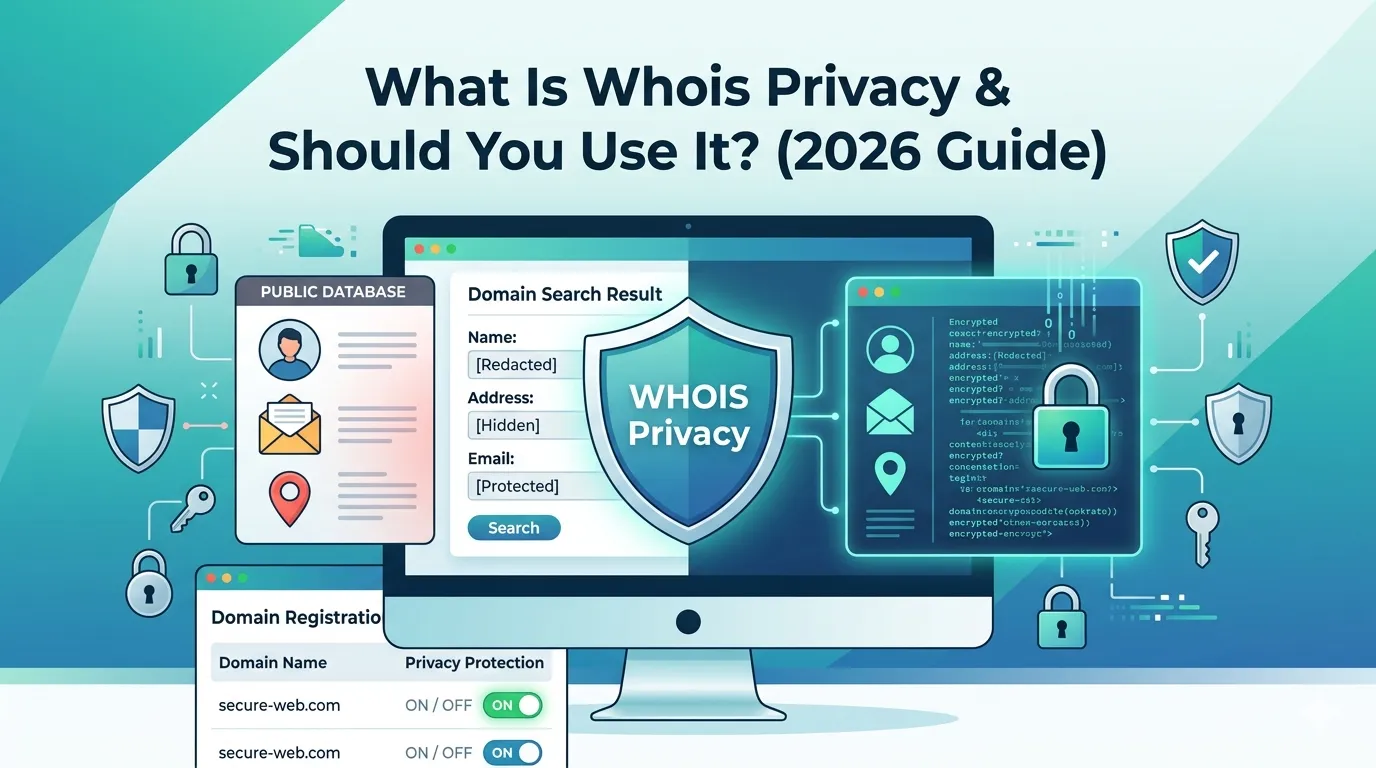
privacy is a domain registration feature that hides your personal contact details from the public Whois database. Instead of showing your name, address, email, and phone number, it displays the privacy provider’s info.
Most domain registrars now offer this service. Some include it for free, while others charge a small annual fee. Either way, it is one of the most powerful privacy tools available to domain owners.
How Does Whois Privacy Actually Work?
When you register a domain, your personal info enters the public Whois database by default. Anyone can run a free Whois Lookup to find out who owns the domain.
With Whois privacy enabled, the registrar replaces your details with their own forwarding information. For example:
- Your real name becomes “Domains by Proxy” or “Privacy Inc.”
- Your real email becomes a private relay email
- Your home address is replaced by the registrar’s office address
- Your phone number is swapped with a privacy number
So, anyone performing a lookup sees the privacy provider’s information instead of your personal details.
Why Privacy Matters in 2026
Online privacy is a bigger concern today than ever before. Spam bots scrape Whois data daily. Scammers send fake renewal invoices. Hackers can also use exposed Whois info for phishing or social engineering.
Therefore, hiding your personal data has become essential — not optional. privacy gives you a strong protective shield against these growing online threats.
Benefits of Using Domain Privacy
Enabling Whois delivers several powerful benefits:
1. Protects Personal Information
Your real name, email, and address stay hidden from the public.
2. Reduces Spam and Scams
Spam bots cannot harvest your email. Scammers cannot easily contact you with fake renewal offers.
3. Stops Identity Theft
Exposed Whois data can fuel identity theft. Privacy keeps that risk low.
4. Prevents Stalkers and Trolls
Bloggers, journalists, and small business owners often face online harassment. Privacy keeps their home address safe.
5. Helps With Brand Protection
Competitors cannot easily track your domain portfolio when domain privacy is enabled.
Domain Privacy Drawbacks You Should Know
While domain privacy is mostly a useful feature, it does come with a few limitations:
- Some registrars charge an extra annual fee
- Buyers cannot contact you directly through Whois
- It may slow down legal investigations
- Privacy is not allowed on certain ccTLDs (like .us or .ca)
Still, for most domain owners, the benefits clearly outweigh the small downsides.
When Should You Enable Domain Privacy?
Whois privacy is ideal for many situations. You should enable it if you:
- Run a personal blog or portfolio site
- Operate a small business from home
- Own multiple domains for SEO or branding
- Work in a controversial niche or industry
- Want to avoid spam, scams, and identity theft
On the other hand, large corporations sometimes skip Whois . They publish company contact info to build public trust and meet regulatory needs.
Privacy and GDPR Explained
After GDPR took effect in 2018, registrars stopped publishing personal data for European domain owners by default. As a result, Whois lookups today often return limited info, especially for EU registrants.
However, Whois privacy is still useful for users outside the EU. It applies broader protection across all countries and TLDs, not just GDPR-covered ones.
How to Enable Whois Privacy on Your Domain
Most registrars make this process simple. Follow these steps to activate Whois privacy in minutes.
Step 1 — Log In to Your Registrar
Open your domain registrar (e.g., Namecheap, GoDaddy, Cloudflare) and log into your account.
Step 2 — Open Domain Settings
Go to your domain list and click on the domain you want to protect.
Step 3 — Enable Domain Privacy
Look for “Domain Privacy” or “Whois Protection” and switch it on. Save the change.
Step 4 — Verify the Result
Run a quick check using a free Whois Lookup tool. Your real details should now be replaced by privacy info.
Free vs Paid Domain Privacy: What’s the Difference?
| Feature | Free Whois Privacy | Paid Whois Privacy |
|---|---|---|
| Cost | $0 / year | $5–$15 / year |
| Common Registrars | Cloudflare, Porkbun | GoDaddy, Network Solutions |
| Privacy Level | Strong | Strong |
| Best For | Most users | Premium support seekers |
If you are starting out, choose a registrar offering free Whois privacy. You save money and still get full protection.
Common Myths About Whois Privacy
Many people misunderstand privacy. Let’s bust the top myths:
Myth 1: Whois Privacy Is Illegal
False. Whois privacy is completely legal worldwide for most domains.
Myth 2: Privacy Hurts SEO
Not true. Google has confirmed that Whois privacy does not affect rankings.
Myth 3: Privacy Makes Domains Look Suspicious
Wrong. Today, millions of legit websites use it for safety, not for hiding.
Myth 4: Privacy Blocks All Buyers
Incorrect. Most registrars offer a contact form that safely forwards genuine offers to you.
Smart Tools That Pair Well With Domain Privacy
While Whois privacy protects your identity, you should still monitor and audit your domains. Use these free tools regularly:
- Domain Age Checker — track registration history
- Domain Authority Checker — monitor SEO power
- SSL Checker — verify your security certificate
- Domain Hosting Checker — see where your site is hosted
Together, these tools keep your domains safe, healthy, and strong.
Final Thoughts
So, should you use domain privacy? In most cases, yes — almost every domain owner should enable it. The protection is often free, quick to set up, and valuable for long-term security.
If you care about privacy, safety, and peace of mind, this feature should be part of your domain checklist. Run a quick Whois lookup today to check whether your personal details are publicly visible and secure them in minutes.
FAQs
Whois privacy is a feature that hides your personal contact details from the public domain database.
Yes, if your registrar charges. The small fee gives you long-term protection from spam, scams, and identity theft.
No, domain privacy does not affect SEO rankings. Google has confirmed this multiple times.
Yes. Most registrars provide a contact form that forwards messages to your real email safely.
Many top domain registrars like Cloudflare and Porkbun offer domain privacy for free.
It works for most TLDs but not all. Some ccTLDs do not allow privacy protection.
Yes. You can turn it off any time from your registrar’s domain settings.