
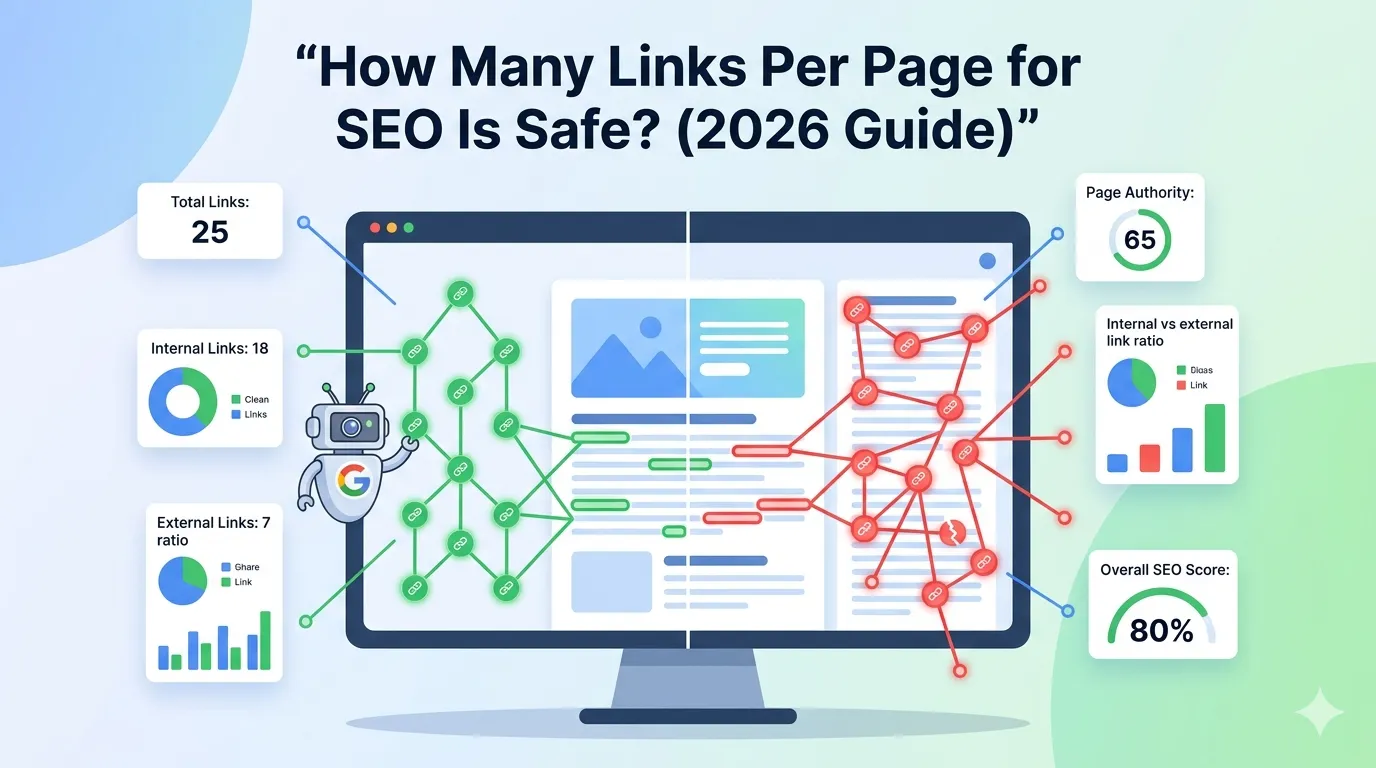
Links are the backbone of SEO. They guide users, pass authority, and help Google understand your site. Yet, one question always confuses website owners: how many links per page for SEO is actually safe?
Too few links waste authority. Too many can look spammy and dilute your ranking power. So finding the right balance is critical for long-term SEO success in 2026.
In this guide, you will learn the ideal number of internal and external links per page, the real reason it matters, and how to instantly audit your link count using a free online tool.
Why Link Count Matters for SEO
Every link on your page serves a purpose. It can be navigation, citation, internal flow, or external authority. However, the more links you add, the more authority gets split across them.
Google’s bots also follow a crawl budget. If your page contains too many links, some may not be crawled or indexed. So link count directly affects how well your page performs in search.
What Google Officially Says About Link Limits
Years ago, Google recommended keeping links under 100 per page. The rule has since been relaxed, but the spirit remains the same: keep your pages focused and user-friendly.
Today, John Mueller from Google says you can have more than 100 links — but only when they offer real value. So quality always beats quantity.
So, How Many Links Per Page for SEO Is Safe?
For most blog posts and service pages, a safe range is between 30 and 100 total links. Larger pages — like pillar pages or homepages — can include up to 150 links if used wisely.
However, the right number depends on your content type, page length, and overall site structure. A 5,000-word guide can naturally hold more links than a short 600-word article.
Recommended Link Limits by Page Type
| Page Type | Safe Link Count | Notes |
|---|---|---|
| Blog Post | 30–80 | Focus on internal links |
| Service Page | 20–50 | Add CTAs and trust links |
| Homepage | 60–150 | Includes navigation links |
| Pillar Page | 80–150 | Cluster posts must be linked |
| Product Page | 20–60 | Limit external links |
These numbers serve as a healthy starting point, not strict rules.
Internal Links vs External Links: What Is the Right Ratio?
Both internal and external links serve different SEO goals. Internal links pass authority within your site, while external links build credibility and trust.
A healthy mix is roughly:
- 70% internal links
- 20% external links to authority sources
- 10% navigational or footer links
So most of your linking power should stay on your own site. Then, a few external links to high-authority sources strengthen your topical credibility.
How to Count Links on a Web Page Quickly
Counting links manually is tiring and inaccurate. A free online tool gives you instant results in seconds.
Step 1 — Open the Link Checker
Visit our free Website Links Count Checker. No installation needed — it runs in your browser.
Step 2 — Enter the Page URL
Paste your page URL and click “Check Links”. The tool scans the entire HTML and gives a clear count.
Step 3 — Analyze the Results
The tool shows total links, internal links, external links, and nofollow links separately. You can then decide what to add, remove, or fix.
Signs Your Page Has Too Many Links
Even with no exact limit, certain warning signs suggest you should reduce links:
- Page looks cluttered and hard to read
- Most links lead to thin or irrelevant pages
- Crawlers index only some of your URLs
- Bounce rate keeps rising
- Anchor text feels forced or repetitive
If you notice these patterns, audit your links and remove the weakest ones.
Signs Your Page Has Too Few Links
Too few links can also limit your SEO power. Look out for these signals:
- Important related pages get no internal traffic
- Content feels disconnected from the rest of your site
- Authority pages do not flow link juice deeper
- Users leave without exploring more content
In this case, add more useful internal links to spread authority and improve UX.
Smart Linking Best Practices for 2026
Modern SEO is about purpose, not quantity. Apply these proven habits to make your links work harder:
- Use descriptive anchor text, not generic phrases
- Link only to relevant, helpful pages
- Avoid stuffing the same anchor everywhere
- Open external links in a new tab
- Use nofollow for sponsored or untrusted sources
- Audit links monthly with our Broken Link Checker
Small habits like these compound into long-term ranking gains.
Internal Linking Tips That Strengthen SEO
A strong internal link structure helps both users and search engines. Try these proven techniques:
- Link to pillar pages from every cluster post
- Add contextual links inside body content, not just footers
- Use keyword-rich but natural anchor text
- Fix orphan pages by linking from related posts
- Keep important links above the fold
Pair this strategy with our Anchor Text Distribution tool to keep anchors balanced.
External Linking Tips Most People Get Wrong
External linking can boost or hurt your SEO depending on how you do it. Keep these rules in mind:
- Link only to trustworthy sources
- Avoid linking to direct competitors on commercial pages
- Use nofollow for paid or affiliate links
- Limit external links to 5–10 per blog post
Done right, external links boost your topical authority instantly.
Final Thoughts
Knowing how many links per page for SEO is safe helps you build cleaner, stronger, and more rank-worthy content. The golden rule is simple: keep links purposeful and user-first.
If you are unsure how many links your pages already have, run a quick scan with our free Website Links Count Checker. Then compare it with the safe range, fix overloaded pages, and watch your rankings improve.
FAQs
Going above 150 links can dilute authority and confuse users. Stay between 30 and 100 for most pages.
Google does not penalize automatically, but spammy or low-quality links can hurt your rankings over time.
A safe mix is around 70% internal, 20% external, and 10% navigation links.
Yes. It keeps visitors on your page longer, improving engagement and reducing bounce rate.
Use a free link counter tool. Paste the URL and instantly see internal, external, and nofollow links.
They count visually, but they do not pass link equity. Still, too many can clutter the page.
Run a link audit every 1–3 months to fix broken or outdated links.