
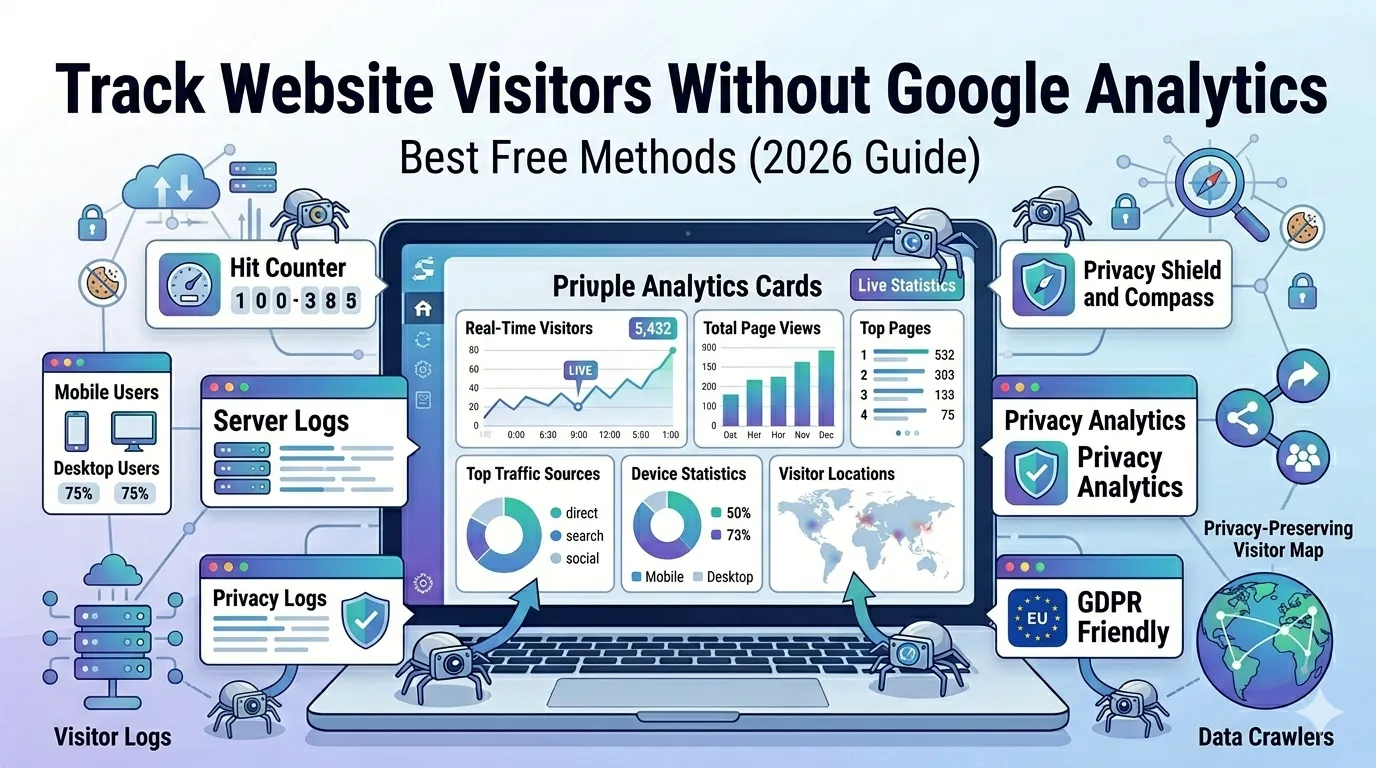
Google Analytics is powerful, but it is not the only option. In fact, many website owners now prefer simpler, lighter, and more privacy-friendly tools. So, if you have ever wanted to track website visitors without Google Analytics, this guide is for you.
Privacy laws, slow scripts, and confusing dashboards have pushed thousands of users to look for better alternatives. Thankfully, you can monitor your traffic in real time without any cookies, accounts, or heavy code.
This complete guide explains the best free methods, why they matter, and how to set them up in minutes.
Why People Want to Track Without Google Analytics
Google Analytics is feature-rich, but it also comes with downsides:
- Heavy scripts that slow down your site
- Complex dashboards with too many metrics
- GDPR, CCPA, and cookie consent challenges
- Frequent UI changes between GA4 and older versions
- Limited control over your own data
Therefore, many users want simple stats — like visits, page views, and devices — without the bloat.
Top Ways to Track Website Visitors Without Google Analytics
You do not need expensive tools or complicated setups. The following free methods work for any website.
1. Use a Simple Website Hit Counter
A hit counter shows visits in real time with one line of code. Our free Website Hit Counter lets you embed live visit stats on any page in seconds.
It is fast, simple, and does not collect personal data — making it perfect for blogs, portfolios, and small business sites.
2. Check Server Logs
Every web server records visitor activity inside log files. You can read these logs to see:
- Visitor IPs
- Pages accessed
- Referral source
- Time of visit
Tools like AWStats, GoAccess, or your hosting cPanel turn these logs into easy charts.
3. Use Privacy-Friendly Analytics Tools
Several lightweight tools focus on privacy and simplicity:
- Plausible Analytics
- Fathom Analytics
- Matomo (self-hosted)
- Umami
These platforms do not use cookies and stay GDPR-compliant by default.
4. Use Your Hosting Dashboard
Hosts like SiteGround, Bluehost, and Hostinger include built-in visitor stats. Open your dashboard and look for “Visitor Stats” or “Awstats” inside the analytics section.
Although less detailed, it is still good enough for casual tracking.
5. Add a Simple WordPress Plugin
WordPress users can install plugins like:
- Independent Analytics
- Statify
- Slimstat Analytics
These keep all data on your site and work without external trackers.
What Metrics Should You Actually Track?
You do not need dozens of charts. Focus on the metrics that matter:
- Total visitors per day
- Most visited pages
- Traffic sources (Google, social, direct)
- Device type (mobile, desktop)
- Country or region
- Average time on page
These six numbers reveal how well your content performs without overwhelming you with data.
Google Analytics vs Lightweight Trackers
| Feature | Google Analytics | Lightweight Trackers |
|---|---|---|
| Setup | Complex | Simple |
| Data Depth | Deep | Just essentials |
| Page Speed Impact | Heavier | Minimal |
| Privacy | Cookie-based | Cookie-free |
| Best For | Large sites | Bloggers, SMBs |
So, if simplicity is your priority, lightweight trackers always win.
Step-by-Step: Add a Hit Counter to Your Site
Adding a hit counter takes less than two minutes. Just follow these steps:
- Visit our Website Hit Counter tool
- Choose a counter style and color
- Copy the generated HTML embed code
- Paste it into your website footer or sidebar
- Save and visit your site to confirm it works
That is it — you now track real-time visits without any tracker scripts.
How to Verify Your Tracking Is Accurate
Inaccurate numbers waste your time. Verify accuracy with these checks:
- Open your site from another device
- Compare stats across two tools
- Check time zones in reports
- Disable VPNs and ad blockers temporarily
- Test mobile and desktop versions separately
Reliable numbers help you grow your traffic in the right direction.
Best Use Cases for Tracking Without Google Analytics
You may not need Google Analytics if you run:
- A small blog or portfolio site
- A simple business landing page
- A privacy-focused product or service
- A site targeting strict GDPR regions
- A side project where speed matters more than data depth
In these cases, simpler tools deliver everything you actually need.
Privacy and Compliance Made Easy
When you track website visitors without Google Analytics, you instantly avoid many compliance headaches. Plus, you do not need annoying cookie banners or consent pop-ups for tools that:
- Do not use cookies
- Do not store personal data
- Do not share with third parties
This builds visitor trust and improves your site’s overall reputation.
Boost SEO With Lightweight Tracking
Less code means faster load times. Faster sites rank better. So, switching away from heavy trackers indirectly improves your SEO.
Pair your new tracker with our Page Speed Test and Website SEO Score Checker to spot more performance wins fast.
Final Thoughts
You can track website visitors without Google Analytics — easily, accurately, and for free. Whether you use a hit counter, server logs, or a privacy-first platform, the right tool keeps your site fast and your data clean.
Start with our free Website Hit Counter today. It takes less than two minutes to install and gives you real-time traffic data without any cookies or sign-ups.
FAQs
Yes. Free tools like hit counters, server logs, and lightweight trackers give you real-time stats without any cost.
Absolutely. Cookie-free tools are legal and even preferred under GDPR and CCPA privacy laws.
Yes, indirectly. Removing heavy scripts improves page speed, which is a confirmed Google ranking factor.
A free website hit counter is the easiest. Just paste the embed code and start counting visits.
Yes. You can add the embed code to widgets, footers, or directly in the theme files.
You will lose advanced reports, but core metrics like visits, sources, and pages stay accurate.
Yes. Most do not use cookies or store personal data, making them GDPR-friendly by design.