
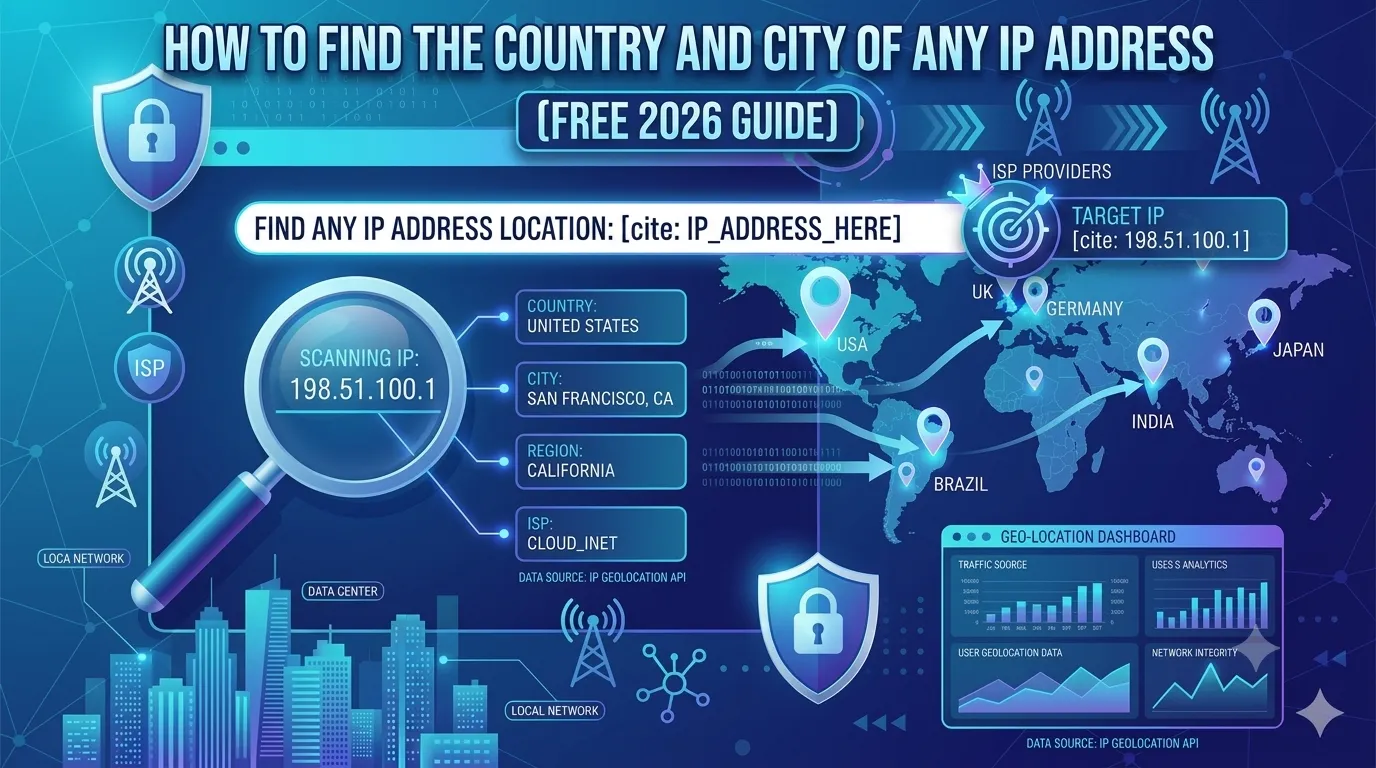
Every device on the internet has an IP address. From that tiny number, you can uncover a lot — including country, city, region, and even the internet provider. So learning how to find country from IP address is a must-have skill in 2026.
Whether you investigate spam, track visitor sources, fight fraud, or build location-based content, IP lookups give you instant insight. Best of all, they are completely free and legal.
This guide explains how IP geolocation works, why it matters, and how to find country from IP address in seconds using a free tool.
What Is an IP Address?
An IP (Internet Protocol) address is a unique number assigned to every device connected to the internet. It is like a digital home address. There are two main formats:
- IPv4: Looks like 192.168.1.1
- IPv6: Looks like 2001:0db8:85a3::8a2e:0370:7334
Every IP belongs to an internet service provider (ISP), which knows roughly where the device is located.
How IP Geolocation Works
IP geolocation uses huge databases of IP ranges mapped to physical locations. ISPs and registries (like ARIN, RIPE, APNIC) publish this data. So when you look up an IP, the tool checks these databases.
The result usually includes country, region, city, ISP, and sometimes latitude and longitude. However, exact home addresses are never revealed for privacy reasons.
Why You Might Need to Find Country From IP Address
- Track website visitors by location
- Detect fake signups or fraud attempts
- Block traffic from risky countries
- Personalize content per region
- Investigate suspicious emails or links
- Audit traffic for ad networks
So IP geolocation helps with security, marketing, and analytics — all at once.
How to Find Country From IP Address in 3 Easy Steps
The process is quick, easy, and free.
Step 1 — Open the GEO IP Locator
Visit our free GEO IP Locator. It works on every browser and needs no signup.
Step 2 — Paste the IP Address
Enter the IPv4 or IPv6 address you want to check. Click “Locate” to start the search.
Step 3 — Review the Results
Within seconds, you will see:
- Country and country code
- City and region
- ISP and organization
- Approximate latitude and longitude
That’s it — instant location data without complex commands or paid tools.
How to Find Your Own Country From IP Address
You can also check your own IP location in seconds. Just visit our What Is My IP tool. It shows your current IP, country, ISP, and even browser info.
This is great for VPN testing, troubleshooting, or confirming if your IP changed.
How Accurate Is IP Geolocation?
- Country level: 95% accurate
- Region level: 85% accurate
- City level: 60–75% accurate
- Exact address: Never accurate (and not public)
So country and region data is highly reliable, while city-level info may vary depending on ISP.
Common Use Cases for IP Geolocation
1. Security and Fraud Prevention
Block logins from unexpected countries, flag suspicious signups, and detect bot networks.
2. Marketing Personalization
Show location-based offers, language preferences, or local currencies on your site.
3. SEO Analysis
Audit international traffic and find which regions need localized content.
4. Email and Spam Filtering
Identify the origin of suspicious or phishing emails by tracing sender IPs.
5. Server and Network Monitoring
Detect brute-force attacks, scrapers, and unusual access by location.
Limitations of IP Geolocation
- VPN and proxy users may show wrong locations
- Mobile IPs change frequently between cell towers
- Shared corporate IPs may mask real city
- Some IPs map to ISP headquarters, not the user
So always treat geolocation as approximate, not absolute.
Is It Legal to Look Up Someone’s IP Location?
Yes. IP geolocation is fully legal because the data is public and approximate. You only see country, ISP, and city — never personal information like names or home addresses.
However, never use IP data to harass, dox, or threaten anyone — that violates the law everywhere.
Smart Free Tools That Pair With GEO IP Locator
- GEO IP Locator — find country, city, ISP
- What Is My IP — view your own IP
- Domain to IP — convert domains to IPs
- Reverse IP Lookup — see other sites on same server
Used together, they form a full IP intelligence toolkit for SEO, security, and marketing.
Bonus: Detect Fake or Spam Traffic With IP Geolocation
- Flag traffic from data centers and proxies
- Check if visitors come from unrelated countries
- Cross-reference with our Blacklist IP Checker
- Block known abuse networks at the firewall
Layered checks like these stop most fake or malicious traffic instantly.
Final Thoughts
Knowing how to find country from IP address is a small skill with huge benefits. From security and SEO to marketing and analytics, IP geolocation gives you instant intelligence about who visits your site or sends you data.
Start now with our free GEO IP Locator. Paste any IP, find its location in seconds, and use the data to make smarter business decisions in 2026.
FAQs
Use a free GEO IP locator tool. Just paste the IP and it returns country, city, ISP, and region details.
Country-level accuracy is around 95%. City-level accuracy ranges between 60% and 75% depending on the ISP.
Yes, fully legal. The data is public and approximate, so personal info is never revealed.
Yes. VPNs and proxies replace your real IP, making geolocation point to their server’s country instead.
Typically country, city, region, ISP, organization, and approximate latitude and longitude.
Yes. Cross-checking IPs with blacklists and data center records helps filter out spam and bots.
Yes. Modern tools support both IPv4 and IPv6 addresses with the same accuracy levels.