
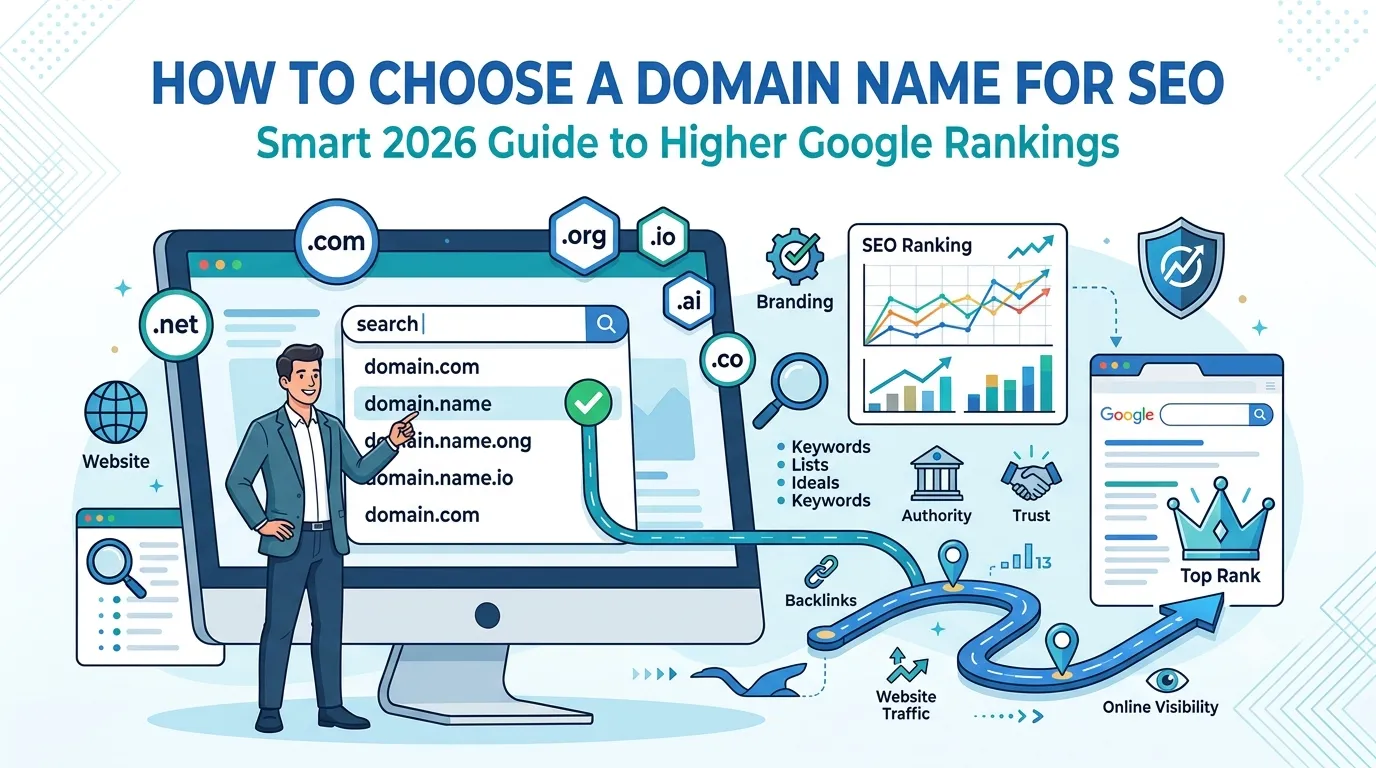
Your domain name is the first SEO decision you ever make. Get it right, and growth feels easier. Get it wrong, and you fight a silent uphill battle for years. So learning how to choose a domain name for SEO is one of the smartest moves you can make in 2026.
Today, with AI search, voice search, and tighter Google quality signals, your domain must do double duty — brandable for people and clear for search engines.
This complete guide explains the proven rules to choose a domain name for SEO, common mistakes to avoid, and the free tools that make the process easy.
Why Your Domain Name Matters for SEO
A great domain name does much more than just look nice. It helps with:
- Brand recall and direct traffic
- Click-through rates from search results
- Trust and authority in your niche
- Easier link building outreach
- Long-term scalability across products
So the right name compounds value across every SEO and marketing channel.
Top Rules to Choose a Domain Name for SEO
1. Keep It Short and Memorable
Aim for 6 to 14 characters. Short names get typed correctly more often and remembered easily by users.
2. Make It Brandable, Not Just Keyword-Rich
Exact match domains used to win. Today, brands beat keywords. Choose a unique name that can grow with your business.
3. Use Easy-to-Spell Words
Avoid weird spellings, double letters, or numbers. People should be able to spell your domain after hearing it once.
4. Prefer .com Where Possible
.com is still the most trusted extension worldwide. So users instinctively type it even if you tell them otherwise.
5. Avoid Hyphens and Numbers
Domains like “best-seo-tools-2026.com” look spammy. So they hurt CTR, trust, and even backlink outreach.
6. Stay Niche-Friendly
Include a soft hint of your niche if possible. For example, “smartseotoolz.com” instantly signals an SEO-focused site.
7. Make It Scalable
Avoid hyper-narrow names like “ipadcasesonly.com”. Pick something that lets you expand into other products later.
Should You Include Keywords in Your Domain?
Yes, but only naturally. Avoid stuffing two or three keywords into your name. Google now treats exact match domains carefully to prevent abuse.
The sweet spot is a hybrid name — partly brand, partly niche. So “smartseotoolz.com” feels stronger than “freeseokeywordtools.com” or “buyseo123.com”.
Domain Extension Comparison
| Extension | Best For | SEO Strength |
|---|---|---|
| .com | Most websites | Strongest |
| .net | Tech and networks | Good |
| .org | Nonprofits, communities | Strong |
| .io | Startups, SaaS | Decent |
| ccTLDs (.uk, .pk) | Local businesses | Strong locally |
So pick the extension that matches your audience, niche, and growth plan.
Step-by-Step: How to Choose a Domain Name for SEO
Step 1 — Brainstorm 20+ Ideas
List ideas using keywords, niche hints, and brand words. Mix and match them with our Word Combiner tool.
Step 2 — Check Availability
Use our free Domain Name Search to confirm your favorite names are still available.
Step 3 — Check Domain History
Sometimes used domains carry SEO penalties. Audit history with our Domain Age Checker before purchasing.
Step 4 — Verify Social Handle Availability
Check Twitter, Instagram, LinkedIn, and YouTube for the same name. Consistency across channels boosts brand SEO over time.
Step 5 — Run a Trademark Search
Search for existing trademarks. So you avoid legal headaches before launching.
Step 6 — Buy and Set Up
Register the domain through a trusted registrar like Namecheap or Cloudflare. Then add SSL via our SSL Checker.
Common Mistakes to Avoid When Choosing a Domain
- Picking long, complex words
- Using random letters that mean nothing
- Buying expired domains without checking history
- Ignoring trademark conflicts
- Choosing names you cannot pronounce easily
Each mistake creates friction for users — and friction always hurts SEO.
Examples of Strong SEO-Friendly Domain Names
- smartseotoolz.com
- backlinkly.com
- rankraven.io
- boldcontentlabs.com
- tinydomainstudio.com
Notice how they feel brandable, niche-hinting, and easy to remember at the same time.
Smart Free Tools to Help You Pick the Perfect Domain
- Domain Name Search — check availability fast
- Word Combiner — generate creative ideas
- Domain Age Checker — audit history
- Domain Authority Checker — measure expired domains
Used together, these tools handle naming, screening, and selection in minutes.
How Domain Choice Impacts Future SEO
- Short brand names attract quality backlinks
- Memorable names increase direct traffic
- Niche-friendly names rank faster for topical queries
- Scalable names allow product expansion
- Trusted extensions improve CTR by up to 18%
So one smart decision now boosts SEO for the next decade.
Bonus: Should You Buy an Aged Domain?
Aged domains can give a faster start — but only if their history is clean. Always check:
- Domain age and registration history
- Backlink quality with our Competitor Backlinks Checker
- Past content via Wayback Machine
- Blacklist status with our Blacklist IP Checker
Clean aged domains can save months of SEO work. Dirty ones cost years of trust.
Final Thoughts
Choosing a domain name for SEO is not just creative work — it is strategic SEO planning. The right name supports rankings, branding, and growth for years.
So before launching your next project, take 30 minutes. Use our free Domain Name Search, audit your top picks, and lock in a name that rises with you in 2026.
FAQs
Pick a short, brandable, easy-to-spell name. Use .com if available and avoid hyphens or numbers.
Slightly. A soft keyword hint helps, but brandability matters more than exact-match domains today.
Yes. .com remains the most trusted and memorable extension for users worldwide.
Only if its backlink and content history are clean. Audit it carefully before purchase.
Yes. Hyphens look spammy, reduce CTR, and lower trust during outreach or sharing.
Aim for 6 to 14 characters. Shorter names are easier to remember and type.
Yes, but it costs SEO equity. So choose carefully now to avoid expensive migrations later.