
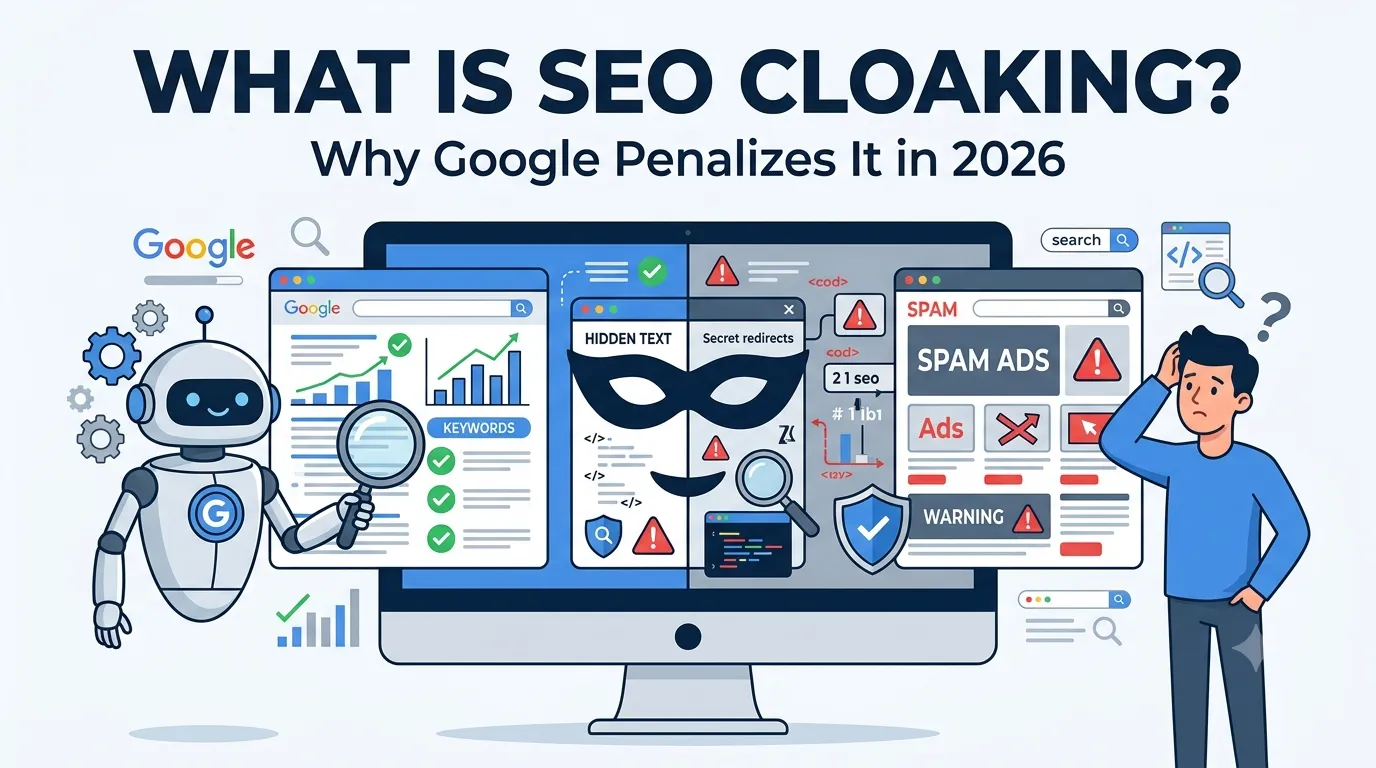
Some websites still try to trick Google by showing one thing to users and another thing to search engines. This shady tactic has a name — SEO cloaking. So if you have ever wondered what is SEO cloaking and why Google penalizes it, this guide will give you the full answer.
Cloaking sounds clever, but it almost always backfires. Google considers it a serious black-hat technique, and penalties can wipe out years of SEO work overnight.
This complete guide explains what is SEO cloaking, why Google bans it, and how to check your own site with a free cloaking checker in 2026.
What Is SEO Cloaking?
SEO cloaking is the practice of showing different content to search engines and users. The bot sees one version, while real visitors see something else entirely.
So cloaking tries to manipulate rankings by feeding crawlers fake or keyword-stuffed content. Google calls this a major violation of its quality guidelines.
Why Some Websites Use SEO Cloaking
- Boost rankings without writing real content
- Hide ads, affiliate links, or scams
- Funnel traffic to unrelated landing pages
- Game old SEO loopholes
- Mask malicious or pirated content
However, every one of these tactics breaks Google’s rules — and the punishment is severe.
Why Google Penalizes SEO Cloaking
Google’s mission is to serve users the best possible result. Cloaking creates a false experience, so Google treats it as deception. Penalties include:
- Manual actions and site-wide demotions
- Complete removal from search results
- Drop in domain authority and trust
- Ban from Google Ads or AdSense
- Permanent ranking damage even after fixes
So the short-term gain is never worth the long-term loss.
Most Common Types of SEO Cloaking
1. User-Agent Cloaking
The server checks if the visitor is Googlebot. So bots see optimized content, while users see something else.
2. IP-Based Cloaking
The site detects Google’s known IP ranges and serves bots a clean version while users get spammy content.
3. JavaScript and HTML Tricks
JavaScript hides certain blocks from crawlers but displays them to users — or vice versa.
4. Hidden Text or Links
White text on a white background or zero-pixel fonts hide keywords meant only for bots.
5. Sneaky Redirects
Crawlers land on one page, while users get instantly redirected to an unrelated URL.
How to Detect SEO Cloaking
Whether you suspect a competitor or want to audit your own site, follow these steps.
Step 1 — Use Our Free Cloaking Checker
Open our free Cloaking Checker. Paste any URL to instantly see if the page shows different content to bots and users.
Step 2 — Compare Cached vs Live
Visit our Google Cache Checker. Compare the cached version with the live page. Different content means cloaking is likely active.
Step 3 — Inspect Source Code
Right-click “View Source” to see hidden text, sneaky redirects, or suspicious tags. Use HTTP headers from our HTTP Headers Checker too.
Step 4 — Use Multiple User Agents
Visit the page using a real browser, then again using a Googlebot user-agent. If results differ, cloaking is happening.
Cloaking vs Dynamic Rendering (The Legit Version)
Some sites legally serve different versions of pages, like:
- Mobile vs desktop variants
- Language-based redirects
- Dynamic rendering for JavaScript content
- Personalized content based on user accounts
Google allows these — as long as both versions show the same content. So intent matters: helpful vs deceptive.
How to Avoid Accidental SEO Cloaking
- Show the same content to bots and users
- Avoid hidden CSS tricks
- Be transparent with redirects
- Audit JavaScript-based rendering
- Skip outdated SEO plugins that hide content
Small mistakes can trigger cloaking penalties even without bad intent.
Cloaking Detection Checklist
- Test pages with our Cloaking Checker
- Inspect mobile vs desktop content
- Compare cached pages with live versions
- Check for risky meta refresh redirects
- Validate HTTP responses for both bots and users
Doing this every quarter prevents penalties before they happen.
What to Do If Google Penalizes Your Site for Cloaking
- Open Google Search Console > Manual Actions
- Identify which pages or rules triggered the penalty
- Remove all cloaking scripts, redirects, and hidden content
- Run our SEO Score Checker for overall cleanup
- Submit a reconsideration request to Google
Recovery is possible — but it can take months and lose lots of traffic.
Best Free Tools to Stay Cloaking-Free
- Cloaking Checker — find hidden cloaking
- Google Cache Checker — compare versions
- HTTP Headers Checker — audit server responses
- Redirect Checker — find sneaky redirects
Used together, they form a complete anti-cloaking audit stack.
Final Thoughts
So, what is SEO cloaking? It is a shady technique that promises fast rankings but delivers long-term destruction. Google never tolerates it, and modern algorithms catch it within days.
Run a clean, honest site instead. Use our free Cloaking Checker to confirm nothing fishy lives in your code. Smart SEO is always cleaner, safer, and far more profitable in 2026.
FAQs
SEO cloaking is when a site shows different content to search engines and real users to manipulate rankings.
Cloaking deceives users and breaks Google’s quality guidelines, leading to manual penalties or removal from search.
User-agent cloaking, IP cloaking, hidden text, sneaky redirects, and JavaScript tricks are the most common types.
Yes. Misconfigured plugins, outdated themes, or aggressive JavaScript can trigger unintended cloaking.
Use a free cloaking checker, compare Google cache with the live page, and test the site with bot user-agents.
No. Dynamic rendering is allowed by Google as long as users and bots see the same content.
Yes. Fix the issues, audit the site fully, and submit a reconsideration request through Search Console.