
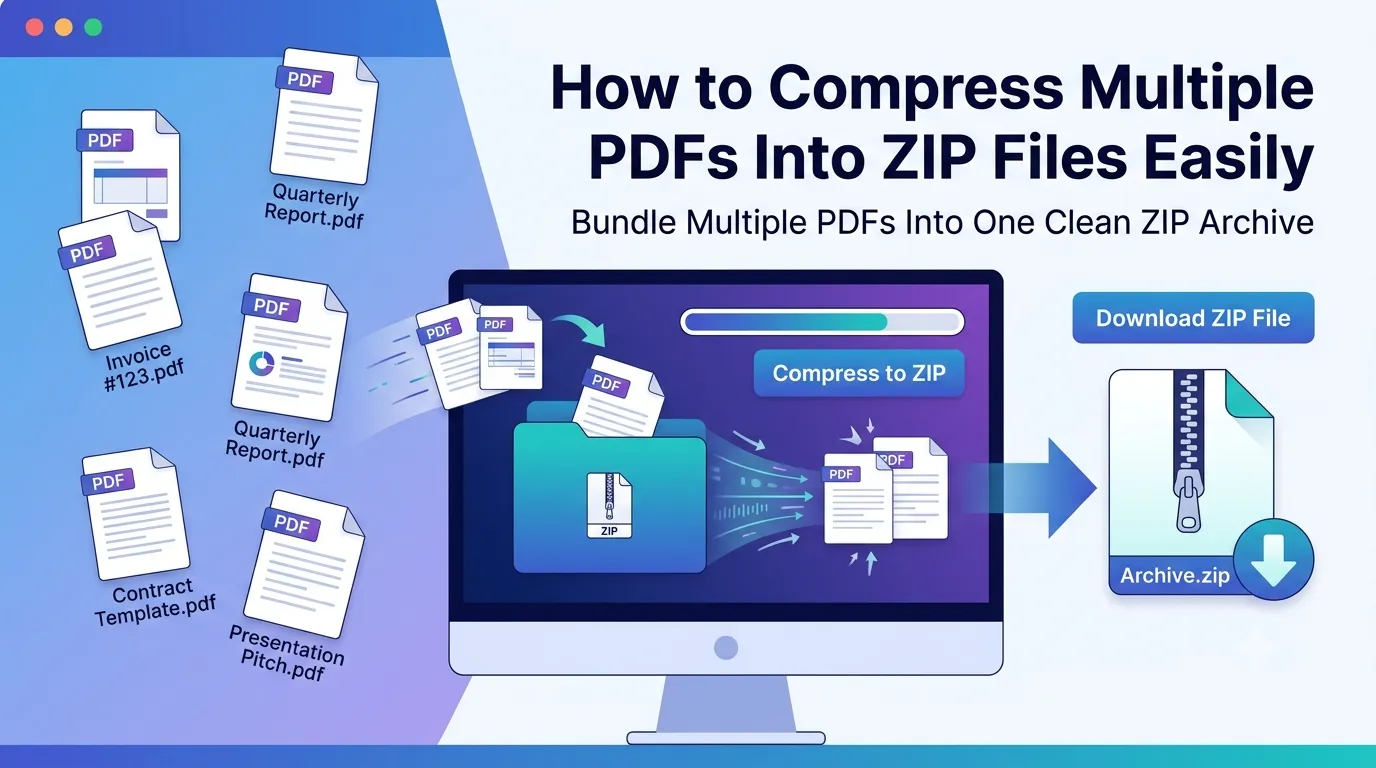
Juggling dozens of PDFs and looking for a clean way to share them? Learning how to compress multiple PDFs into ZIP solves the email chaos instantly. One small ZIP file replaces a tangled mess of attachments. Recipients download once and unpack everything in seconds.
This guide explains why ZIP compression beats sending individual files, how to bundle PDFs online, and which tricks shrink your archive even further. By the end, you’ll handle batches like a pro.
Why Bundle PDFs Into a Single ZIP Archive?
Sending 15 separate PDFs annoys everyone. Inboxes get cluttered. Recipients miss attachments. Some files won’t fit within email limits at all. A ZIP archive collapses everything into one tidy package.
Furthermore, ZIP files reduce total size. Compression squeezes out wasted bytes, sometimes shaving 30% off the original total. Your client downloads faster, and your server bills stay reasonable.
Real Scenarios Where ZIP Helps
- Sending project deliverables in one neat package
- Archiving monthly invoices for accounting records
- Submitting research papers with supporting documents
- Sharing real estate contracts with attached disclosures
- Distributing course materials to multiple students
- Backing up tax documents at year-end
Step-by-Step: Convert PDF to ZIP Online
Browser-based tools handle PDF to ZIP conversion in seconds. No software downloads. No clunky file managers. Just upload, compress, and grab your archive.
Step 1: Open the Conversion Tool
Head to our PDF to ZIP converter. The page loads instantly and works on any browser. No popups demanding signups appear.
Step 2: Upload All Your PDFs
Drag multiple PDFs into the upload zone. Add them one at a time or select them all together. Most tools handle 10+ files without slowing down.
Step 3: Generate and Download ZIP
Click the compress button. Within moments, your ZIP file appears ready for download. Save it locally, attach it to email, or upload to cloud storage immediately.
How Much Smaller Will My ZIP Be?
Compression varies based on content. Text-heavy PDFs shrink more than image-laden ones. Scanned documents already use compressed images, leaving less room for further reduction.
| PDF Content Type | Typical Compression |
|---|---|
| Text-only documents | 20–40% reduction |
| Mixed text and images | 10–25% reduction |
| Image-heavy reports | 5–15% reduction |
| Scanned files | 2–10% reduction |
| Already-compressed PDFs | Minimal change |
Tips for Maximum ZIP Size Reduction
Small tweaks add up. First, shrink each PDF before zipping using our PDF Compressor. Pre-compressed PDFs lead to leaner archives.
Second, group similar files together. PDFs with shared content compress more efficiently when bundled. Third, drop unnecessary pages first via the Remove PDF Pages tool before adding to the ZIP.
Sending ZIP Files Through Email
Most email providers cap attachments at 25 MB. ZIP files often slip under that limit when raw PDFs wouldn’t. Still, keep these tips handy when sharing.
- Test the ZIP by opening it before sending
- Use clear filenames like “Q3-Reports.zip”
- Include a short index document explaining contents
- Switch to cloud links if the ZIP still exceeds 25 MB
- Warn recipients if the archive contains large files
Privacy: Safe Compression for Sensitive PDFs
Compressed archives often contain valuable data. Pick tools that process files in your browser. Confidential invoices, contracts, and tax documents stay on your machine.
Additionally, password-protect important ZIPs using a desktop tool after creation. This adds another security layer if the archive ends up in the wrong hands.
Combining ZIP With Other PDF Workflows
ZIP creation usually wraps a workflow. Before bundling, you might split large reports with our PDF Splitter. Merge related drafts using the PDF Merger.
Convert presentations to PDF first via the PPT to PDF converter, then pack them with related files. Each tool prepares files for the final archive step.
When ZIP Isn’t the Right Choice
ZIP works for bundling, but not every situation needs it. Single small PDFs don’t gain anything from compression. Recipients on mobile sometimes struggle with extraction.
For collaborative editing, cloud links beat ZIP archives. Real-time access matters more than bundling there. Save ZIP for static deliveries where all files come together.
Bundle Your PDFs in Seconds
Sending bulk PDFs no longer means cluttered inboxes. A single ZIP archive keeps your delivery clean and professional. The whole process takes under a minute once you know the right tool.
Try our PDF to ZIP converter for instant results. Free, secure, and ready whenever you need to pack files into one tidy package.