
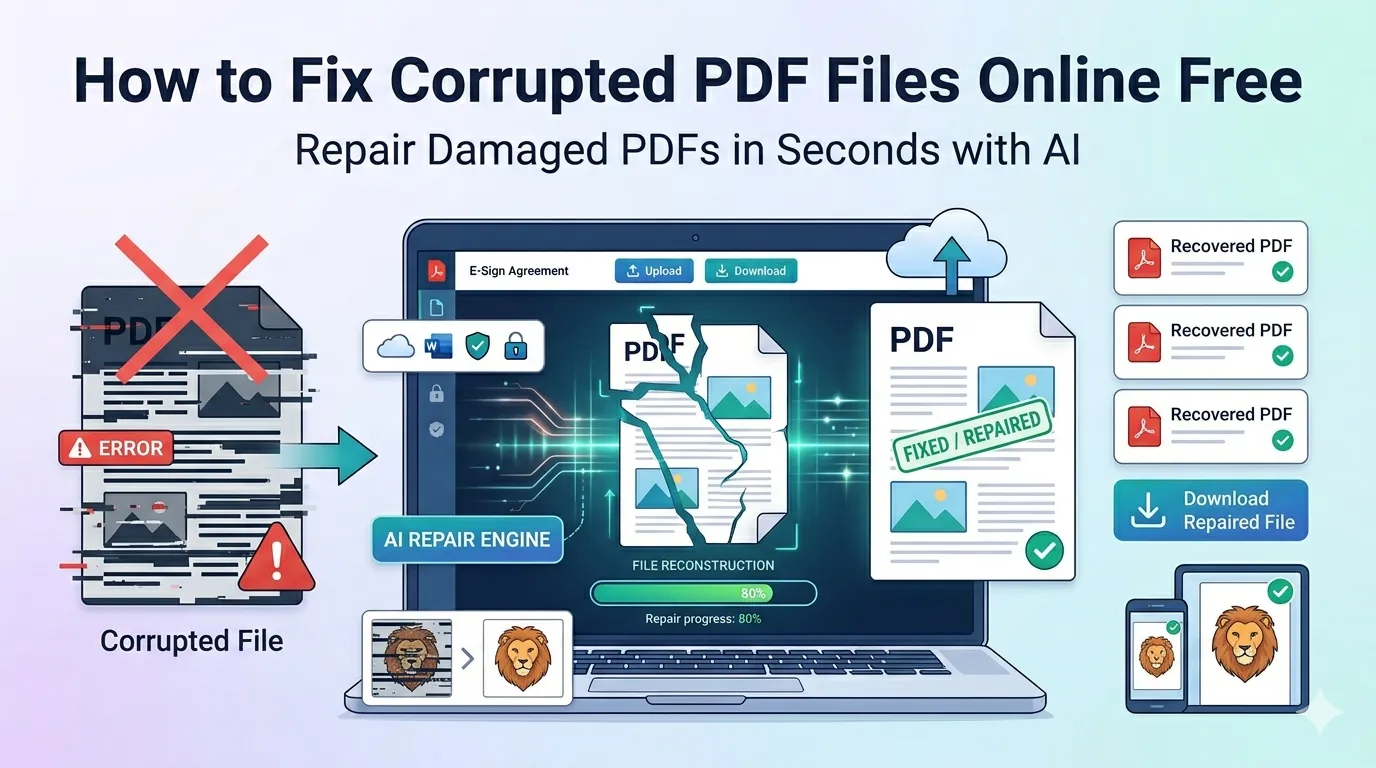
Got an error message every time you open an important document? Learning how to fix corrupted PDF files online saves you from panicking when files refuse to load. Whether it’s a contract, report, or invoice, repair tools rescue content that seems lost forever.
This guide explains what causes PDF corruption, how online repair tools work, and which steps protect your files going forward. By the end, you’ll handle damaged PDFs confidently without expensive recovery services.
Why PDFs Get Corrupted in the First Place
PDFs corrupt for many reasons. Interrupted downloads cut off file structure. Crashed apps leave files half-written. Storage devices with bad sectors damage content silently. Emails sometimes mangle attachments mid-transit.
Furthermore, accidental file extension changes break things. Renaming a .pdf file to .txt and back rarely recovers properly. Corruption can hit anyone, anytime, especially with frequently accessed files.
Signs Your PDF Has Become Corrupted
- Error messages like “File cannot be opened”
- Blank pages where content should appear
- Garbled or scrambled text throughout the document
- Crashing PDF viewer when you try to load it
- Missing images replaced by red X placeholders
- Sudden jumps in file size compared to working copies
Step-by-Step: Fix Corrupted PDF Online
Online repair tools rescue most damaged PDFs in seconds. The process stays simple even for non-technical users.
Step 1: Upload Your Damaged PDF
Visit our PDF Repair tool. Drag your file into the upload zone. The tool tries to read what’s recoverable, even from severely damaged files.
Step 2: Wait for Analysis
The tool scans the PDF structure for damaged sections. It rebuilds what it can while preserving original content. Light damage finishes in seconds, while heavily corrupted files take a bit longer.
Step 3: Download the Repaired File
Save the repaired PDF when ready. Open it to verify content recovered properly. Compare it to known-good copies to spot any missing sections.
What Repair Tools Can and Can’t Fix
Repair tools work miracles on light damage. However, severely corrupted files may not recover fully. Knowing the limits helps you set realistic expectations.
| Damage Type | Recovery Likelihood |
|---|---|
| Header damage | Excellent, near-complete recovery |
| Incomplete download | Very good if most file remains |
| Encoding errors | Good with content intact |
| Random byte corruption | Variable, partial content recovery |
| Totally wiped file | Poor, repair tools can’t recreate missing data |
Tips Before Trying to Repair Your PDF
A few quick checks save time. First, copy the file before repairing. Working with a copy preserves the original in case the repair attempt makes things worse.
Second, try opening the PDF in different viewers. Sometimes Adobe Reader refuses files that Chrome or Firefox open fine. Third, check if a backup exists in cloud sync folders before going through full repair.
Common Causes Worth Avoiding
- Interrupted downloads: Wait for transfers to complete fully
- Power loss during saves: Use uninterruptible power for critical work
- Damaged storage: Replace failing hard drives before more files corrupt
- Malware attacks: Run antivirus scans regularly to protect PDFs
- Misformatted USB drives: Eject safely before unplugging
Preventing Future PDF Corruption
Prevention beats repair every time. First, back up important PDFs to cloud storage automatically. Services like Google Drive and Dropbox keep multiple versions in case the latest gets damaged.
Second, keep your PDF reader software updated. Bug fixes often address corruption issues. Third, save in batches rather than holding files open for hours. Frequent saves reduce loss when crashes occur.
Online vs Desktop Repair Tools
Online tools work everywhere without installation. Desktop apps sometimes offer deeper recovery features. For most everyday corruption, online tools handle the job perfectly.
Reserve desktop tools for severely damaged or business-critical PDFs. They can analyze file structures more deeply and reconstruct content piece by piece. For light damage, browser-based repair stays the quickest fix.
Privacy When Repairing Sensitive PDFs
Damaged PDFs often hold critical data. Contracts, tax returns, and medical records demand careful handling. Pick repair tools processing files in your browser. Nothing leaves your device that way.
Read each tool’s privacy policy first. Reputable services delete files within an hour. Avoid platforms requiring account creation just to attempt a one-off repair.
After Repair: Restoring Your Workflow
A repaired PDF often needs final touches. Compress oversized rescued files with our PDF Compressor. Combine with backups using the PDF Merger to consolidate workflows.
Need to verify text recovered properly? Run the file through our PDF to Text converter. Visual inspection beats guessing whether content survived intact.
When Repair Won’t Save Your File
Some PDFs damage beyond repair. Files with most bytes missing rarely recover. Storage failures wiping core sections leave little to rebuild from. Knowing when to stop saves time.
For irreplaceable content, consider professional data recovery services. They use advanced techniques on physical storage. Costs run higher, but success rates beat free online tools for severe corruption.
Rescue Your Important PDFs in Minutes
A corrupted PDF doesn’t have to mean lost data. The right repair tool recovers most damaged content in moments. Whether it’s a contract, report, or memory, your file deserves a second chance.
Try our PDF Repair tool today. Free, secure, and ready whenever an important document refuses to open the way it should.