
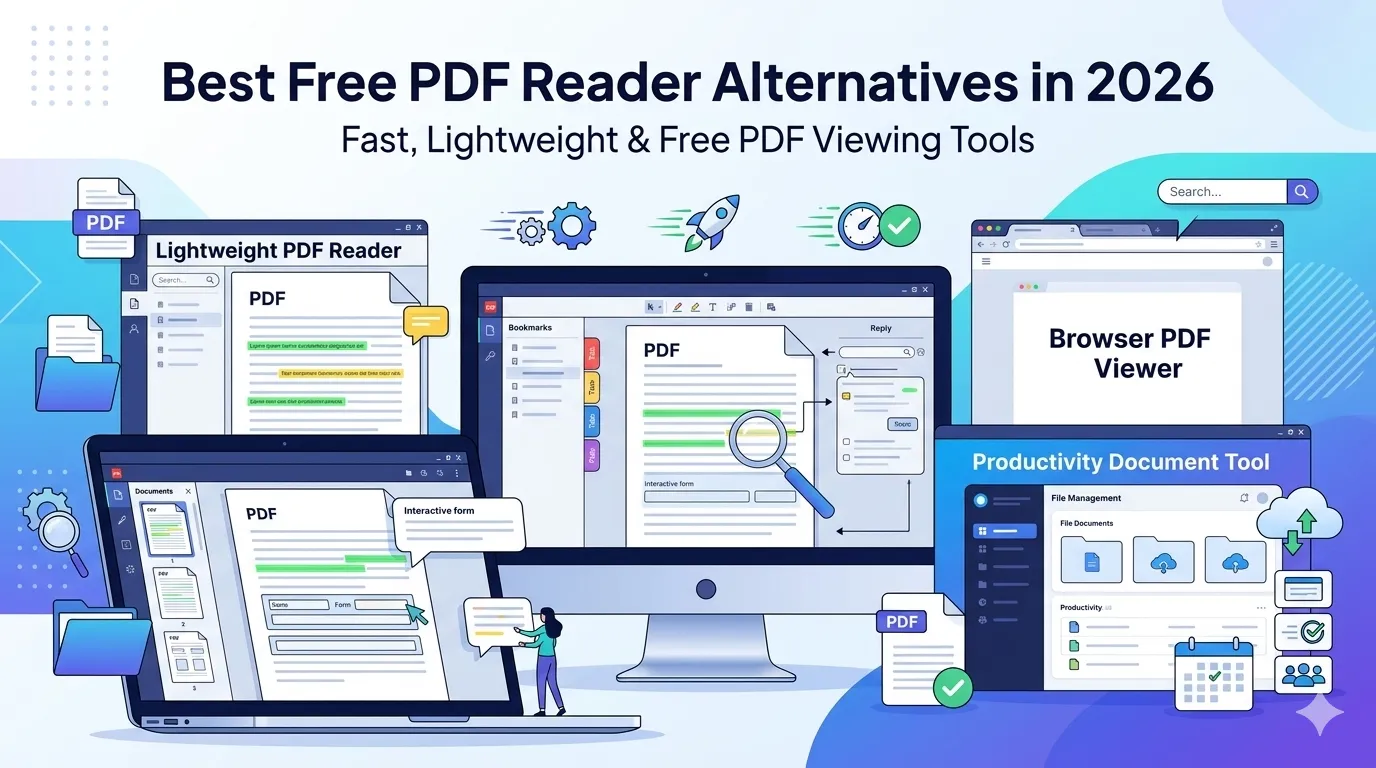
Wondering which is the best free PDF reader for your daily work? Adobe Acrobat dominates the market, but it’s heavy, slow, and packed with features most users never touch. Lightweight free alternatives open files faster and respect your privacy.
This guide compares the top free PDF readers, breaks down features that actually matter, and helps you pick the right tool. By the end, you’ll know exactly which reader fits your workflow.
Why Look Beyond Adobe Reader?
Adobe Reader bloats over the years. Installations weigh hundreds of megabytes. Background processes drain battery on laptops. Pop-ups push paid upgrades constantly. Many users want simpler tools.
Furthermore, alternatives often run faster. Lightweight readers open files in under a second. They use less memory and stay out of your way. Privacy-conscious options skip telemetry entirely.
What to Look for in a PDF Reader
- Fast startup and lightweight installation
- Reliable rendering for complex PDFs with graphics
- Basic annotation, highlighting, and form-filling features
- Search across multi-page documents
- Privacy-respecting design without invasive telemetry
- Cross-platform support for Windows, Mac, and Linux
Top Free PDF Reader Alternatives
Several free PDF readers offer solid functionality without Adobe’s bloat. Each has strengths and weaknesses worth considering.
| Reader | Best For | Standout Feature |
|---|---|---|
| Foxit Reader | Power users | Cloud integration |
| SumatraPDF | Speed lovers | Tiny footprint |
| PDF-XChange Editor | Annotators | Rich markup tools |
| Slim PDF Reader | Minimalists | 15 MB install size |
| Browser viewers | Quick access | Zero installs |
Browser-Based PDF Readers: The Hidden Power
Chrome, Edge, and Firefox include excellent built-in PDF viewers. They open files instantly, support search, and let you fill basic forms. For everyday reading, you often don’t need additional software at all.
Furthermore, browser readers stay updated automatically. Security patches arrive without manual intervention. They render almost every PDF reliably across operating systems.
Features Worth Paying Attention To
Not every feature matters equally. Annotation matters for students and researchers. Form filling helps in legal and HR work. Highlight tools serve readers who study long content. Pick a reader matching your real needs.
Some readers include extra utilities like PDF merging or compression. While convenient, dedicated tools often outperform bundled features. Lightweight readers paired with our PDF Compressor work better than bloated all-in-one apps.
Mobile PDF Readers Worth Considering
Phone and tablet readers differ from desktop versions. iOS and Android come with built-in PDF viewers in Books and Drive. For more features, third-party apps offer annotation and form filling.
Pick mobile readers based on usage. Casual reading needs little. Heavy markup or signing benefits from dedicated apps. Sync features matter if you switch between devices regularly.
Privacy Concerns With PDF Readers
Some PDF readers send usage data to vendors. Telemetry tracks opened files, search terms, and document properties. Privacy-focused users should review what each reader collects before committing.
Open-source readers like SumatraPDF avoid telemetry entirely. Browser-based viewers depend on your browser’s overall privacy settings. Reading the privacy policy takes a few minutes but pays off long-term.
Online PDF Viewing Without Installation
Cloud-based viewers handle PDFs without local software. Google Drive and Dropbox preview files directly in browsers. They work everywhere, sync across devices, and need no installation.
However, cloud viewers require uploading files. For sensitive PDFs, local readers or browser-based options stay safer. Pick tools matching the content’s sensitivity level.
Combining Readers With PDF Tools
A reader alone rarely handles every PDF need. Pair it with online tools for editing tasks. Convert files via our PDF to Word converter. Merge documents with the PDF Merger.
Compress oversized files using our PDF Compressor. Protect sensitive documents through our PDF encryption tool. The right toolchain beats a single overloaded reader every time.
Picking the Right Reader for Your Workflow
- Heavy daily reader: Pick a fast, lightweight option like SumatraPDF
- Annotator: Pick PDF-XChange Editor for rich markup
- Form filler: Foxit Reader handles forms reliably
- Mobile user: Use built-in viewers or apps like Xodo
- Occasional viewer: Your browser already covers this need
When You Don’t Need a Dedicated Reader
For most users, the browser handles PDFs perfectly. Chrome, Edge, and Firefox render documents reliably. They search, scroll, and zoom without third-party software. Saving installs reduces clutter and improves system performance.
Add dedicated readers only when browsers fall short. That mostly happens with annotation, form filling, or advanced markup. For pure reading, your existing browser already does the job.
Find Your Perfect Reader Today
You don’t need bloated software to handle PDFs well. Lightweight readers and modern browsers cover most needs faster, cleaner, and with better privacy. Add specialized tools only when basic options fall short.
For editing, converting, or merging needs, pair your reader with our suite of free online PDF tools. Together they replace expensive subscriptions while delivering everything you actually use.