
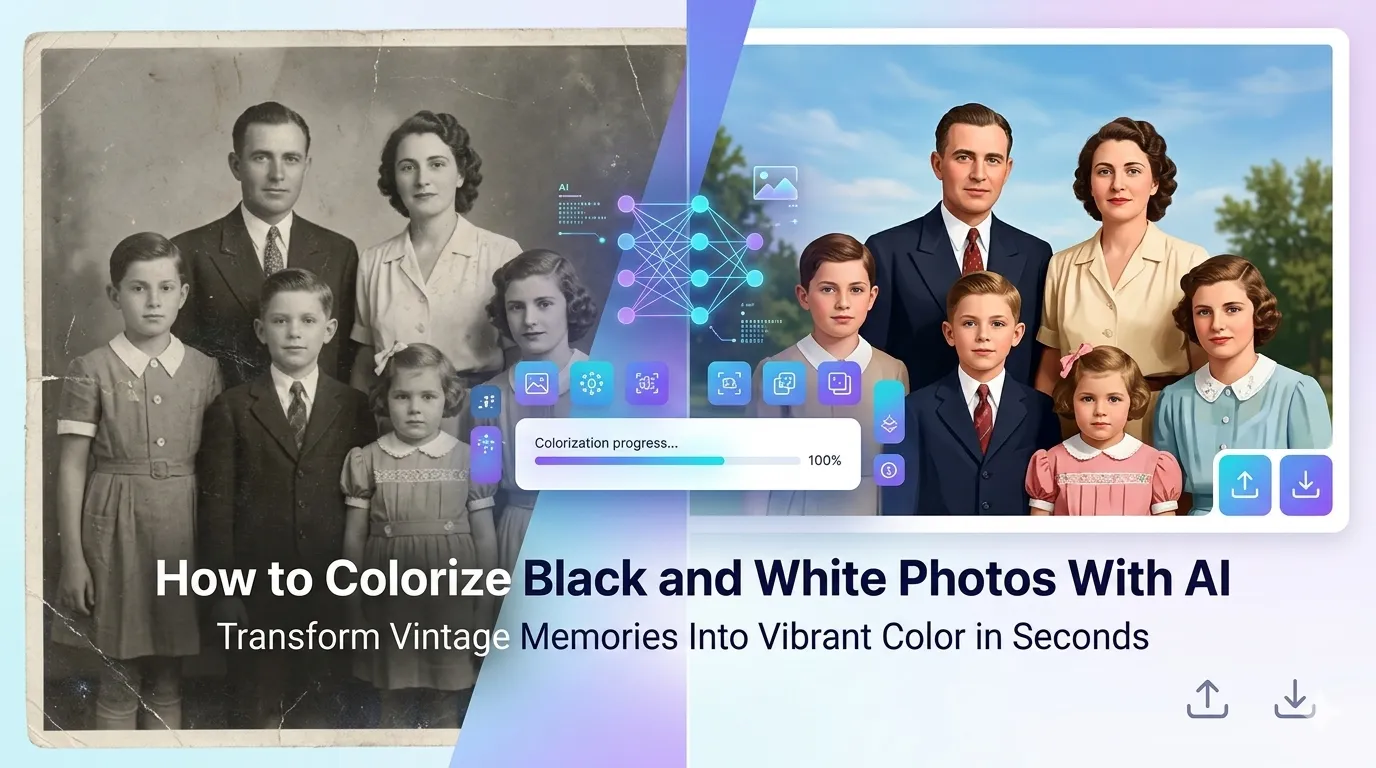
Got black and white family photos waiting to come alive in vibrant color? Learning how to colorize black and white photos with AI delivers that magic in seconds. Modern AI colorizers analyze content and add realistic, historically accurate colors that bring vintage memories into modern times.
This guide walks through the easiest method, explains how AI colorization works, and shares pro tips for natural results. By the end, you’ll transform grayscale heirlooms into striking color photos.
Why AI Colorization Feels Like Magic
Traditional colorization took hours of manual brushwork per photo. Skilled retouchers studied each scene, hand-painted colors, and matched skin tones from references. The process was painstaking and expensive.
Furthermore, AI handles all that automatically. It recognizes faces, foliage, fabrics, and skies. Then it applies realistic colors based on training from millions of color photos. Results often look like the photo was originally captured in color.
Where Colorization Creates Magic
- Reviving grandparent wedding photos in color
- Bringing historical figures alive in modern vibrancy
- Creating colorized prints for family reunions
- Refreshing old documentary photos for presentations
- Making vintage advertisements feel current
- Producing emotional gifts from old family archives
Step-by-Step: Colorize Photos Online
Browser-based AI colorization tools handle the work in seconds. No design skills required for stunning results.
Step 1: Upload Your Black and White Photo
Visit our Photo Colorizer tool. Drag your image into the upload zone. The AI works with scanned vintage photos, modern grayscale shots, or any monochrome image.
Step 2: Let AI Analyze and Colorize
The AI scans every element. It identifies skin, hair, clothing, plants, skies, and objects. Then it applies appropriate colors. Most tools finish processing within seconds, regardless of source image complexity.
Step 3: Download the Colorized Photo
Save the colorized result. Print, frame, or share with family members who will see relatives in color for the first time. The emotional impact often surprises everyone involved.
How AI Colorization Actually Works
Modern colorization AI uses deep learning trained on millions of color photos. The system learns associations between content and colors. Grass is green. Skin tones vary by region. Sky is blue. Wood is brown.
| Element | AI Colorization Accuracy |
|---|---|
| Skin tones | Excellent for typical photos |
| Foliage and sky | Very good |
| Common clothing colors | Good plausible guesses |
| Period-specific outfits | Variable; verify historical accuracy |
| Logos and signs | Limited; AI uses generic colors |
Tips for Natural Colorization Results
Smart prep maximizes colorization quality. First, restore damage before colorizing. Scratches and creases confuse AI color decisions. Use our AI Photo Restoration first.
Second, scan at high resolution. 600 DPI gives AI more detail to analyze for accurate colors. Third, avoid over-correcting brightness. AI works best with naturally exposed scans, not artificially brightened sources.
Common Colorization Issues
- Wrong outfit colors: AI guesses generic colors; historical accuracy varies
- Skin tone variations: AI may not match family members’ actual tones perfectly
- Background colors look generic: Backgrounds get plausible but not original colors
- Heavy saturation: Some AI tools produce vibrant rather than vintage colors
- Inconsistent group photos: Different faces may get slightly different tonal treatments
Combining Colorization With Restoration
For maximum impact, combine restoration and colorization. First, restore damage with our AI Photo Restoration. Then colorize the clean black and white result. Two-step processing delivers dramatic revivals of century-old photos.
Family members often react emotionally to seeing relatives in color for the first time. Grandparents who only existed as black and white memories suddenly appear as vibrant people. This emotional impact is genuinely moving.
Privacy When Colorizing Family Photos
Family heirlooms carry deep personal value. Pick colorization tools processing files in your browser. Memories stay on your device, not on third-party servers indefinitely.
Read each tool’s privacy policy first. Pick services offering automatic file deletion. Avoid platforms requiring permanent account creation just to colorize a few photos.
Combining Colorization With Other Tools
Colorization fits into broader photo workflows. Upscale low-resolution scans first using our AI Image Upscaler. Crop tightly with our Image Cropper for focused portraits.
For print delivery, save as TIFF using our Image to TIFF converter. Each tool fits a specific step in resurrecting vintage photo memories.
When AI Colorization Isn’t Perfect
AI guesses colors. It doesn’t know your grandmother’s blue dress from her green one. Period-specific outfits, regional cultural items, and unique objects often get generic AI treatment.
For historically critical accuracy, combine AI with manual touch-ups. Open colorized results in Photoshop or GIMP. Adjust specific colors to match family memory or historical records. The combined approach delivers both speed and accuracy.
Bring Vintage Photos Into Living Color
Black and white photos hold memories trapped in grayscale. AI colorization releases those memories into vibrant color in seconds. Whether bringing grandparents alive or reviving old documentary shots, AI delivers stunning emotional impact.
Try our Photo Colorizer tool today. Free, secure, and ready whenever your family treasures deserve to bloom in full color for the first time.