
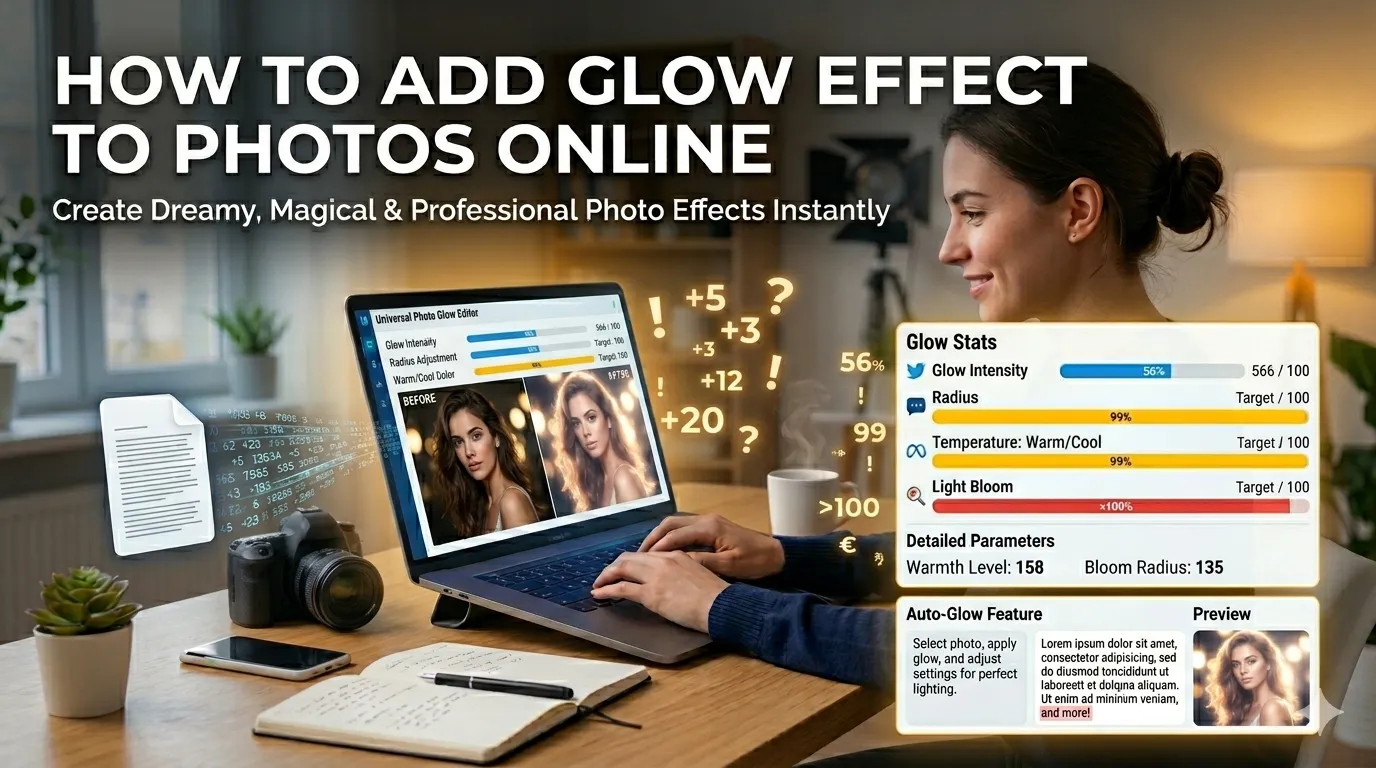
Want to add glow effect to photos for that dreamy, magical look? Glow effects soften portraits, romanticize landscapes, and add ethereal warmth to any image. Online glow tools deliver this professional look in seconds without expensive editing software.
This guide walks through the easiest method, explains different glow styles, and shares pro tips for stunning results. By the end, you’ll create dreamlike photos for any project.
Why Glow Effects Captivate Viewers
Glow softens harsh details. Skin looks smoother. Highlights bloom warmly. The whole photo gains an ethereal quality that pulls viewers in. Wedding photographers, fashion editors, and lifestyle bloggers rely on glow effects for that magazine-quality finish.
Furthermore, glow adds atmosphere. Sunsets become magical. Indoor portraits gain candlelit warmth. Even ordinary daylight shots transform into something memorable through subtle glow application.
Common Glow Effect Uses
- Romantic wedding portrait enhancement
- Magazine-style fashion photography
- Soft beauty shots for skincare brands
- Magical landscape photography
- Lifestyle blogger Instagram aesthetics
- Candle and warm interior photography
Step-by-Step: Add Glow Online
Step 1: Upload Your Photo
Visit our Glow Effect tool. Drag your image into the upload zone. JPG, PNG, and WebP formats work seamlessly.
Step 2: Adjust Glow Settings
Set glow intensity, radius, and color. Warm glows feel romantic. Cool glows feel ethereal. Adjust spread to control how far the effect reaches. Subtle settings usually deliver the most professional results.
Step 3: Download the Enhanced Photo
Save the dreamy result. Share on social media, print as keepsakes, or use in design projects. Glow-enhanced photos work especially well for wedding albums and lifestyle content.
Glow Style Options Explained
| Glow Style | Best For |
|---|---|
| Soft warm glow | Romantic portraits |
| Cool ethereal glow | Fantasy and dreamy shots |
| Bright bloom | Fashion and beauty photography |
| Magical sparkle | Wedding and celebration photos |
| Subtle skin smoothing | Headshots and portraits |
Tips for Magical Glow Results
Smart application creates magic. First, use subtle intensity. Heavy glow looks obviously edited. Soft 20-30% strength usually beats stronger treatments for natural-looking results.
Second, match glow color to scene temperature. Warm sunsets need warm glows. Snowy landscapes suit cool glows. Third, focus glow on highlights rather than entire photos. Selective application looks more intentional than uniform glow washes.
Common Glow Effect Mistakes
- Too much glow: Subjects lose detail under heavy effects
- Wrong color temperature: Warm glow on cold scenes looks unnatural
- Uniform application: Selective glow looks more intentional
- Wrong photo choice: Documentary shots resist dreamy treatment
- Skipping skin balance: Glow shouldn’t blow out face details
When Glow Effects Don’t Fit
Some photography styles resist glow. News photography demands sharp documentary clarity. Product shots need crisp accurate detail. Sports photos lose energy through softening effects.
Reserve glow for artistic, romantic, or lifestyle content. Match technique to genre rather than applying universally to every photo you edit.
Privacy When Editing Personal Photos
Pick glow tools processing files in your browser. Family photos stay on your device throughout. Read each tool’s privacy policy first. Reputable services delete uploads within an hour.
Combining Glow With Other Tools
Glow pairs with broader photo workflows. Add vignettes via our Vignette Effect for cinematic focus. Apply vintage styling via our Vintage Effect for complete dreamy aesthetics.
For social-ready output, compress with our Image Compressor. Each tool fits a specific step in modern photo enhancement.
Add Dreamy Magic to Any Photo
Glow effects transform ordinary photos into magical moments. With the right tool, adding ethereal warmth takes seconds. Whether for weddings, fashion, or lifestyle content, smart glow application delivers professional dreamy results.
Try our Glow Effect tool today. Free, secure, and ready whenever your photos deserve that magical finish.