
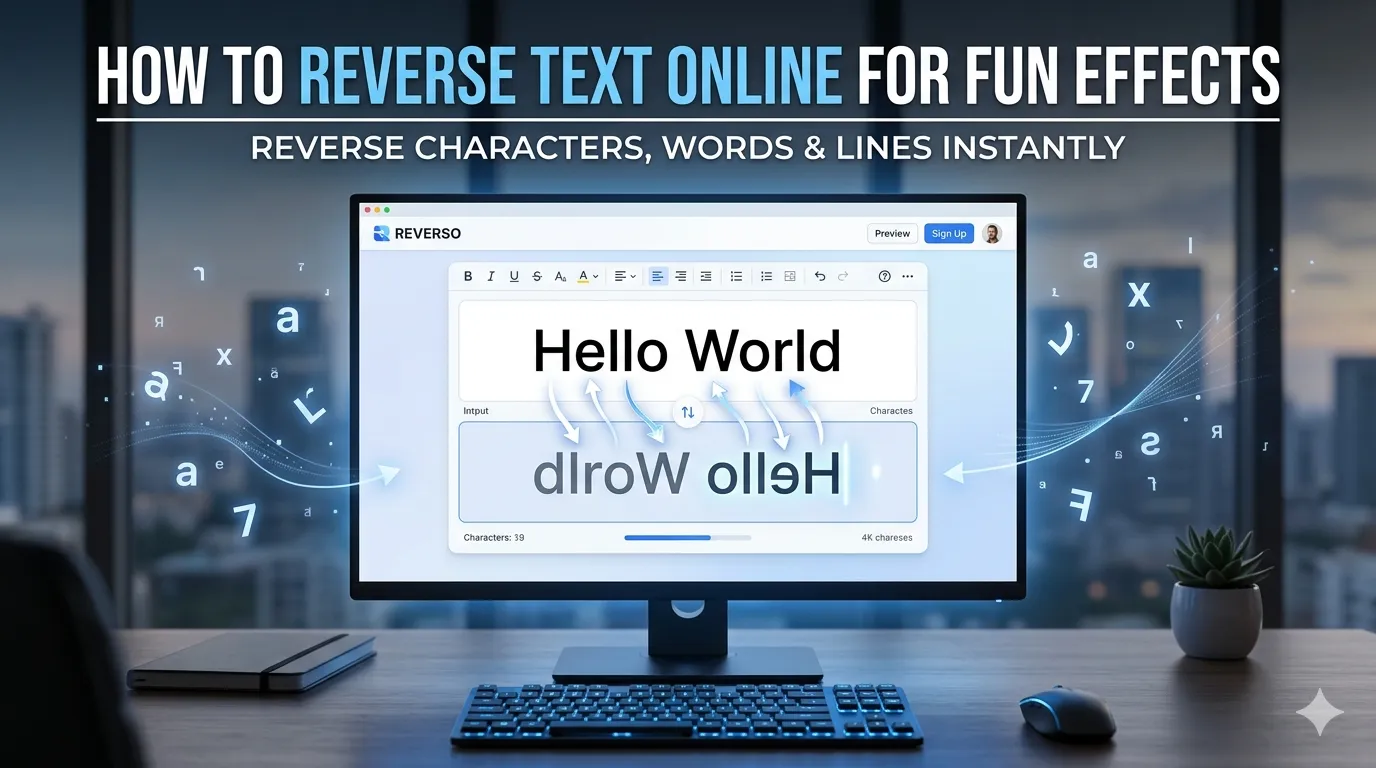
Want to reverse text online for puzzles, programming tests, or playful social posts? Reverse text tools flip strings character by character in seconds. The technique works for fun, creative content, hidden messages, and even programming verification.
This guide walks through the easiest method, explores common use cases, and shares pro tips for creative reversed text use. By the end, you’ll handle string reversal effortlessly.
Why People Reverse Text
Reversed text serves many purposes. Programmers test palindrome functions. Puzzle creators design word challenges. Social media users add quirky flair to posts. Linguists analyze writing systems through reversed strings.
Furthermore, reversing helps proofreading. Reading sentences backward forces attention on individual words. Errors that hide in normal flow jump out when text reads right-to-left. The technique catches subtle typos that escape standard review.
Common Reverse Text Uses
- Palindrome creation and testing
- Hidden messages in social media bios
- Programming exercise verification
- Word puzzle game generation
- Proofreading by reading backward
- Creative text effects in branding
Step-by-Step: Reverse Text Online
Step 1: Open the Tool
Visit our Reverse Text Tool. Loads instantly.
Step 2: Paste Your Text
Drop text into the input. Choose reversal type. Options usually include character reversal, word reversal, or line reversal. Each delivers different effects.
Step 3: Copy Reversed Result
Copy the output. Use it for whatever creative or technical purpose you intended. Reverse it back through the tool whenever needed to restore original order.
Reverse Types Compared
| Type | Example Input | Output |
|---|---|---|
| Character | Hello | olleH |
| Word | Hello world | world Hello |
| Line | Line 1\nLine 2 | Line 2\nLine 1 |
Privacy When Using Reverse Tools
Pick tools processing text in your browser. Pasted content stays on your device. Read privacy policies first. Reputable services don’t log text during reversal operations.
Combining Reverse With Other Tools
Reverse text pairs with broader text workflows. Convert reversed text case using our Text Case Converter. Count reversed text length via our Word Counter. Each tool fits different creative steps.
Flip Text in Seconds for Any Purpose
Text reversal sounds simple but serves countless purposes. With the right tool, flipping strings takes seconds. Whether for puzzles, programming, or creative content, smart reversal opens up unexpected possibilities.
Try our Reverse Text Tool today. Free, secure, and ready whenever you need quick character flipping.