
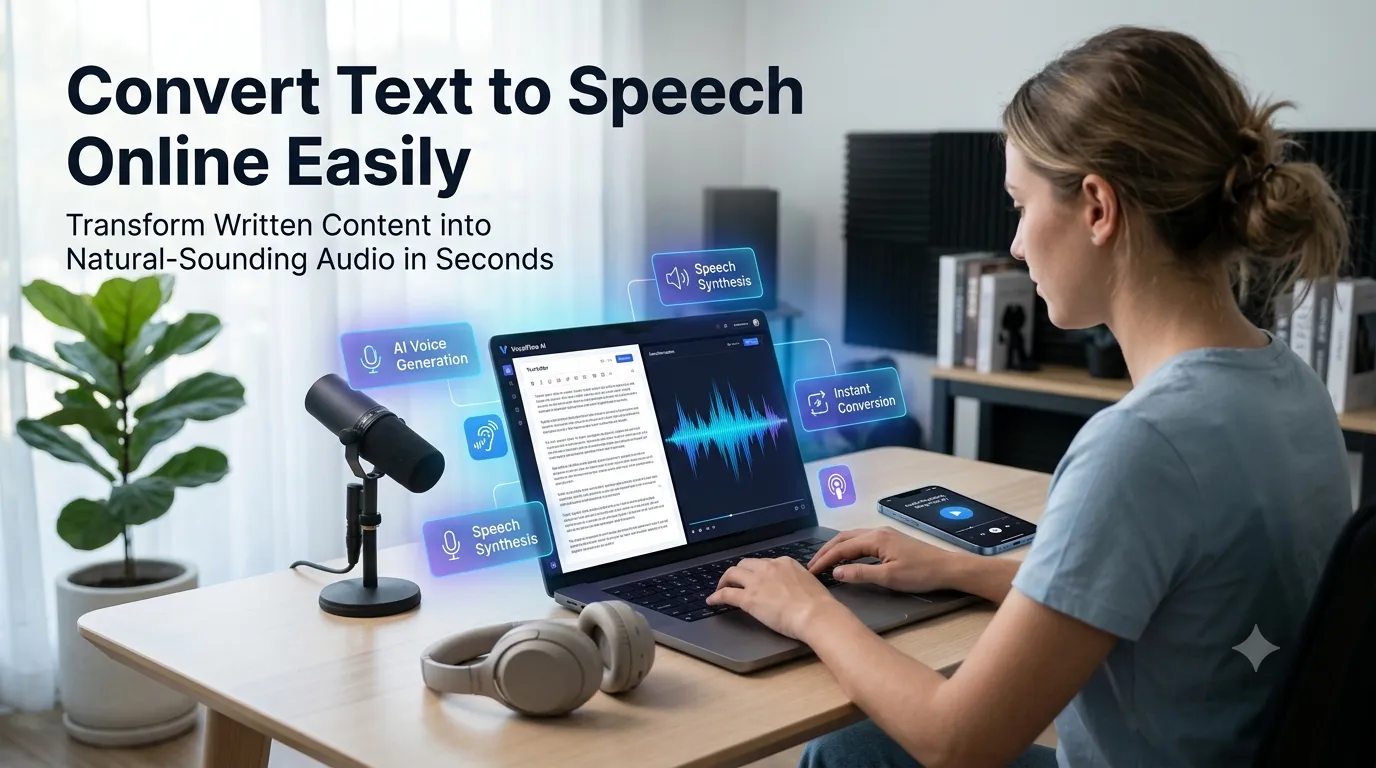
Want to convert text to speech online for accessibility, podcasts, or hands-free learning? Online text-to-speech tools transform written content into natural-sounding audio in seconds. The technology has improved dramatically, with modern AI voices nearly matching human narrators.
This guide walks through the easiest method, explains common use cases, and shares pro tips for natural-sounding output. By the end, you’ll create audio content from any text effortlessly.
Why Text-to-Speech Tools Matter
Audio reaches audiences who don’t read. Visually impaired users rely on text-to-speech for everything. Commuters listen during drives. Busy professionals catch up while exercising. Audio formats expand content reach dramatically.
Furthermore, content creators save money. Hiring voice actors costs hundreds per hour. Studio time adds even more. AI text-to-speech delivers professional-quality narration for free, making audio content accessible to small creators and businesses.
Popular Text-to-Speech Uses
- Accessibility narration for blog readers
- Podcast intros from written scripts
- YouTube video voiceovers without microphones
- Audiobook drafts for self-published authors
- Language learning pronunciation guides
- Phone IVR system messages
Step-by-Step: Convert Text to Speech Online
Step 1: Open the Tool
Visit our Text-to-Speech Converter. Loads instantly.
Step 2: Paste Text and Pick a Voice
Drop content into the input. Choose a voice. Modern tools offer male, female, and various accents. Adjust speed and pitch if needed for the right tone.
Step 3: Download MP3 Audio
Click generate. Preview the audio. Download as MP3 for use in videos, podcasts, or accessibility features. Most tools deliver studio-quality output in seconds.
Voice Options Compared
| Voice Type | Best Use |
|---|---|
| Male professional | Business presentations |
| Female friendly | Lifestyle content |
| Child voice | Educational kids content |
| British accent | Formal documentaries |
| American accent | General-purpose content |
Tips for Natural Speech Output
Smart writing improves audio. First, write conversationally. Formal text sounds robotic when read aloud. Short sentences flow better than complex ones.
Second, add punctuation for natural pauses. Commas create breathing room. Periods give weight to statements. Third, spell out abbreviations. “WHO” reads differently than “World Health Organization” depending on context.
Privacy When Converting Sensitive Text
Pick tools processing text in your browser. Drafts stay on your device. Read privacy policies first. Reputable services don’t log generated audio or input text during operations.
Combining TTS With Other Tools
Text-to-speech fits broader content workflows. Check grammar via our Grammar Checker before generating audio. Paraphrase via our Paraphrasing Tool for conversational versions. Each step improves audio quality.
Turn Text Into Audio in Seconds
Audio reaches audiences text alone can’t. With the right TTS tool, generating narration takes seconds. Whether for accessibility, podcasts, or videos, smart text-to-speech delivers professional results.
Try our Text-to-Speech Converter today. Free, secure, and ready whenever your text needs voice.