
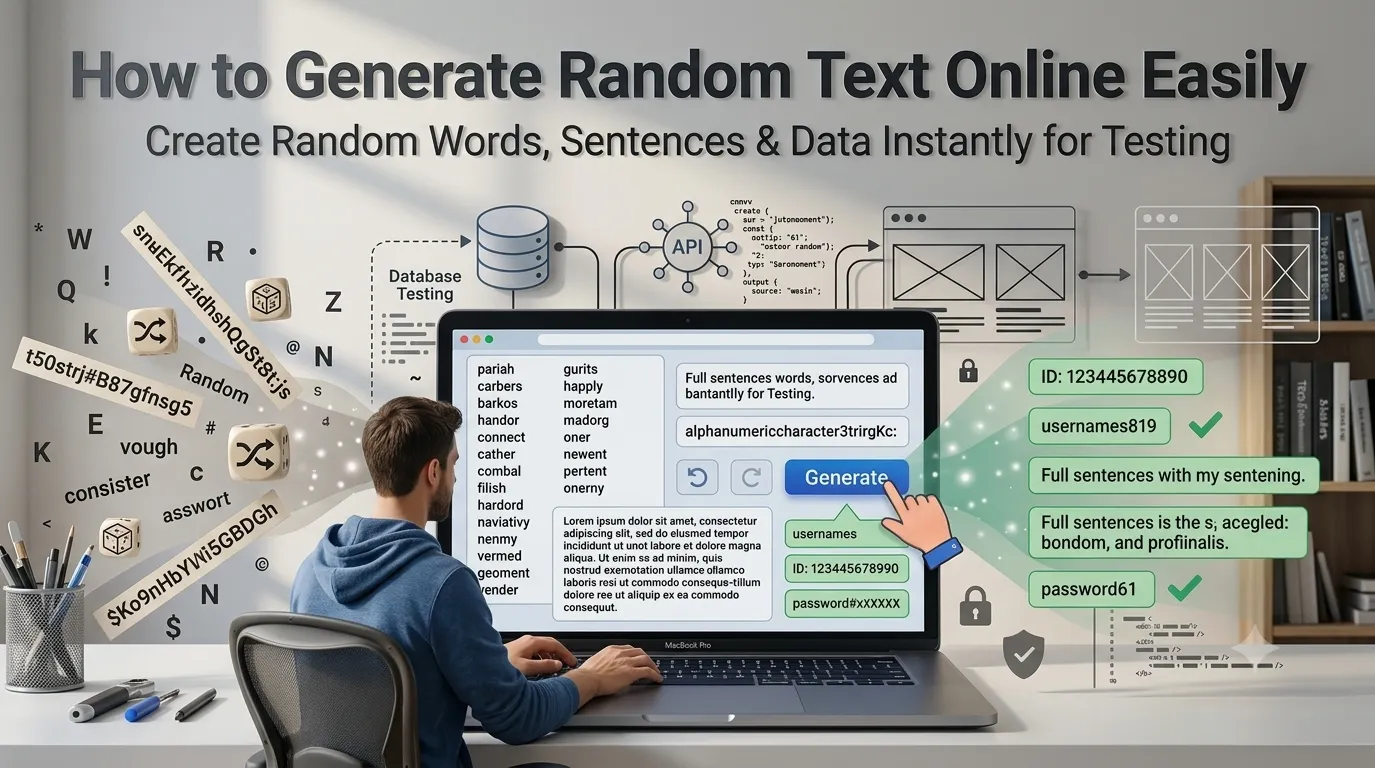
Need to generate random text online for testing, mockups, or password creation? Online tools produce random strings, words, and sentences in seconds. Developers, designers, and security teams rely on random generators for countless workflows.
This guide walks through the easiest method, explains common use cases, and shares pro tips for the right kind of randomness. By the end, you’ll handle random text generation effortlessly.
Why Random Text Matters in Tech
Random data tests systems. It also fills placeholder fields with random strings. Additionally, random words populate database tables for development. Moreover, random sentences stress-test text processing pipelines.
The need for randomness shows up everywhere in modern tech work.
Furthermore, randomness powers security. Random tokens authenticate sessions. Additionally, random passwords resist brute-force attacks. Furthermore, random nonces prevent replay attacks.
Generators built for security use cryptographic-grade randomness rather than basic algorithms.
Common Random Text Uses
- Database seed data for testing
- Placeholder content for design mockups
- Unique identifiers for forms
- Random username generation
- Test data for API development
- Demo content for product walkthroughs
Step-by-Step: Generate Random Text
Step 1: Open the Tool
Visit our Random Text Generator. Loads instantly.
Step 2: Configure Output
Pick output type: random words, sentences, paragraphs, or character strings. Set length. Choose options like alphanumeric only or include special characters.
Step 3: Copy Generated Text
Click generate. Copy the random output. Use it for testing, mockups, or wherever you need placeholder content. Regenerate as many times as needed for unique versions.
Random Text Types Compared
| Type | Use Case |
|---|---|
| Random words | Username generation |
| Random sentences | Sample chat messages |
| Random paragraphs | Blog post placeholders |
| Random characters | Test ID strings |
| Random emails | Form testing |
Tips for Useful Randomness
Smart use creates better tests. First, match random data to real patterns. Random emails should look like emails. Random names should look like names. Test data passes more checks when realistic.
Second, regenerate fresh for each test run. Reusing the same random data hides edge cases. Third, never use generated text for passwords from non-cryptographic tools. Use password-specific generators for security needs.
Privacy When Generating Random Text
Random text generators don’t process your content. They create new strings algorithmically. No upload privacy concerns apply. Browser-based tools work entirely locally.
Combining With Other Tools
Random text fits broader development workflows. Generate lorem ipsum via our Lorem Ipsum Generator for design placeholders. Count generated content via our Word Counter for size verification.
Build Test Data in Seconds
Random text powers countless dev workflows. With the right generator, creating placeholder content takes seconds. Whether for testing, mockups, or unique identifiers, smart randomness saves serious time.
Try our Random Text Generator today. Free, secure, and ready whenever you need quick random output.