
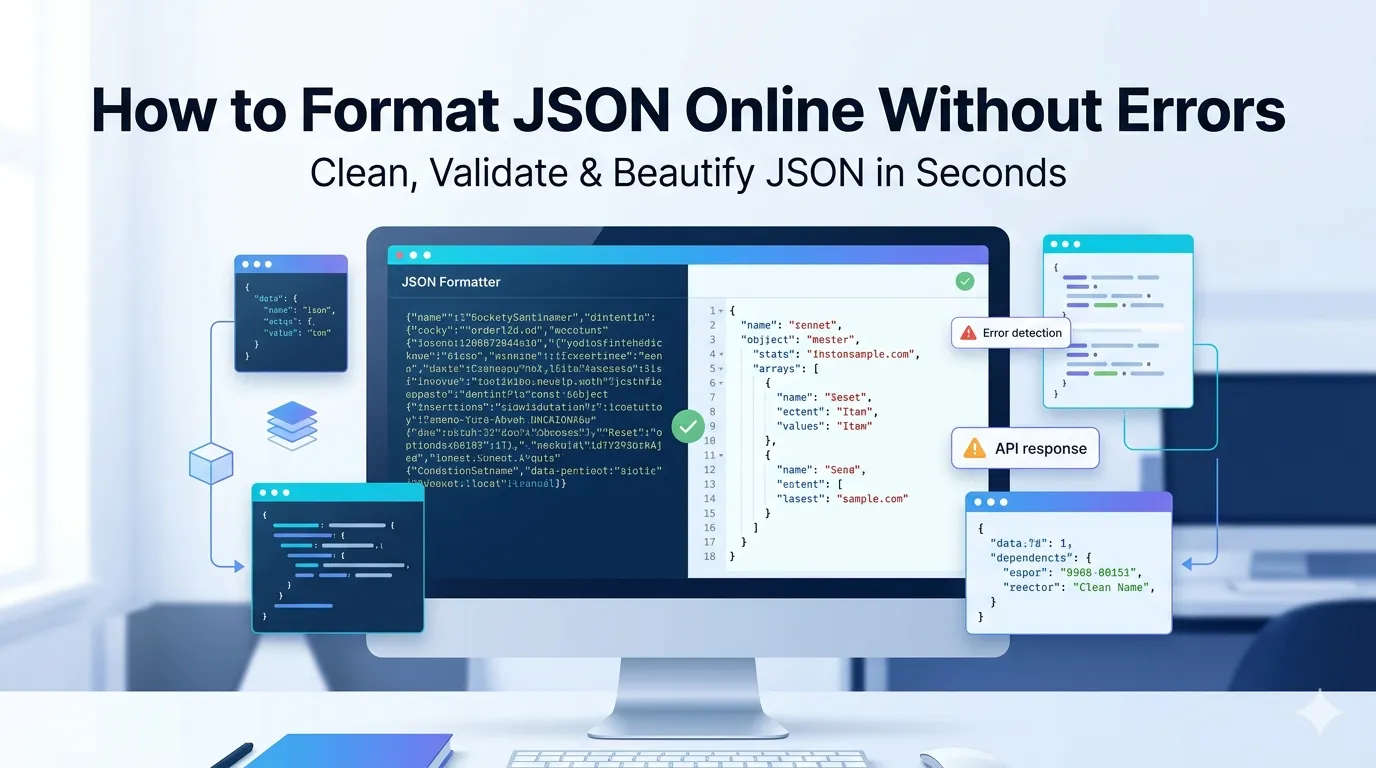
Want to format JSON online without errors for cleaner code and easier debugging? Online JSON formatters indent and structure messy JSON in seconds. Developers, API testers, and data analysts rely on these tools daily.
This guide walks through the easiest method, explains JSON formatting rules, and shares pro tips for clean output. By the end, you’ll handle JSON formatting effortlessly.
Why JSON Formatting Matters
Minified JSON looks like a wall of characters. Reading nested structures becomes impossible. Properly indented JSON shows hierarchy at a glance. Developers debug ten times faster with formatted code.
Furthermore, formatting catches syntax errors. Missing commas and brackets stand out clearly in indented output. Online formatters validate structure simultaneously, flagging issues before they break code.
Common JSON Formatting Uses
- Debugging API responses
- Reviewing config files clearly
- Documenting data structures
- Cleaning scraped data
- Preparing JSON for code reviews
- Teaching API structure to beginners
Step-by-Step: Format JSON Online
Step 1: Open the Tool
Visit our JSON Formatter. Loads instantly.
Step 2: Paste JSON
Drop minified or messy JSON into the input. Choose indent size like 2 or 4 spaces. Most formatters apply formatting instantly with syntax validation.
Step 3: Review and Copy
See formatted output. Fix any flagged errors. Copy clean JSON for use in code, documentation, or debugging sessions.
JSON Formatting Rules
| Rule | Example |
|---|---|
| Strings in double quotes | “name”: “value” |
| Commas between properties | “a”: 1, “b”: 2 |
| No trailing commas | Last property has no comma |
| Nested objects indented | 2 or 4 space indents |
| Arrays use square brackets | [1, 2, 3] |
Privacy When Formatting Sensitive JSON
Pick formatters processing JSON in your browser. API keys and sensitive data stay on your device. Read privacy policies first. Reputable services don’t log content during formatting.
Combining With Other Tools
JSON formatting fits broader dev workflows. Validate syntax via our JSON Validator. Minify formatted JSON via our JSON Minifier for production deployment.
Read JSON Like a Pro Developer
Messy JSON wastes debugging time. With the right formatter, structure becomes clear in seconds. Whether reviewing API responses or cleaning config files, smart formatting accelerates development.
Try our JSON Formatter today. Free, secure, and ready whenever you need readable JSON.