
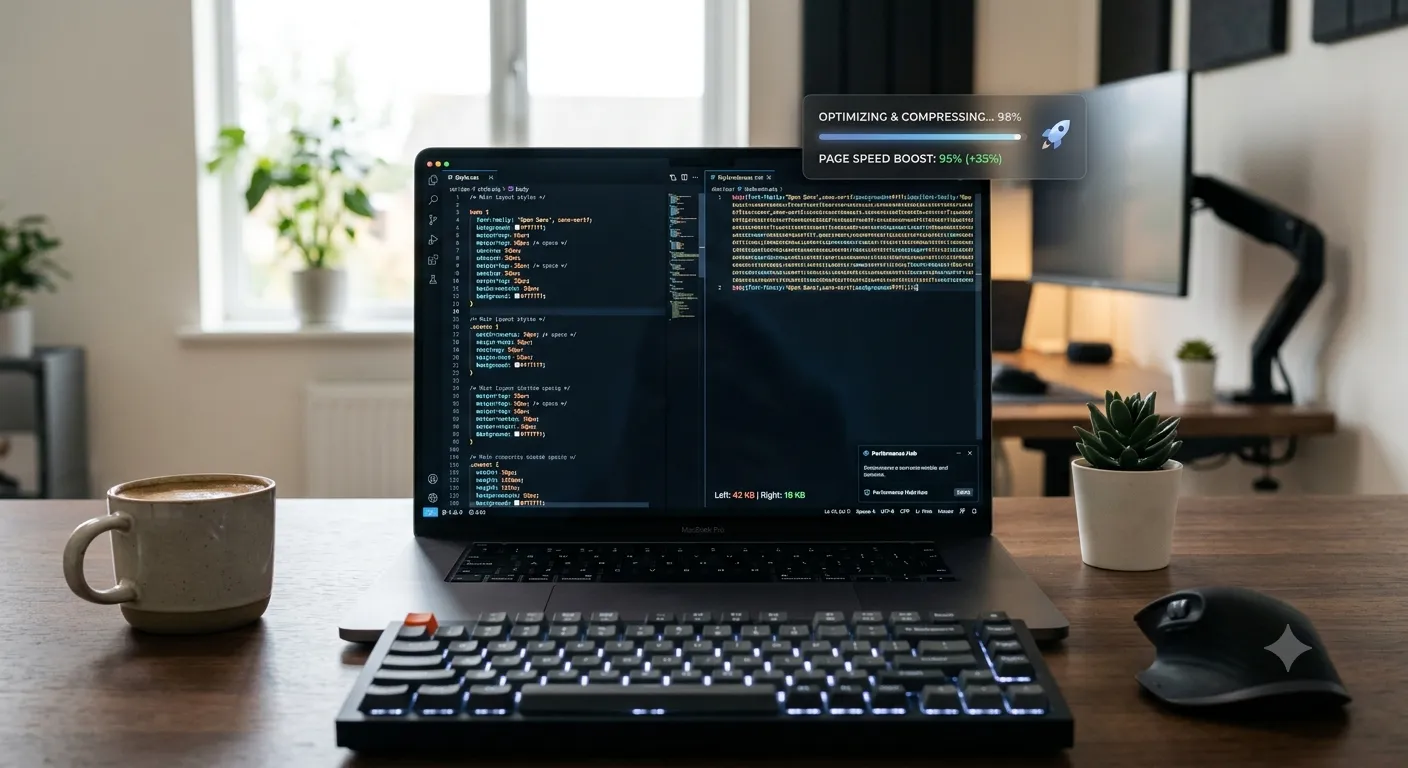
Want to minify CSS to boost page load times without complex toolchains? Online CSS minifiers strip whitespace, comments, and redundancy in seconds. Web developers, designers, and SEO specialists rely on minification for faster sites and better Core Web Vitals.
This guide walks through the easiest method, explains what gets minified, and shares pro tips for safe compression. By the end, you’ll handle CSS minification effortlessly.
Why CSS Minification Matters
CSS files block rendering. Browsers download stylesheets before painting pages. Large CSS delays everything. Minification trims files 20-40%, getting visual content to users faster.
Furthermore, mobile users benefit most. Limited bandwidth and slower processors hurt CSS-heavy pages. Smaller stylesheets deliver dramatic speed improvements on phones, tablets, and slower connections.
Common CSS Minification Uses
- WordPress theme deployment
- Static site production builds
- Reducing render-blocking CSS
- Improving Core Web Vitals
- CDN bandwidth cost reduction
- Speeding up mobile experience
Step-by-Step: Minify CSS Online
Step 1: Open the Tool
Visit our CSS Minifier. Loads instantly.
Step 2: Paste Stylesheet
Drop CSS into the input. Tool removes whitespace, comments, and combines selectors. Output ready in seconds.
Step 3: Copy Minified CSS
Copy compressed output. Deploy to production. Keep development version separate for editing. Always test minified CSS to confirm styling stays intact.
What CSS Minification Removes
| Element | Impact |
|---|---|
| Whitespace | All spaces and line breaks |
| Comments | Stripped completely |
| Last semicolons | Removes optional ones |
| Zero units | 0px becomes 0 |
| Long color codes | #FFFFFF becomes #FFF |
Privacy When Minifying Code
Pick minifiers processing code in your browser. Custom styles stay on your device. Read privacy policies first. Reputable services don’t log CSS during minification.
Combining With Other Tools
CSS minification fits broader optimization workflows. Minify JavaScript via our JavaScript Minifier. Compress HTML via our HTML Minifier. Each tool handles specific code optimization.
Faster Sites in Seconds
Bloated CSS slows everything. With the right minifier, compression takes seconds. Whether for WordPress themes or static sites, smart minification improves performance and SEO at once.
Try our CSS Minifier today. Free, secure, and ready whenever your stylesheets need production optimization.