
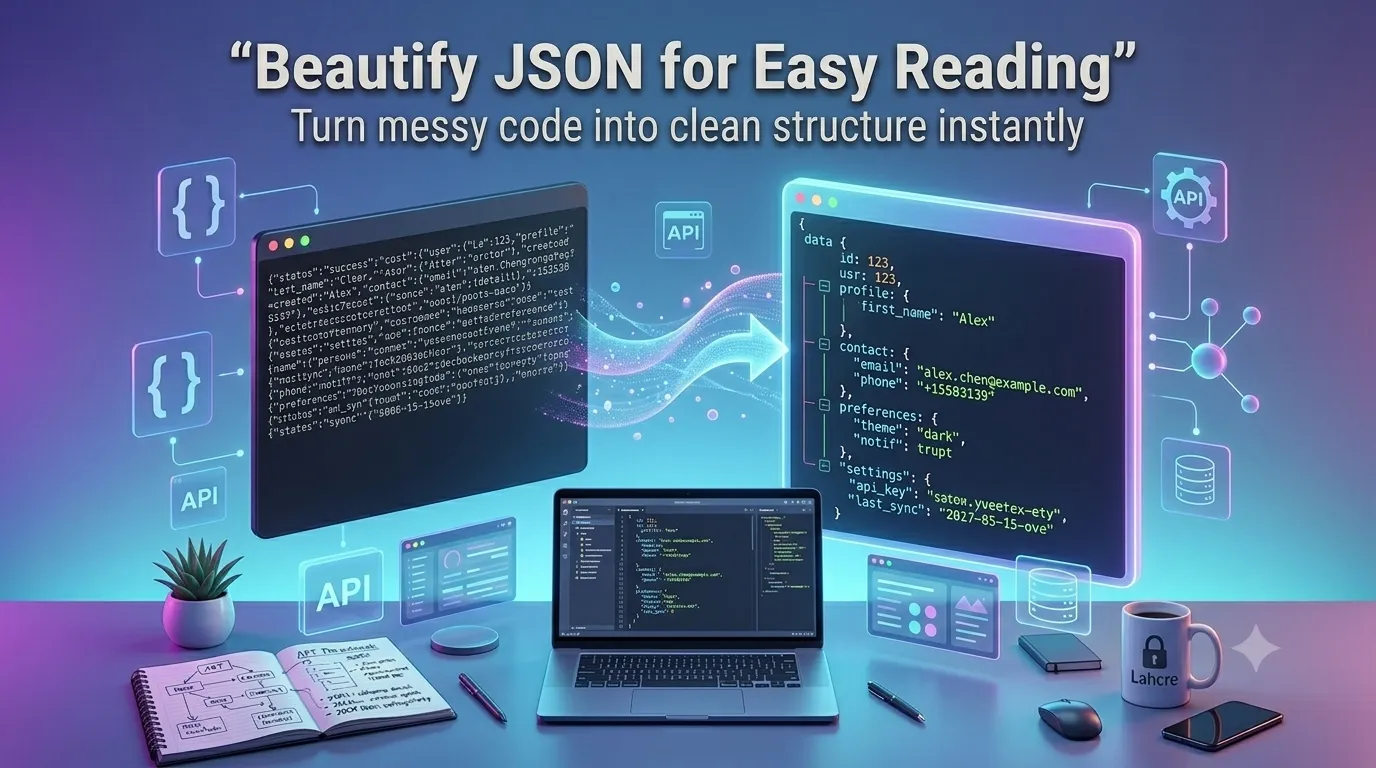
Want to beautify JSON for easy reading without manually adding indentation? Online JSON beautifiers transform compressed strings into properly formatted, hierarchical structures in seconds. Developers debugging APIs and reviewing data exports rely on these tools daily.
This guide walks through the easiest method, explains beautification options, and shares pro tips for clean output. By the end, you’ll handle JSON beautification effortlessly.
Why JSON Beautification Matters
Compressed JSON looks like a single endless line. Reading nested structures becomes impossible. Beautified JSON shows hierarchy clearly through indentation. Developers spot patterns instantly that compressed text hides.
Furthermore, beautification simplifies debugging. Errors stand out in indented code. API responses get easier to understand. Documentation benefits from formatted examples readers can scan quickly.
Common JSON Beautification Uses
- Debugging compressed API responses
- Reviewing webhook payloads
- Documenting data structures clearly
- Sharing JSON in technical articles
- Teaching developers API formats
- Cleaning up production logs
Step-by-Step: Beautify JSON Online
Step 1: Open the Tool
Visit our JSON Beautifier. Loads instantly.
Step 2: Paste Compressed JSON
Drop minified JSON into the input. Pick indent size like 2 or 4 spaces. The tool transforms instantly into readable hierarchical structure.
Step 3: Copy Clean Output
Review beautified result. Copy for documentation, debugging notes, or code reviews. Most tools also validate JSON during beautification, flagging syntax errors.
Beautification Options Compared
| Indent Choice | Best For |
|---|---|
| 2 spaces | JavaScript projects |
| 4 spaces | Python and Java projects |
| Tab | Editor-friendly tabs |
| Compact | Minimal whitespace, readable |
| Custom | Match team standards |
Privacy When Beautifying Sensitive JSON
Pick beautifiers processing JSON in your browser. API keys and tokens stay on your device. Read privacy policies first. Reputable services don’t log content during beautification.
Combining With Other Tools
JSON beautification fits broader dev workflows. Validate syntax via our JSON Validator. Convert to CSV via our JSON to CSV converter. Each tool handles specific JSON workflows.
Read JSON Like a Pro
Compressed JSON wastes debugging time. With the right beautifier, transforming it takes seconds. Whether for API debugging or documentation, smart beautification accelerates dev workflows.
Try our JSON Beautifier today. Free, secure, and ready whenever JSON needs to become readable.