
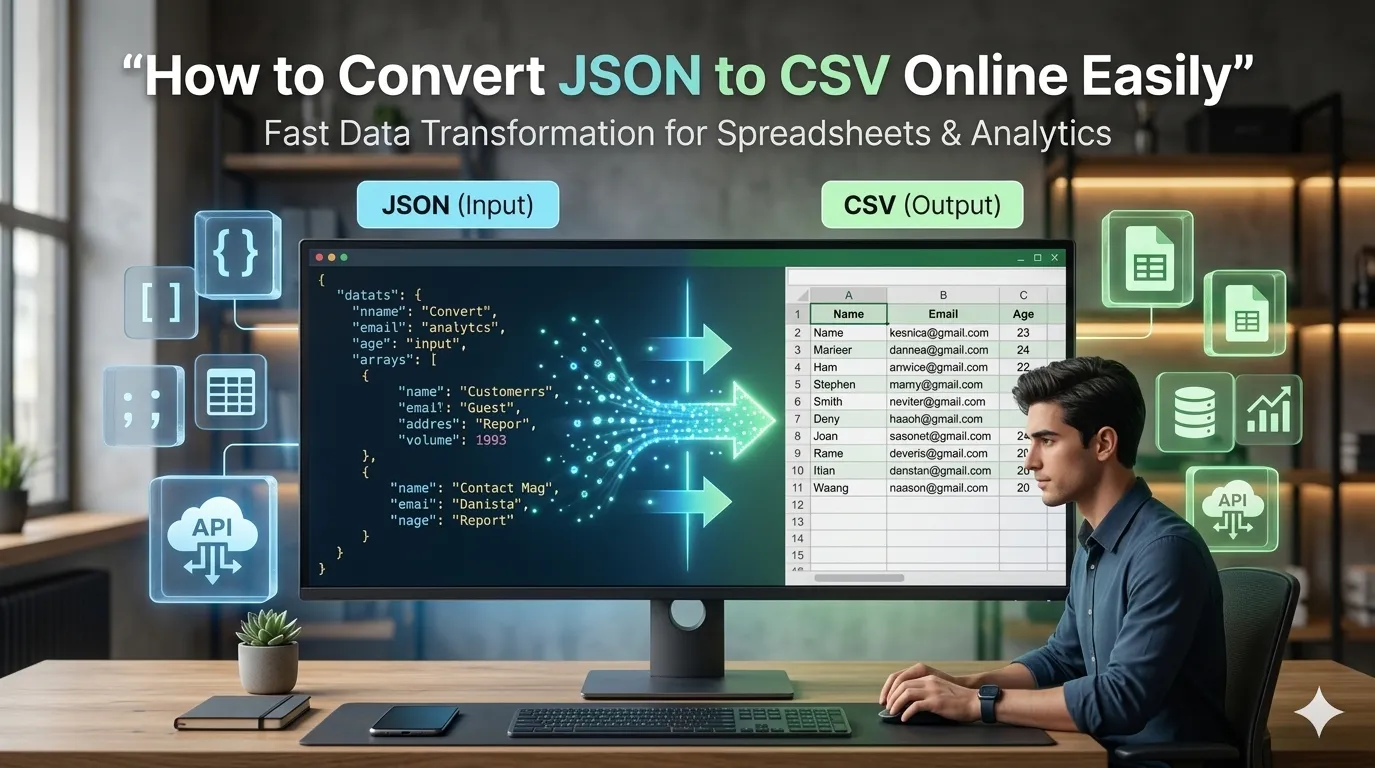
Need to convert JSON to CSV online for spreadsheets or data analysis? Online JSON-to-CSV converters transform nested data into flat tables in seconds. Data analysts, marketers, and developers rely on these tools to bridge JSON APIs with Excel-friendly formats.
This guide walks through the easiest method, explains conversion considerations, and shares pro tips for clean output. By the end, you’ll handle JSON-to-CSV conversion effortlessly.
Why Convert JSON to CSV
JSON powers APIs and databases. CSV powers spreadsheets and analytics. Each format excels at different tasks. Converting between them bridges technical and business workflows seamlessly.
Furthermore, CSV opens in Excel and Google Sheets. Non-technical teammates analyze data without learning JSON. The conversion democratizes data access across organizations.
Common JSON-to-CSV Uses
- Exporting API data for analysis
- Importing JSON into spreadsheet apps
- Sharing data with non-technical teams
- Building Excel reports from JSON sources
- Migrating database exports to CRM tools
- Creating Google Sheets dashboards
Step-by-Step: Convert JSON to CSV
Step 1: Open the Tool
Visit our JSON to CSV Converter. Loads instantly.
Step 2: Paste JSON
Drop JSON array into the input. Tool flattens nested objects into columns. Each array entry becomes a CSV row. Headers come from key names automatically.
Step 3: Download CSV
Save the CSV output. Open in Excel, Google Sheets, or import into databases. The flat table format suits analysis tools designed for tabular data.
JSON Structure Requirements
| JSON Type | Conversion Result |
|---|---|
| Array of objects | Each object becomes a row |
| Nested objects | Flattened to dot.notation columns |
| Arrays inside objects | Joined as comma-separated |
| Single object | Becomes one-row CSV |
| Deeply nested | May need preprocessing |
Privacy When Converting Sensitive JSON
Pick converters processing JSON in your browser. Sensitive data stays on your device. Read privacy policies first. Reputable services don’t log content during conversion.
Combining With Other Tools
JSON-to-CSV fits broader data workflows. Format JSON first via our JSON Formatter for clarity. Convert back via our CSV to JSON converter when needed.
Bridge APIs and Spreadsheets
JSON powers tech. CSV powers business. With the right converter, bridging both takes seconds. Whether for analysis, reporting, or data migration, smart conversion connects worlds.
Try our JSON to CSV Converter today. Free, secure, and ready whenever data needs format translation.