
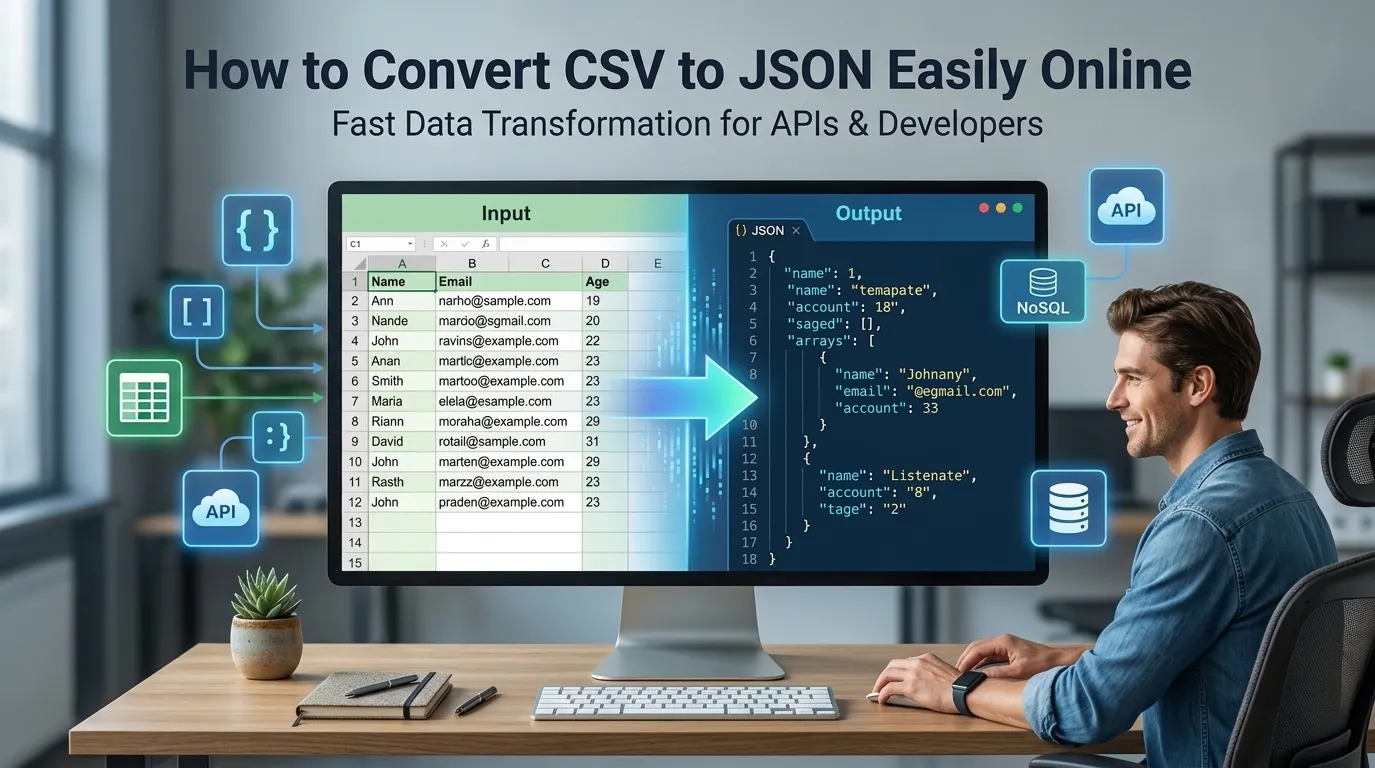
Want to convert CSV to JSON easily for API uploads or NoSQL imports? Online CSV-to-JSON converters transform spreadsheet rows into structured JSON in seconds. Developers integrating spreadsheet data with modern APIs rely on these tools daily.
This guide walks through the easiest method, explains conversion options, and shares pro tips for clean output. By the end, you’ll handle CSV-to-JSON conversion effortlessly.
Why Convert CSV to JSON
CSV holds business data. JSON powers APIs. Connecting both requires conversion. Marketers export CSV from CRMs. Developers need JSON for app integrations. Conversion bridges these worlds seamlessly.
Furthermore, JSON enables nested structures CSV can’t. Modern apps prefer JSON’s flexibility. Converting opens doors to APIs, NoSQL databases, and modern application architectures.
Common CSV-to-JSON Uses
- Uploading spreadsheet data to APIs
- Importing CSV into MongoDB
- Feeding spreadsheet exports into webhooks
- Migrating Excel data to JSON databases
- Preparing test data for JavaScript apps
- Connecting business teams with development
Step-by-Step: Convert CSV to JSON
Step 1: Open the Tool
Visit our CSV to JSON Converter. Loads instantly.
Step 2: Paste CSV
Drop CSV content into the input. First row becomes JSON keys. Subsequent rows become array entries with those keys. Output appears in seconds.
Step 3: Copy JSON
Copy structured JSON output. Use in APIs, NoSQL imports, or JavaScript applications. The flat tabular data now lives as proper structured JSON.
Conversion Options
| Option | Effect |
|---|---|
| Headers as keys | Uses first CSV row for JSON keys |
| Array output | Wraps rows in JSON array |
| Skip empty fields | Removes blank values |
| Trim whitespace | Cleans extra spaces |
| Custom delimiter | For non-comma CSVs |
Privacy When Converting CSV
Pick converters processing CSV in your browser. Customer data stays on your device. Read privacy policies first. Reputable services don’t log content during conversion.
Combining With Other Tools
CSV-to-JSON fits broader data workflows. Format JSON output via our JSON Formatter. Validate result via our JSON Validator. Each tool refines data progressively.
Connect Spreadsheets to APIs
CSV holds data. JSON moves data. With the right converter, bridging happens in seconds. Whether for API uploads or database imports, smart conversion unlocks new workflows.
Try our CSV to JSON Converter today. Free, secure, and ready whenever spreadsheets need to become APIs.