
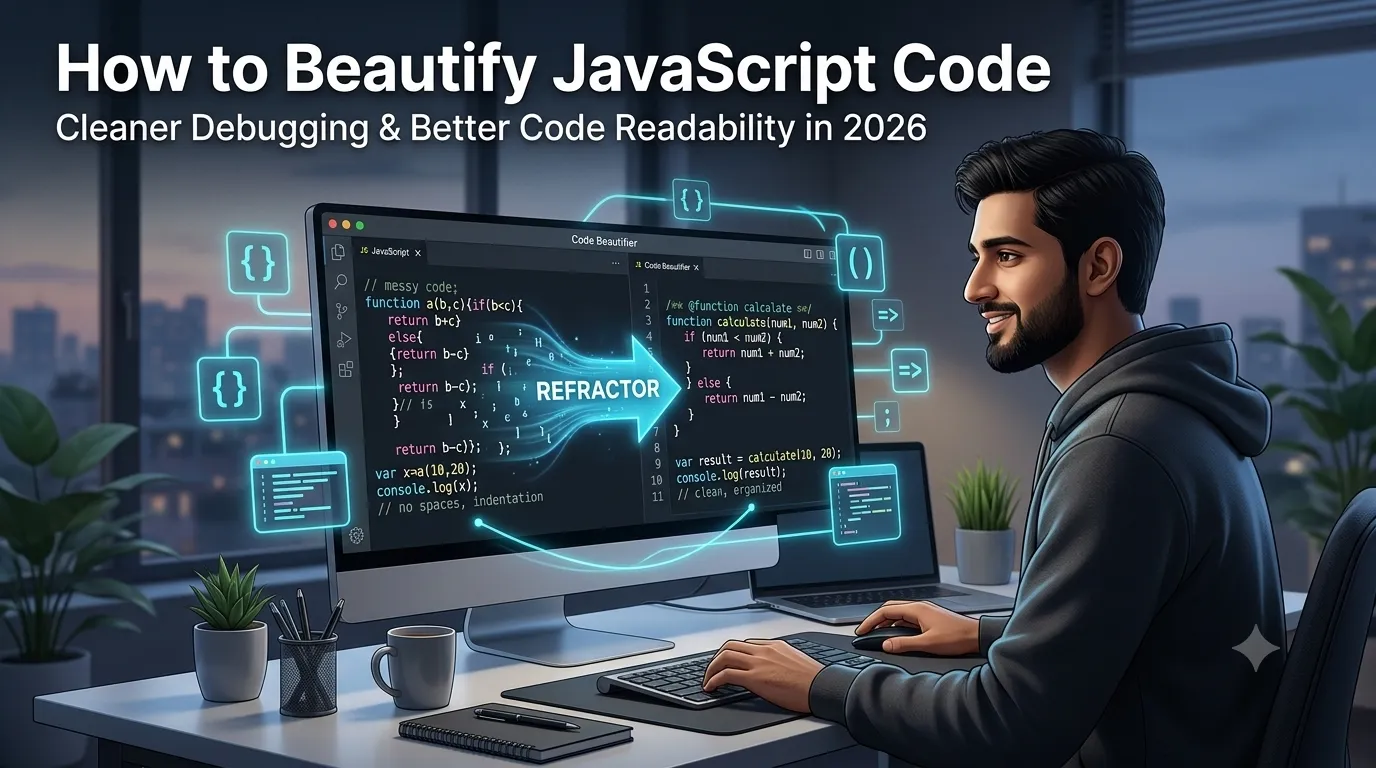
Tracking bugs inside compressed scripts feels nearly impossible without proper structure. Learning to beautify JavaScript code transforms cramped one-line files into readable blocks you can actually debug confidently. This guide explains why formatting matters and how to apply it effectively across every project.
Many developers receive minified bundles from build pipelines or third-party libraries every week. These files compress whitespace to save bandwidth, but they punish anyone trying to inspect behavior. A quick beautification step restores sanity instantly.
Why formatted scripts matter for productive coding
Readable code reduces the time you spend reasoning about logic flow. Indentation reveals nesting depth so loops, conditionals, and callbacks stay visually distinct.
Team reviews also accelerate when reviewers can scan functions vertically without parsing dense blobs. Additionally, automated linters work better when the input follows expected line break patterns. These benefits compound across long-running projects significantly.
Signs your script needs immediate formatting attention
Several warning signs reveal scripts that demand cleanup before further work. Spotting them early prevents wasted debugging hours later.
- Files where everything lives on a single endless line
- Inconsistent semicolon placement between similar statements
- Mixed indentation widths inside the same function body
- Anonymous callbacks nested without visual separation
- Variable declarations clustered without grouping logic
- Comments missing whitespace around their delimiters
Step-by-step workflow to beautify JavaScript code
Follow this proven sequence whenever you face messy scripts. Each step builds toward predictable, maintainable output.
Apply consistent indentation rules first
Choose two or four spaces and configure your editor to enforce it automatically. Mixed widths confuse parsers and create noisy diffs that hide real changes. Commit to one convention permanently across the repository.
Break complex expressions into smaller pieces
Split chained method calls onto separate lines when they exceed three operations. Doing so improves diff readability and exposes intent more clearly. Reviewers spot subtle logic errors much faster too.
Run the formatter before committing
Integrate the beautifier into your save hook or pre-commit pipeline. Such automation removes formatting debates from every code review entirely. Teams ship features faster when style stays consistent without manual effort.
Best practices for sustainable formatting habits
Initial cleanup matters, but ongoing discipline keeps your scripts pleasant to maintain. Treat formatting as part of writing functioning code.
Document your style preferences inside a shared configuration file. Use plugins that flag deviations during development rather than at merge time. Combine those rules with a strict linter for compound benefits.
| Problem | Cause | Recommended Fix |
|---|---|---|
| Long lines | Inline chaining | Break across rows |
| Inconsistent quotes | Mixed conventions | Pick one style |
| Crowded callbacks | Deep nesting | Extract named functions |
| Hard-to-read math | Missing spaces | Add operator padding |
Tools that automate the entire process
Manual formatting takes too long once codebases grow beyond a few files. Automated utilities handle the heavy lifting in seconds without errors. Picking the right helper saves your team enormous time weekly.
For one-off cleanups, paste your script into our JavaScript Beautifier and copy the result back. Need to compress files before deployment? Our JavaScript Minifier handles that reverse process accurately. Pair it with the HTML Beautifier for matching markup improvements.
Common mistakes beginners should avoid
Even talented developers stumble into traps that undermine their cleanup work. Watch out for these mistakes as you build cleaner habits.
- Reformatting third-party vendor libraries you do not control
- Mixing style changes with logic edits inside one commit
- Skipping tests after large bulk formatting passes
- Forgetting to update editor settings for new collaborators
- Using different rules across related repositories or branches
When beautification reveals deeper structural issues
Clean formatting often exposes architectural problems hidden by messy whitespace. Long functions, repeated patterns, and tangled dependencies suddenly become obvious. Treat these discoveries as opportunities for refactoring.
Document refactoring decisions and tackle them incrementally rather than all at once. Combine formatting passes with our CSS Beautifier for matching style cleanup. Your future self will appreciate the steady improvement.