
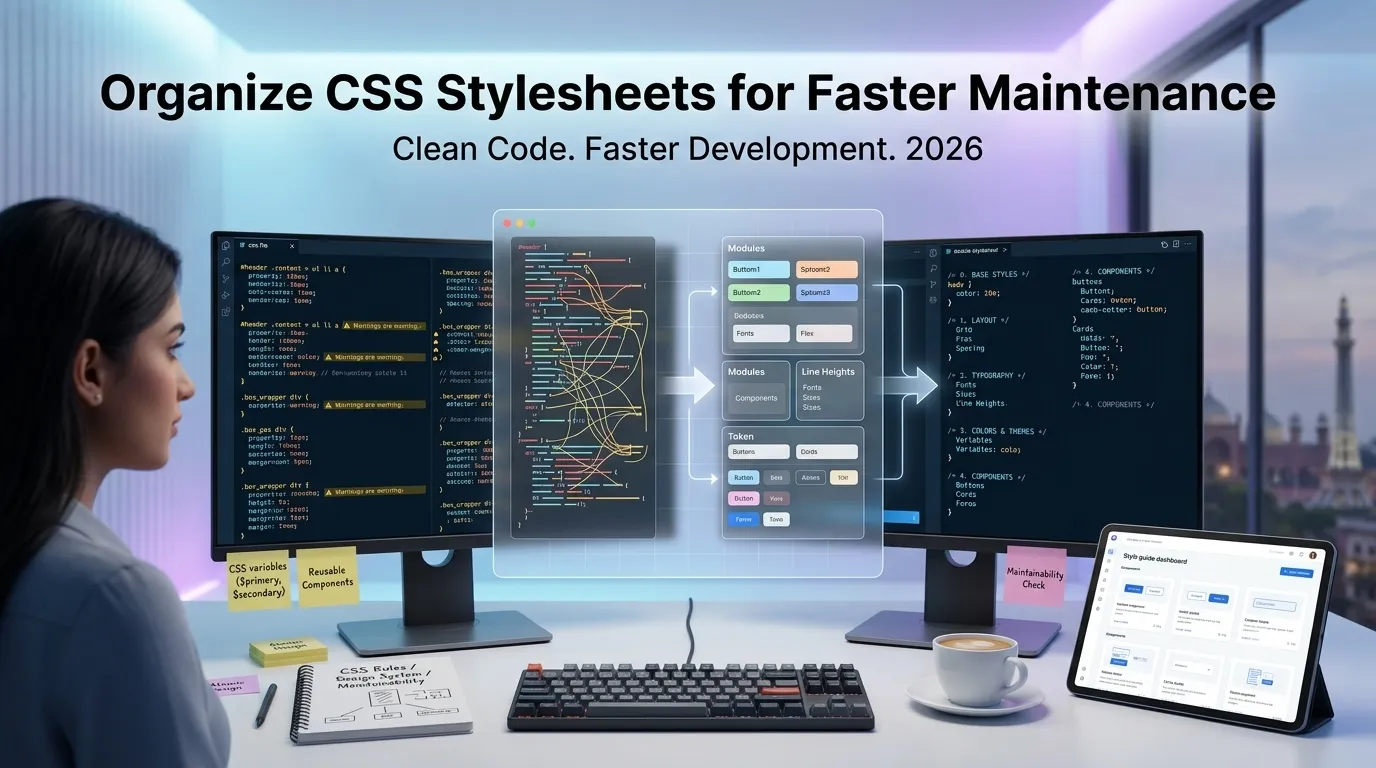
Tangled stylesheets slow every front-end change to a crawl. Learning to organize CSS stylesheets turns sprawling files into predictable resources that designers and developers can both edit safely. This guide breaks the cleanup process into manageable steps anyone can apply right away.
Older projects often collect random rules from previous contributors with conflicting conventions. Such files grow unpredictably until small edits trigger surprising regressions. A consistent style restores confidence and accelerates feature work immediately.
Why structured stylesheets matter for shipping fast
Well-formatted styles reveal selector specificity at a glance. Developers grasp inheritance chains quickly when properties stay aligned within tidy blocks.
Reviewers also catch duplicates, conflicting rules, and overrides more efficiently. Additionally, browsers parse organized files just as fast while humans benefit enormously. These productivity gains compound across every sprint and design refresh.
Telltale signs your CSS needs urgent cleanup
Watch for these patterns inside your project before frustration grows. Spotting them early helps you intervene before disasters spread.
- Minified single-line dumps copied from production builds
- Random property order inside otherwise small selector blocks
- Conflicting indentation widths across imported partial files
- Dozens of !important declarations stacked on similar rules
- Color values written using hex, rgb, and hsl interchangeably
- Vendor prefixes scattered without grouping or comment headers
A reliable workflow to organize CSS stylesheets
Follow these steps each time you face a chaotic stylesheet. Each phase removes a category of friction permanently.
Standardize indentation and property order
Pick two spaces and a property order convention everyone agrees to use. Group layout, typography, and color rules consistently for predictable scanning. Reviewers stop arguing over style and start discussing real issues.
Split monolithic files into logical partials
Break massive stylesheets by component, page, or design token category. Smaller files load identically in production while improving collaboration significantly. Reviewers focus on a single section without surrounding noise.
Document conventions inside the repository
Add a short style guide that explains naming, ordering, and nesting rules. Newcomers ramp up faster and existing contributors stay aligned. Pair the document with automated linting for ongoing reinforcement.
Best practices for sustainable stylesheet hygiene
Initial cleanup is the start, not the finish. Long-term consistency requires habits that survive team changes.
Adopt utility-first or component-scoped methodologies depending on your stack. Run formatters and linters on pre-commit hooks so violations never reach the main branch. Treat your design tokens as a single source of truth.
| Symptom | Root Cause | Cleanup Action |
|---|---|---|
| Specificity wars | Deep nesting | Flatten selectors |
| Duplicate rules | Lack of partials | Centralize tokens |
| Slow audits | Mixed conventions | Adopt one style guide |
| Broken layouts | Magic numbers | Use design variables |
Helpful tools that automate the messy work
Manual cleanup works for tiny projects, but real teams need automation. Online utilities save hours and remove decision fatigue across reviews. Pick the right helper and let it run on every save.
Try our CSS Beautifier for quick one-off cleanups inside the browser. Need to compress files before deployment? The CSS Minifier performs that reverse process safely. Front-end developers also love pairing it with the HTML Beautifier for matching markup polish.
Common mistakes beginners should avoid
Several traps undermine even careful refactors. Recognize them before they cost you a weekend of debugging.
- Reformatting vendor files you cannot update upstream
- Mixing cleanup commits with feature changes inside one branch
- Skipping visual regression tests after large bulk edits
- Forgetting to update editor settings for new collaborators
- Allowing inline styles to override your carefully organized rules
When cleanup uncovers deeper design issues
Organized stylesheets often expose missing design tokens or inconsistent spacing scales. Treat those discoveries as opportunities to align with your design system. Coordinate fixes with the product team to keep work visible.
Combine your cleanup pass with our JavaScript Beautifier for matching script improvements. Document every change so future contributors understand the new conventions clearly. The investment pays back across every release cycle.