
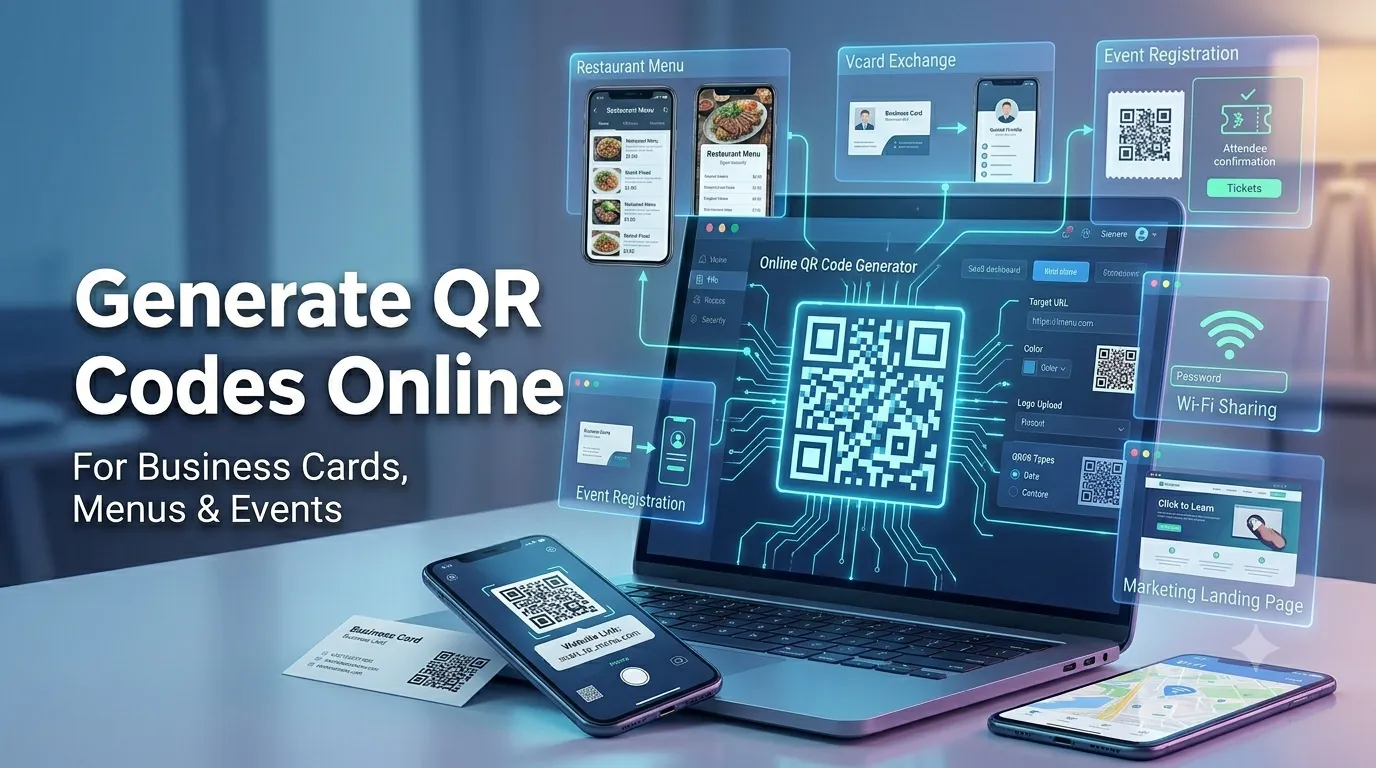
Quick scannable codes connect printed materials to digital experiences instantly. Learning to generate QR codes online lets you share menus, business cards, and event details without hassle. This guide walks beginners through every step needed to publish professional codes that anyone can scan.
Smartphones now recognize QR codes natively in every modern camera app. That convenience makes them ideal for restaurants, event planners, and shopkeepers. A quick generator turns ideas into shareable codes in seconds.
Why QR codes matter for small businesses and events
Codes shorten the distance between printed signs and online content seamlessly. They also collect valuable analytics when paired with shortened tracking links.
Restaurants share menus while florists link to ordering forms quickly. Additionally, event organizers post quick check-in flows that reduce queues. Such convenience improves experiences whether guests are tech-savvy or beginners.
Common scenarios that benefit from quick creation
Several everyday situations demand instant codes. Recognize them and reach for a generator immediately.
- Printing business cards that link to a portfolio website
- Posting restaurant menus on table tents and shop windows
- Sharing Wi-Fi credentials at coffee shops or coworking spaces
- Streamlining event registration during conferences and meetups
- Promoting flyers that link to deeper landing pages
- Adding scannable contact details to email signatures and resumes
Step-by-step process to generate QR codes
Follow this sequence whenever you need fresh codes. Each step keeps results polished.
Choose the destination carefully
Decide whether the code should open a URL, contact card, or text. Confirm the destination loads quickly inside mobile browsers. Avoid linking to pages that change before printed materials get refreshed.
Use a trusted generator
Pick a tool that produces high-resolution, error-correcting codes for print. Avoid generators that require accounts unless you need analytics features. Save the resulting PNG or SVG inside your design assets.
Test before printing widely
Scan the code with multiple phones and apps to confirm reliability. Print a test sample to ensure ink and paper quality remain readable. Update the destination before mass production whenever possible.
Best practices for sustainable QR habits
Beyond the generator, supporting routines protect the customer experience. Apply them every campaign.
Use short, branded URLs that survive future redesigns gracefully. Maintain a master spreadsheet of every code with its destination. Refresh codes whenever campaigns end so customers do not land on dead pages.
| Use Case | Best Format | Smart Tip |
|---|---|---|
| Menu | PNG print | Add a short label |
| Business card | SVG vector | Include vCard option |
| Event check-in | Dynamic URL | Enable analytics |
| Wi-Fi share | Network code | Test before posting |
Tools that simplify the entire workflow
Manual design exhausts most marketers quickly. Dedicated generators automate sizing and error correction instantly. Bookmark a favorite for every campaign.
Try our QR Code Generator directly inside the browser without sign-up. Need to keep links secure too? Pair it with the Password Generator for protected resources. Marketers also love combining it with the URL Shortener for cleaner prints.
Common mistakes beginners should avoid
Several pitfalls trip up new creators. Watch out for these traps before customers struggle.
- Linking to landing pages that take forever to load on mobile
- Skipping print tests across different phone scanners
- Embedding sensitive data inside codes without proper protection
- Forgetting to update codes when campaigns or menus change
- Using low contrast or tiny print sizes that scanners cannot read
Turning codes into measurable marketing wins
Codes paired with analytics reveal customer behavior precisely. Track scans across campaigns to refine messaging and design choices. Share insights with the team so next campaigns improve continuously.
Pair the workflow with our Percentage Calculator when computing campaign performance. Steady habits, accurate testing, and disciplined creative protect every printed campaign. Each generated code supports the next confident step.