
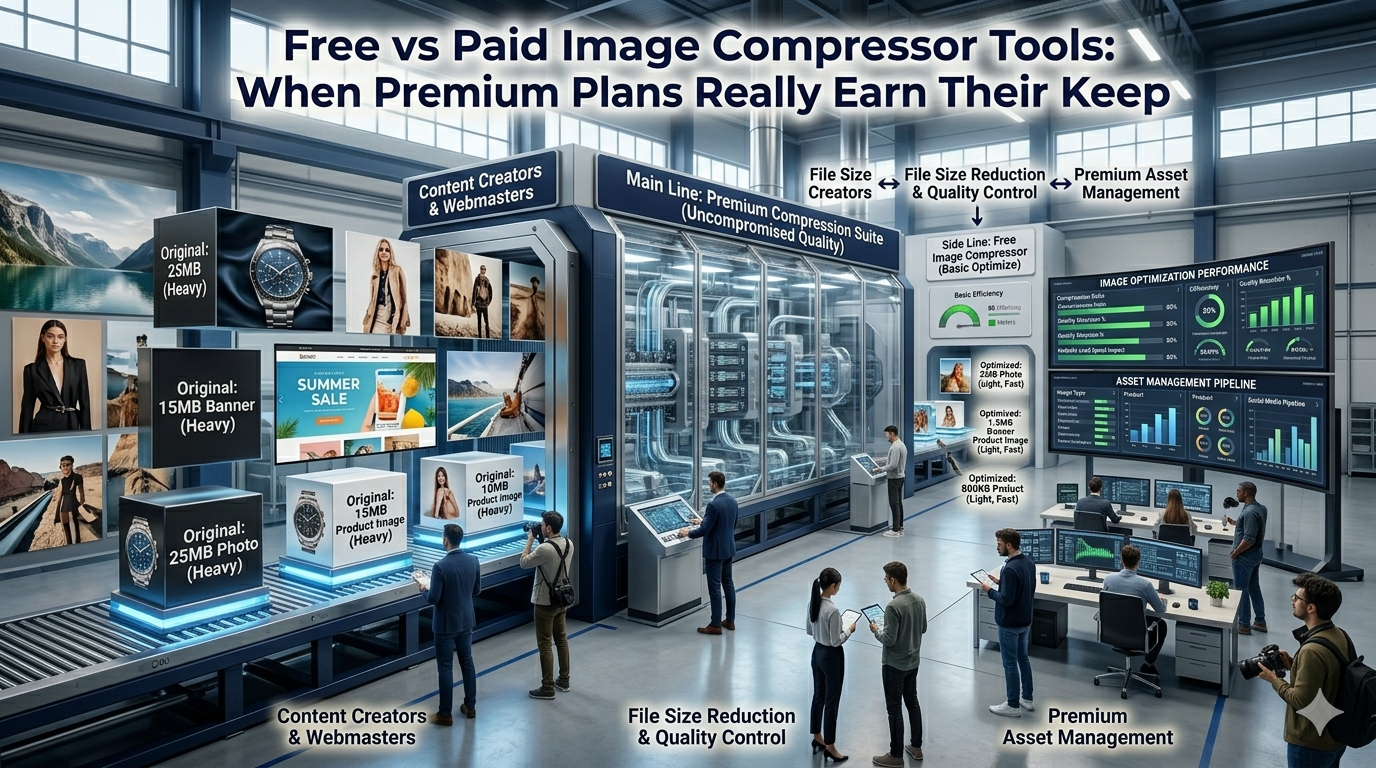
Image compression keeps websites fast and social posts crisp without bloated bandwidth. Comparing free vs paid image compressor options reveals which fits your workflow best. This guide walks beginners through every step needed to choose wisely without leaking marketing budget.
Premium suites tempt teams with bulk processing dashboards. Free browser tools handle most daily tasks instantly. The right comparison protects deadlines and bottom-line spend together.
Why this comparison matters every week
Marketers, ecommerce teams, and bloggers compress images constantly. Picking the right tier prevents wasted hours during weekly publishing cycles.
Freelancers need instant tools while working between client meetings. Additionally, enterprise teams orchestrate thousands of product photos every release. Such variety demands honest evaluation whether jobs are tiny or massive.
Common scenarios that benefit from comparison
Several creative situations call for clear-eyed evaluation. Recognize them before signing up for new subscriptions.
- Speeding up landing pages with smaller hero images
- Posting daily Instagram updates without quality loss
- Optimizing Shopify product catalogs across thousands of SKUs
- Compressing blog hero shots before publishing on WordPress
- Sending photographer proofs without overwhelming inboxes
- Storing personal travel photos in cloud archives
Step-by-step process to compare image compressors
Follow this sequence whenever new images need optimization. Each step keeps decisions data-driven.
Measure current image weights
Audit existing assets across the site or store. Track average pre and post compression sizes carefully. Save findings inside an optimization spreadsheet.
Test free vs paid output
Run sample assets through both tiers using identical formats. Compare quality and file size against business needs. Document differences inside the same spreadsheet for transparency.
Score against feature priorities
Rate batch processing, API access, and integrations honestly. Confirm whether your team actually uses those features daily. Document the scoring inside procurement notes.
Best practices for sustainable image workflows
Beyond the tool, supporting routines protect site speed. Apply them every campaign.
Maintain master copies of every visual asset for re-export. Document required dimensions inside the brand handbook. Combine compression with responsive image rules for compounding wins.
| Factor | Free Tool | Paid Tool |
|---|---|---|
| Cost | Zero | Subscription |
| Batch jobs | Manual | Often automated |
| API access | Rare | Standard inclusion |
| Visual editor | Basic | Advanced controls |
Tools that simplify the entire workflow
Free utilities often satisfy daily publishing needs handsomely. Bookmark a favorite for instant access. Premium suites still help enterprise teams with automation needs.
Try our Image Compressor directly inside your browser without sign-up. Need responsive sizes too? Pair it with the Image Resizer for full asset polish. Designers also love combining it with the PNG to WebP Converter.
Common mistakes beginners should avoid
Several pitfalls trip up new buyers. Watch out for these traps before signing up.
- Choosing premium plans for features you never use
- Skipping privacy reviews of cloud-based bulk processors
- Forgetting to test quality across diverse image types
- Ignoring CDN integrations that complement compression
- Trusting marketing screenshots without hands-on tests
When premium subscriptions still earn their keep
Some teams justify paid plans through API automation and SLA support. Document those reasons inside operations playbooks. Otherwise free tools deliver excellent value.
Pair the workflow with our PDF Compressor when bundling visuals into proposals. Steady testing, honest scoring, and shared notes turn image budgets into manageable wins. Each evaluation supports the next confident publish.