
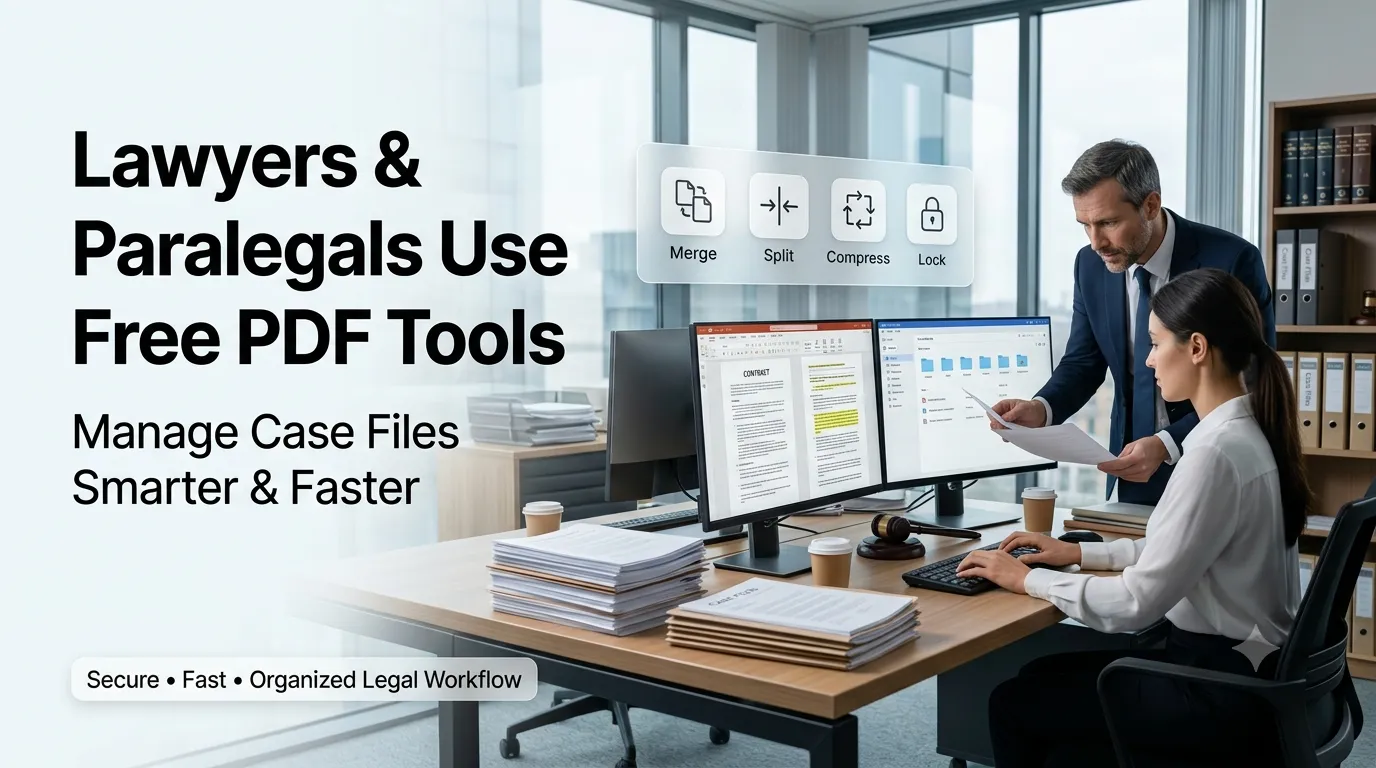
Law offices process thousands of pages every single case. Learning how lawyers and paralegals use free PDF tools keeps document review fast and accurate. This guide walks beginners through every step needed to streamline case management without enterprise software.
Premium legal suites cost firms thousands per attorney. Free browser tools fill daily document chores instantly. The right kit keeps casework efficient and clients reassured.
Why legal teams need a focused PDF toolkit
Discovery, motions, and contracts arrive as massive PDFs. A curated kit speeds organization and secure sharing.
Solo lawyers handle every administrative task alone. Additionally, large firms manage paralegal teams across multiple offices. Such variety supports tooling whether you practice solo or inside a firm.
Common scenarios that benefit from quick PDF math
Several legal workflows demand fast utilities. Recognize them inside everyday casework.
- Compressing discovery files for secure portals
- Merging exhibits before court submission
- Splitting depositions by witness for easy review
- Securing contracts with strong passwords
- Counting words inside drafted motions
- Generating UUIDs for matter tracking
Step-by-step process lawyers use free PDF tools
Follow this sequence whenever new matters open. Each step protects clients.
Index all source documents
Catalog every file inside a matter management folder. Note version control and signatures explicitly. Save originals separately for record retention.
Polish files for review
Compress, merge, or split PDFs based on case needs. Confirm clarity by opening polished files locally. Document changes inside a review log.
Secure delivery to clients and courts
Apply strong passwords using a generator before email or upload. Confirm receipt with read receipts. Document delivery times inside billing records.
Best practices for sustainable legal workflows
Beyond the tools, supporting routines protect compliance. Apply them every matter.
Maintain checklists for required filings by jurisdiction. Document tool usage inside firm playbooks. Train paralegals on consistent file naming conventions.
| Need | Featured Tool | Smart Tip |
|---|---|---|
| Discovery | PDF Compressor | Preserve searchable text |
| Exhibits | PDF Merger | Maintain numbering |
| Depositions | PDF Splitter | Tag by witness |
| Secure share | Password Generator | Pair with manager |
Tools that simplify the entire workflow
Free tools handle most legal admin tasks safely. Bookmark them inside firm browsers. Premium suites still support enterprise eDiscovery workflows.
Try our PDF Compressor, PDF Merger, and PDF Splitter directly inside your browser. Pair them with the Password Generator for secure delivery. Legal teams also love combining them with the UUID Generator for matter IDs.
Common mistakes beginners should avoid
Several pitfalls trip up new legal staff. Watch out for these traps before filings close.
- Skipping version control on shared exhibits
- Sending unencrypted documents over personal email
- Forgetting to lock final motions before submission
- Mixing matter folders without strict naming
- Ignoring jurisdiction-specific filing requirements
Turning the toolkit into confident casework
Reliable PDF tools shorten review cycles and reduce risk. Pair tools with rigorous checklists. Encourage paralegals to share workflow improvements.
Pair the workflow with our Percentage Calculator when reviewing settlement scenarios. Steady curation, accurate documentation, and shared knowledge turn legal admin into manageable joy. Each tool supports the next confident submission.