
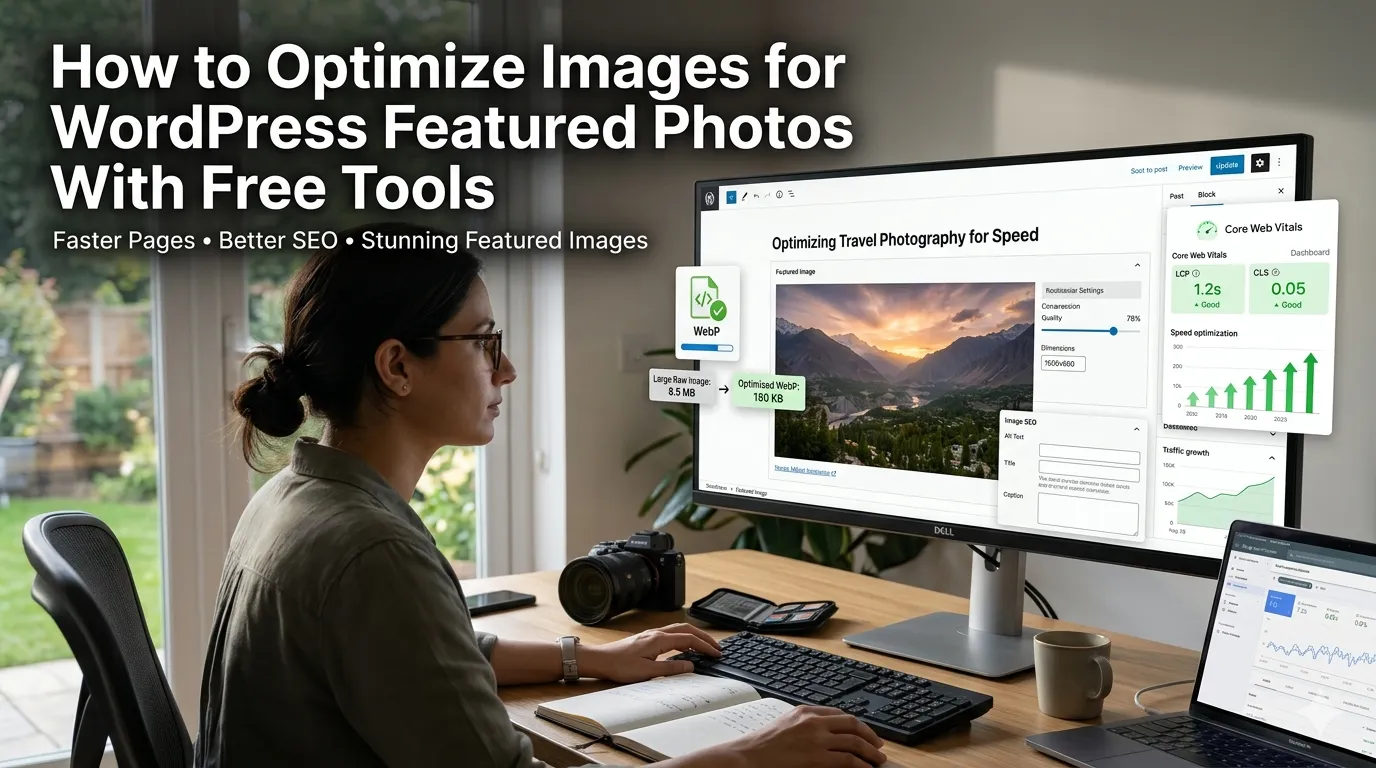
WordPress featured photos shape first impressions across blog feeds. Learning how to optimize images for WordPress featured photos with free tools speeds pages and pleases search engines. This guide walks beginners through every step needed to publish stunning posts without premium plugins.
Premium image suites tempt bloggers with shiny features. Free browser tools deliver core polish instantly. The right workflow keeps posts fast and beautiful.
Why WordPress featured images matter
Visitors decide whether to read after one glance at the hero image. Optimized images boost SEO and social previews simultaneously.
Solo bloggers publish often without dedicated designers. Additionally, growing publications maintain editorial calendars across categories. Such variety supports tooling whether posts publish weekly or daily.
Common scenarios that benefit from quick image polish
Several blogger moments call for fast utilities. Recognize them inside every publish cycle.
- Resizing hero shots to the theme’s exact dimensions
- Compressing photos before uploading to media library
- Converting PNGs to WebP for faster load
- Crafting social previews that mirror the featured image
- Designing palettes that complement post topics
- Generating QR codes for printable companion guides
Step-by-step process to optimize images for WordPress
Follow this sequence whenever new posts go live. Each step protects performance.
Resize for the theme
Identify your theme’s featured image dimensions. Resize originals to fit perfectly. Save renamed exports inside post folders.
Compress and convert
Optimize images for WordPress featured photos by using a compressor to shrink file weight without losing detail. Convert to WebP when bandwidth matters. Save renamed exports inside post folders.
Upload and publish
Upload polished assets into WordPress media library. Set the featured image inside the post editor. Document workflow inside editorial guidelines.
Best practices for sustainable image hygiene
Beyond the tools, supporting routines protect SEO. Apply them every publish.
Add descriptive alt text for accessibility. Document required dimensions inside editorial handbooks. Pair image polish with Core Web Vitals audits.
| Need | Featured Tool | Smart Tip |
|---|---|---|
| Resize | Image Resizer | Match theme width |
| Compress | Image Compressor | Preserve detail |
| Convert | PNG to WebP Converter | Use modern formats |
| Branding | Color Palette Generator | Match category vibe |
Tools that simplify the entire workflow
Free tools satisfy most blogger needs. Bookmark them inside your editorial browser. Pair with caching plugins for compounding speed wins.
Try our Image Resizer, Image Compressor, and PNG to WebP Converter alongside WordPress. Pair them with the Open Graph Generator for matching social previews. Bloggers also love combining them with the Meta Tag Generator.
Common mistakes beginners should avoid
Several pitfalls trip up new bloggers. Watch out for these traps before publishing.
- Uploading huge originals straight from cameras
- Skipping alt text inside the media library
- Mixing image dimensions across posts
- Forgetting to clear caches after image swaps
- Letting social previews fall out of sync
Turning the workflow into faster posts
Polished images compound traffic across months. Pair tools with strong editorial calendars. Encourage contributors to follow the same workflow.
Pair the workflow with our Sitemap Generator when shipping new sections. Steady curation, accurate dimensions, and accessible documentation turn WordPress publishing into manageable joy. Each image supports the next confident post.