
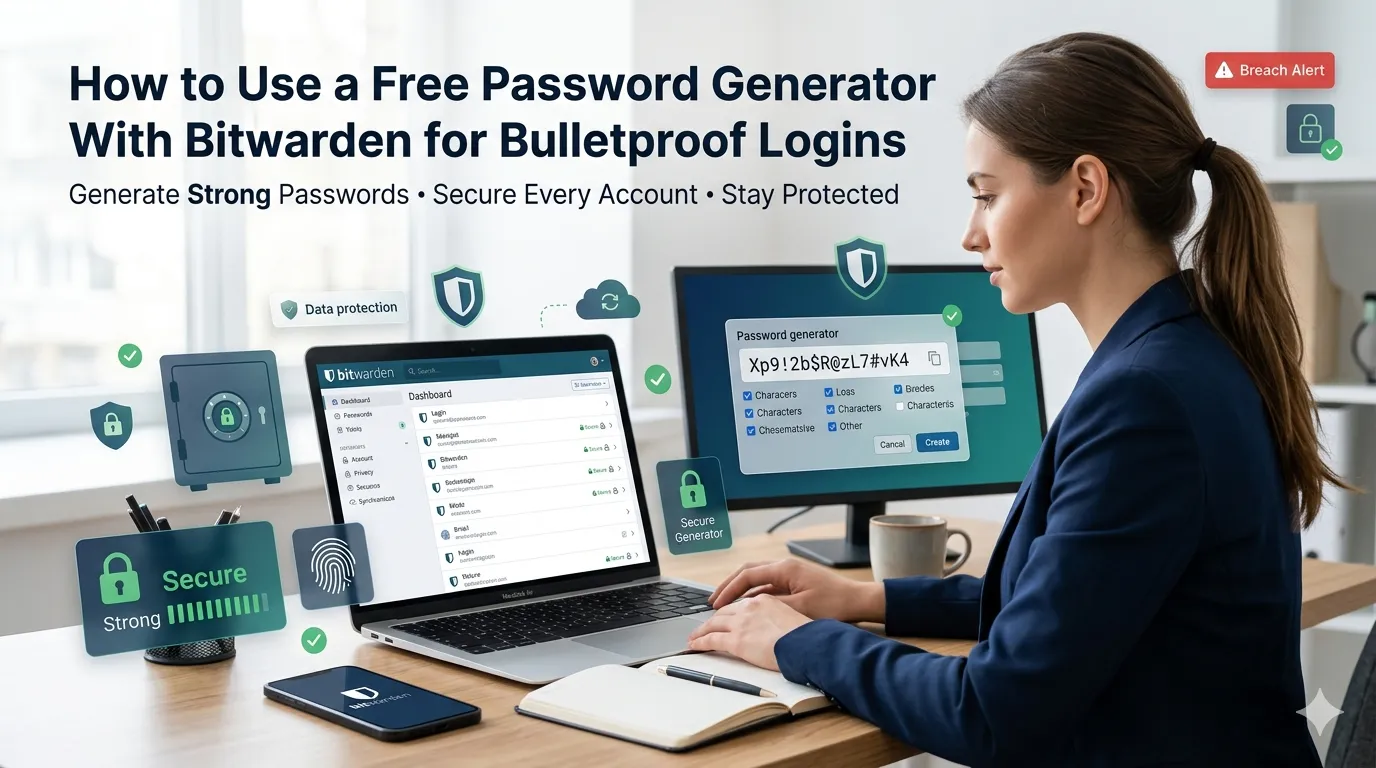
Bitwarden manages credentials yet sometimes needs a quick external boost. Learning how to use a free password generator with Bitwarden keeps every account ironclad. This guide walks beginners through every step needed to layer tools for stronger security.
Premium password suites bundle generators yet still benefit from independent options. Free browser tools deliver complementary randomness instantly. The right workflow keeps logins safe and policies consistent.
Why pair a generator with Bitwarden
Bitwarden handles vault storage beautifully. External generators add variety for unique cases like passphrases or strict pattern requirements.
Solo users protect personal logins effortlessly. Additionally, teams onboard new members across many tools. Such variety supports tooling whether you manage one account or hundreds.
Common scenarios that benefit from layered tools
Several security workflows deserve a quick layered approach. Recognize them inside weekly routines.
- Creating compliance-driven passwords with special patterns
- Generating passphrases when systems block symbols
- Rotating logins after major data breach alerts
- Onboarding clients to shared vault entries
- Producing temporary tokens for vendor portals
- Replacing leaked passwords without using Bitwarden defaults
Step-by-step process to use a free password generator with Bitwarden
Follow this sequence whenever accounts demand fresh credentials. Each step strengthens security.
Generate the password externally
Open a trusted generator inside the browser. Choose length and complexity rules carefully. Save the output temporarily inside a private clipboard.
Store inside Bitwarden vault
Paste the password into the relevant Bitwarden entry. Tag the entry with notes about the policy. Save the vault and clear the clipboard.
Test the login
Sign in to the target service immediately. Confirm the new password works as expected. Document successful rotation inside Bitwarden notes.
Best practices for sustainable password hygiene
Beyond the tools, supporting routines protect security. Apply them every quarter.
Enable two-factor authentication on Bitwarden itself. Audit shared vault entries quarterly. Document policies inside team handbooks.
| Need | Featured Tool | Smart Tip |
|---|---|---|
| Strong logins | Password Generator | Use long mixes |
| Vault storage | Bitwarden | Enable two-factor |
| File integrity | Hash Generator | Pair with downloads |
| Unique IDs | UUID Generator | Use v4 randomness |
Tools that simplify the entire workflow
Free utilities complement Bitwarden’s vault perfectly. Bookmark them inside security browsers. Pair with regular policy reviews for compounding wins.
Try our Password Generator, Hash Generator, and UUID Generator alongside Bitwarden. Pair them with the SSL Checker when verifying login pages. Security pros also love combining them with the DNS Lookup.
Common mistakes beginners should avoid
Several pitfalls trip up new security users. Watch out for these traps before saving credentials.
- Forgetting to clear clipboard history after pasting passwords
- Skipping two-factor authentication on Bitwarden
- Reusing passwords across personal and work tools
- Sharing master vault credentials inside chat apps
- Letting policies drift after team changes
Turning the workflow into security confidence
Layered tools harden every login across teams and families. Pair tools with monitoring for stronger defenses. Encourage colleagues to share favorite security finds.
Pair the workflow with our Percentage Calculator when tracking compliance metrics. Steady curation, accurate generation, and disciplined storage turn password chaos into manageable joy. Each login supports the next safer click.