
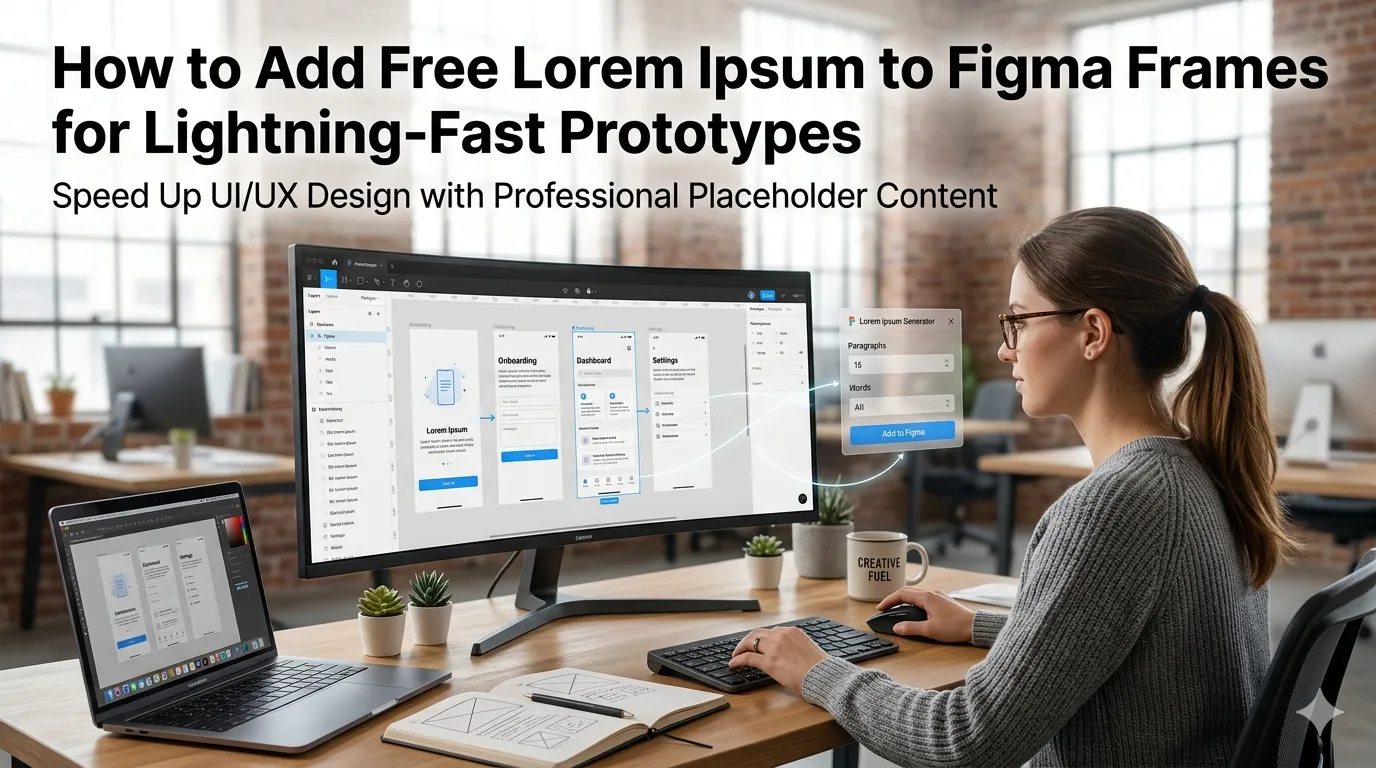
Figma designers prototype faster when placeholder text fills every component. Learning how to add free Lorem Ipsum to Figma frames turns blank screens into believable mockups. This guide walks beginners through every step needed to merge tools without paid plugins.
Paid plugins bundle filler text features yet add monthly fees. Free browser tools deliver the same value instantly. The right workflow keeps reviews focused on design instead of copy.
Why Figma designers love free Lorem Ipsum
Realistic placeholder text reveals layout problems before final copy lands. A curated workflow keeps mockups review-ready instantly.
Solo designers iterate quickly between client calls. Additionally, design teams handle multiple projects across departments. Such variety supports tooling whether you prototype daily or weekly.
Common scenarios that benefit from Lorem Ipsum
Several Figma workflows demand fast placeholder text. Recognize them inside every prototype.
- Filling hero sections before brand copy is final
- Demonstrating long article layouts to stakeholders
- Testing line-height across responsive breakpoints
- Showing chart label flexibility inside dashboards
- Filling CMS-style placeholders for client demos
- Designing onboarding flows without distracting language
Step-by-step process to add Lorem Ipsum to Figma frames
Follow this sequence whenever a Figma file needs filler. Each step keeps reviews focused.
Generate the placeholder copy
Open a trusted Lorem Ipsum tool inside your browser. Choose paragraph length and tone. Copy the output to the clipboard.
Paste into Figma frames
Open the Figma frame and select the text layer. Paste the placeholder copy with proper styles. Save the file and tag the frame as draft.
Replace with final copy later
Coordinate with content writers as final copy arrives. Replace placeholders gradually inside Figma. Document changes inside the design system.
Best practices for sustainable design reviews
Beyond the tools, supporting routines protect creative flow. Apply them every project.
Document copy ownership inside Figma frames. Encourage stakeholders to focus on layout during draft reviews. Pair placeholder text with branded fonts for realism.
| Need | Featured Tool | Smart Tip |
|---|---|---|
| Filler text | Lorem Ipsum Generator | Match expected length |
| Brand palette | Color Palette Generator | Lock in tokens |
| Snippets | Meta Tag Generator | Test SEO previews |
| Demo logins | Password Generator | Generate sample logins |
Tools that simplify the entire workflow
Free tools complement Figma beautifully. Bookmark them inside design browsers. Pair them with component libraries for compounding reviews.
Try our Lorem Ipsum Generator, Color Palette Generator, and Meta Tag Generator alongside Figma. Pair them with the Password Generator for demo accounts. Designers also love combining them with the Favicon Generator.
Common mistakes beginners should avoid
Several pitfalls trip up new Figma designers. Watch out for these traps before sharing files.
- Letting placeholder text reach final production
- Skipping documentation about who owns final copy
- Choosing placeholder length that misrepresents real content
- Mixing branded and generic fonts inside the same frame
- Forgetting accessibility checks before publishing
Turning the workflow into smoother handoffs
Realistic placeholders speed reviews and protect creative momentum. Pair tools with thoughtful copy briefs. Encourage writers to share final text early.
Pair the workflow with our Word Counter when matching final copy length. Steady curation, accurate filler, and clear ownership turn Figma reviews into manageable joy. Each frame supports the next confident approval.