
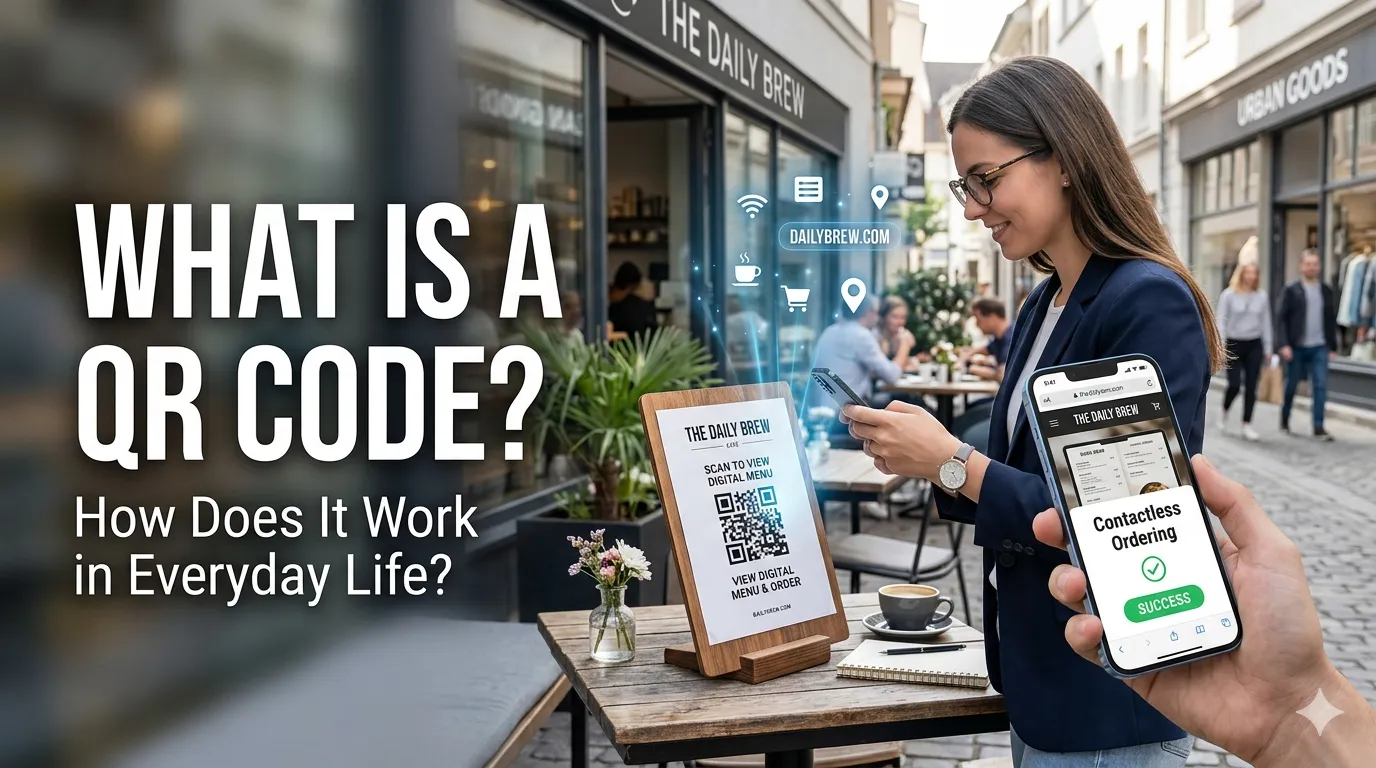
A QR code is a square pattern of black and white pixels that a camera can scan to instantly open a link, text, contact card, or Wi-Fi setting. It is a quick bridge between the physical world and your phone screen.
You see them on menus, posters, business cards, and product labels every day. This guide explains what it is, how it works, and how a free generator helps you create your own in seconds.
What is a QR code in simple words?
QR stands for Quick Response. It is a two-dimensional barcode invented in 1994, and it stores far more data than a classic stripe barcode.
Where a barcode usually holds a short product number, a QR code can hold a full URL, paragraph of text, or contact card.
Phones decode QR codes through their default camera app. Point the camera, wait a second, and tap the link that appears on screen. There is no special scanner app needed for most users today.
How does a QR code actually work?
Each QR code stores data in tiny square modules arranged on a grid. Three big squares in the corners help cameras find the code and, therefore, figure out its orientation, even if it is photographed at an angle.
The pattern also includes error correction, so a code can still be read even if a small part is dirty, scratched, or covered. As a result, this is why a logo placed in the center of a QR code usually still works.
What QR codes can store
- Website URLs and deep links
- Wi-Fi network credentials
- Contact cards in vCard format
- Plain text or short notes
- Payment details for supported wallets
Where you see QR codes every day
Restaurants use them for digital menus, retailers use them for promotions, and event organizers use them for tickets. Public services rely on them for forms, contact tracing, and venue check-ins.
Small businesses use them on flyers, packaging, and shop windows. A simple QR code printed at counter level can send hundreds of customers to a review page, signup form, or order app every month.
Static vs dynamic QR codes
A static code stores the destination directly in the pattern, so it cannot be changed later. A dynamic code stores a short tracking URL that redirects to the real destination, which you can update without reprinting anything.
Static codes are great for personal use, contact cards, or short campaigns. Dynamic codes shine in marketing, since you can fix typos in a destination URL or change a target page without throwing away printed materials.
How to create your own QR code
- Open a free QR code generator
- Choose the data type, such as URL, text, or Wi-Fi
- Paste your content and adjust size and color
- Download as PNG or SVG and test the code with several phones
- Print or share once you confirm the destination is correct
Tips for QR codes that actually get scanned
Keep enough contrast between the pattern and the background. Avoid placing codes on glossy surfaces that reflect light. Pair every QR code with a short instruction such as “scan to view menu” so users know what to expect.
Use a URL shortener with branded slugs to make the QR code smaller and easier to read. Track scans through a redirect tool or analytics so you can measure how each placement performs.