
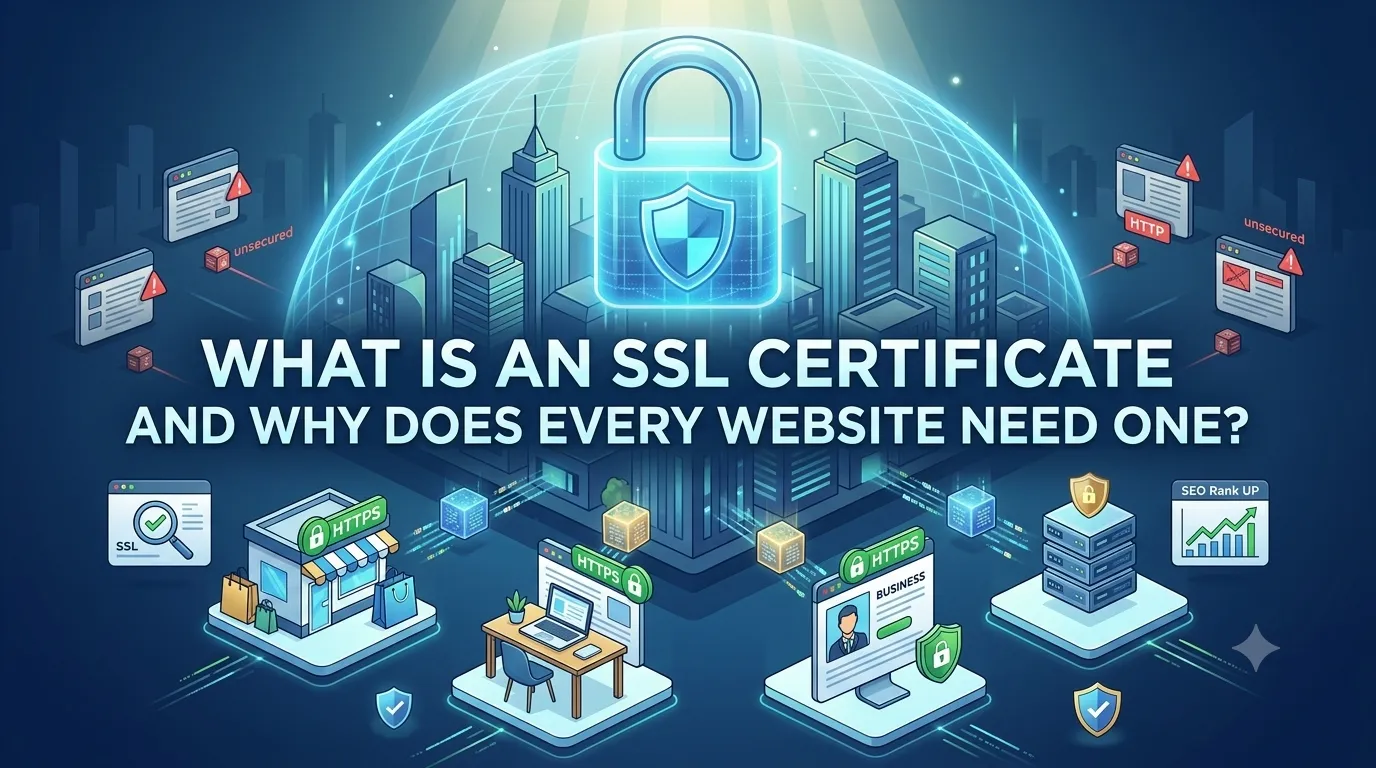
An SSL certificate is a small digital file that proves a website is who it claims to be and encrypts the data traveling between the visitor and the server. It is the reason your browser shows a padlock icon next to a URL.
Today every site needs one, from blogs to e-commerce stores. This guide explains what an SSL certificate is, how it works, and how to verify yours with a free SSL checker in seconds.
What is an SSL certificate in simple words?
An SSL certificate is a digital ID issued by a trusted authority. It contains your domain name, the issuer’s name, the validity dates, and the public key the browser uses to encrypt data.
Modern certificates actually use TLS, the successor to SSL, but the name SSL stuck. When you see https or a padlock, an active certificate is at work in the background.
How does an SSL certificate protect a website?
SSL does three jobs at once. It encrypts data so attackers cannot read it, verifies the site is who it says it is, and ensures the data is not changed in transit.
Without SSL, public Wi-Fi networks could see passwords, payment details, and private messages. With SSL, those details become unreadable noise to anyone in the middle.
The three jobs of SSL
- Encryption of data in transit
- Authentication of the website identity
- Integrity to prevent silent tampering
Types of SSL certificates
Three common types exist: Domain Validation (DV), Organization Validation (OV), and Extended Validation (EV). DV proves you control the domain, OV adds business identity checks, and EV adds the most rigorous identity vetting.
For most sites, a free DV certificate from Let’s Encrypt is enough. Larger e-commerce and financial sites often pick OV or EV to signal extra trust to security-conscious customers.
Why every website needs SSL today
- Browsers warn visitors about non-https sites
- SEO ranks https sites higher than http
- Modern features like HTTP/2 and service workers require https
- Payment systems demand encrypted connections
- Trust grows when visitors see the padlock
How to check and renew your SSL certificate
Use a free SSL checker once a month or after major changes. It shows the issuer, expiration date, chain integrity, and supported protocols. If your certificate is close to expiring, renew before it lapses.
Pair the SSL check with a quick scan of security headers and a redirect checker to confirm http requests are sent cleanly to https. Together these three checks lock down the basics.
Common SSL mistakes to avoid
- Forgetting to renew the certificate before expiry
- Leaving mixed http and https content on key pages
- Skipping the redirect from http to https
- Using a self-signed certificate on a public site
- Ignoring TLS version warnings from your SSL checker