
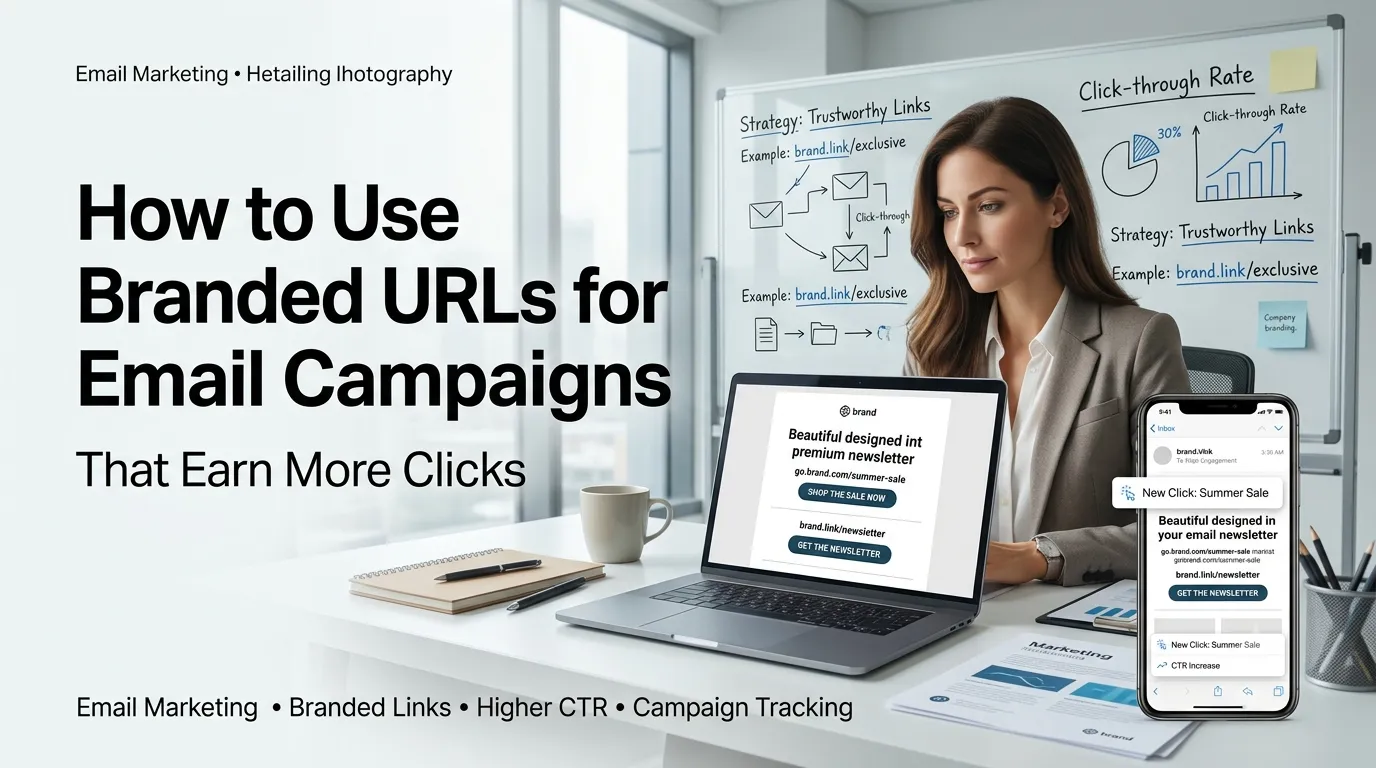
Branded URLs in email campaigns are short, custom links that carry your brand name instead of a generic shortener. They build trust, lift click-through rates, and look polished in newsletters, transactional emails, and outreach.
This guide explains how to use branded URLs for email campaigns step by step. You will set up a clean short domain, build trackable links with a URL shortener, and measure what works.
Why branded URLs win in email
Inboxes are crowded and skeptical. Long ugly links look spammy, while generic shorteners look anonymous. A branded short link signals familiarity at a glance and tells readers exactly which brand they will land on.
Studies repeatedly show branded short links earn higher click-through rates than generic ones. They also reduce link previews flagged as suspicious by spam filters, which keeps your campaigns out of the junk folder.
Step 1: Pick a short branded domain
Register a domain that is short, on-brand, and easy to type. Many brands use a country code TLD or a variant of their main domain. For example, brand.io or go.brand.com both work well.
Keep it close to your main domain so users feel safe. Avoid domains that look like spam or could be confused with competitors. Once secured, point the domain at a trusted URL shortener that supports custom domains.
Step 2: Plan a consistent slug system
- Use lowercase letters and hyphens
- Keep slugs short, ideally under 20 characters
- Use predictable patterns like /newsletter-may or /promo-bf24
- Avoid random characters that look generated
- Reserve a /unsubscribe slug for one-click opt-out flows
Step 3: Build trackable links for each campaign
Add UTM parameters before shortening so analytics can attribute traffic by source, medium, and campaign. A consistent UTM template prevents data fragmentation and makes reporting much easier.
Then shorten the full URL with your branded short domain. Test each link on desktop and mobile before sending, since broken first links can quietly kill a campaign’s open rate confidence.
UTM template that works
- utm_source — newsletter, lifecycle, promo
- utm_medium — email
- utm_campaign — name and date, like welcome-2026q2
- utm_content — variant for AB tests, like hero or button
Step 4: Design emails that earn the click
Place branded short links in clear CTA buttons and a few in-body anchors. Keep subject lines under 50 characters with a character counter so they survive mobile previews.
Use a word counter on preview text to land between 90 and 130 characters. Match the tone of the email with the destination page so readers trust the click and keep moving.
Step 5: Measure and iterate
Compare click rates across branded links and the few legacy generic ones still in your stack. Track conversions per link, time to click, and unsubscribes. Branded links usually win on every metric.
Use a percentage calculator to compute lifts. Document winning patterns in your style guide so every team member writes consistent slugs, UTMs, and CTAs on future campaigns.
Bonus tips for safer email links
- Verify deliverability with SPF, DKIM, and DMARC before each send
- Run links through a redirect checker for clean 301 paths
- Avoid changing branded slug formats mid-campaign
- Keep a master spreadsheet of every active short link