
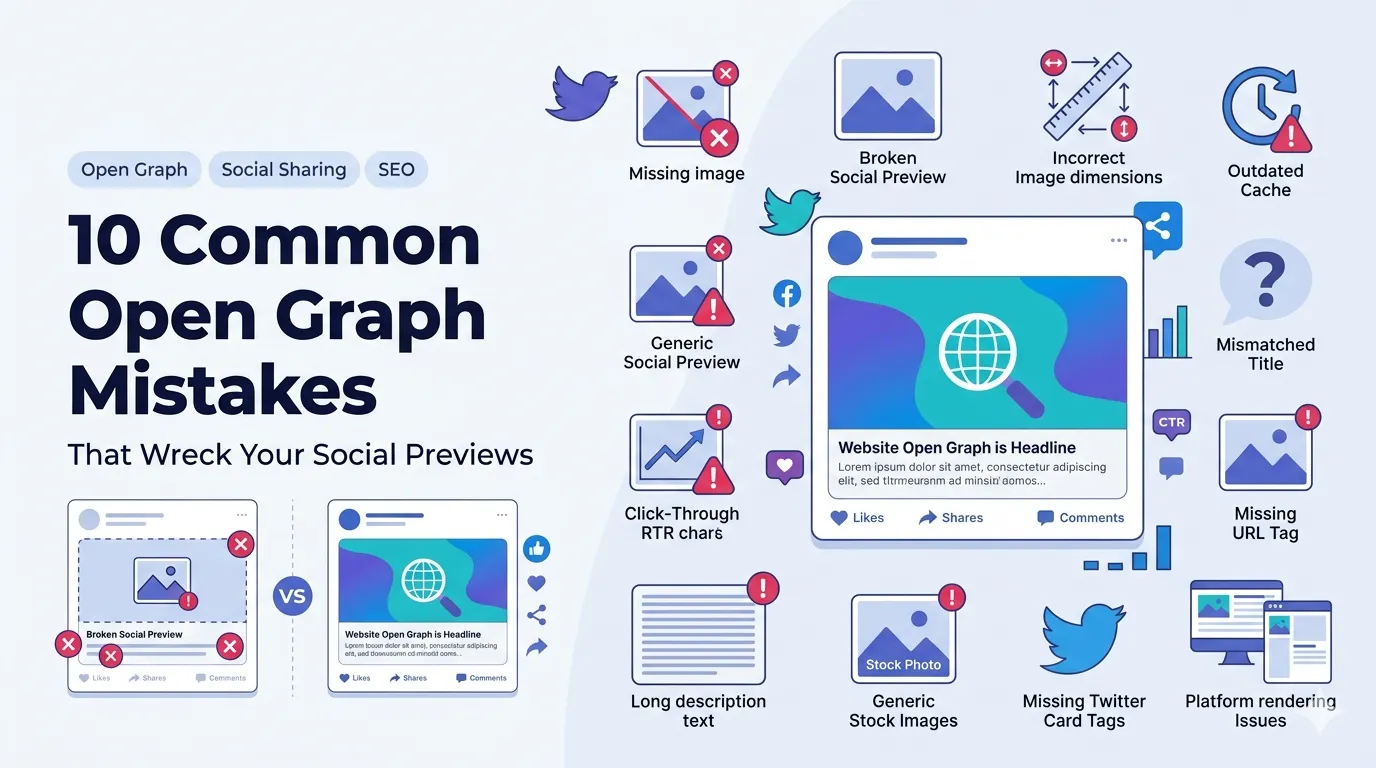
Common Open Graph mistakes turn what should be a polished social preview into a missed opportunity. The link still works, but the title is wrong, the image is missing, and click-through rates take a hit.
This guide walks through 10 common Open Graph mistakes and shows the fix for each. With a free Open Graph generator, you can build clean previews for every page in minutes.
1. Missing og:image
No image means a tiny, easily ignored preview. Always set og:image with a 1200 by 630 pixel file. Sites that share well on social rarely skip this single tag.
2. Wrong image dimensions
Images sized 800 by 800 or 1080 by 1080 crop poorly. Stick to 1200 by 630 with safe margins so logos and headlines stay visible across Facebook, LinkedIn, Slack, and other platforms.
3. Outdated cached previews
Social platforms cache previews aggressively. After updating tags, clear the cache via the Facebook Sharing Debugger or LinkedIn Post Inspector so the new title and image start showing immediately.
4. Mismatched titles
If the page H1 says one thing and og:title says another, readers feel a small jolt of confusion. Keep them aligned and write the Open Graph title to lead with the strongest hook.
5. Ignoring Twitter Cards
Twitter falls back to Open Graph but performs best with twitter:card tags too. Add twitter:card=summary_large_image and twitter:site for attribution alongside your Open Graph setup.
6. Forgetting og:url
Without an explicit og:url, social networks may pick a parameterized URL. Always set og:url to the canonical version of the page to keep tracking and SEO clean.
7. Long og:description text
Descriptions get clipped after about 200 characters. Use a character counter to keep yours tight, ideally around 140 to 160 characters with a clear benefit.
8. Skipping per-page customization
One default Open Graph image for the whole site makes every share look identical. Customize per page so each link feels intentional and matches the destination’s content.
9. Using stock photos without text
A generic stock photo offers no clue about the article. Layer a short headline and your logo on the image so the preview communicates value at a glance, even before the title is read.
10. Not testing across platforms
Each platform renders previews slightly differently. After publishing, test your link on Facebook, LinkedIn, Slack, and X. Use a percentage calculator to measure CTR lifts after fixes.
Open Graph rescue checklist
- Set og:image at 1200 by 630
- Match og:title with page H1 intent
- Add og:url with the canonical version
- Customize per page, not site-wide
- Test in Facebook Sharing Debugger after every publish