
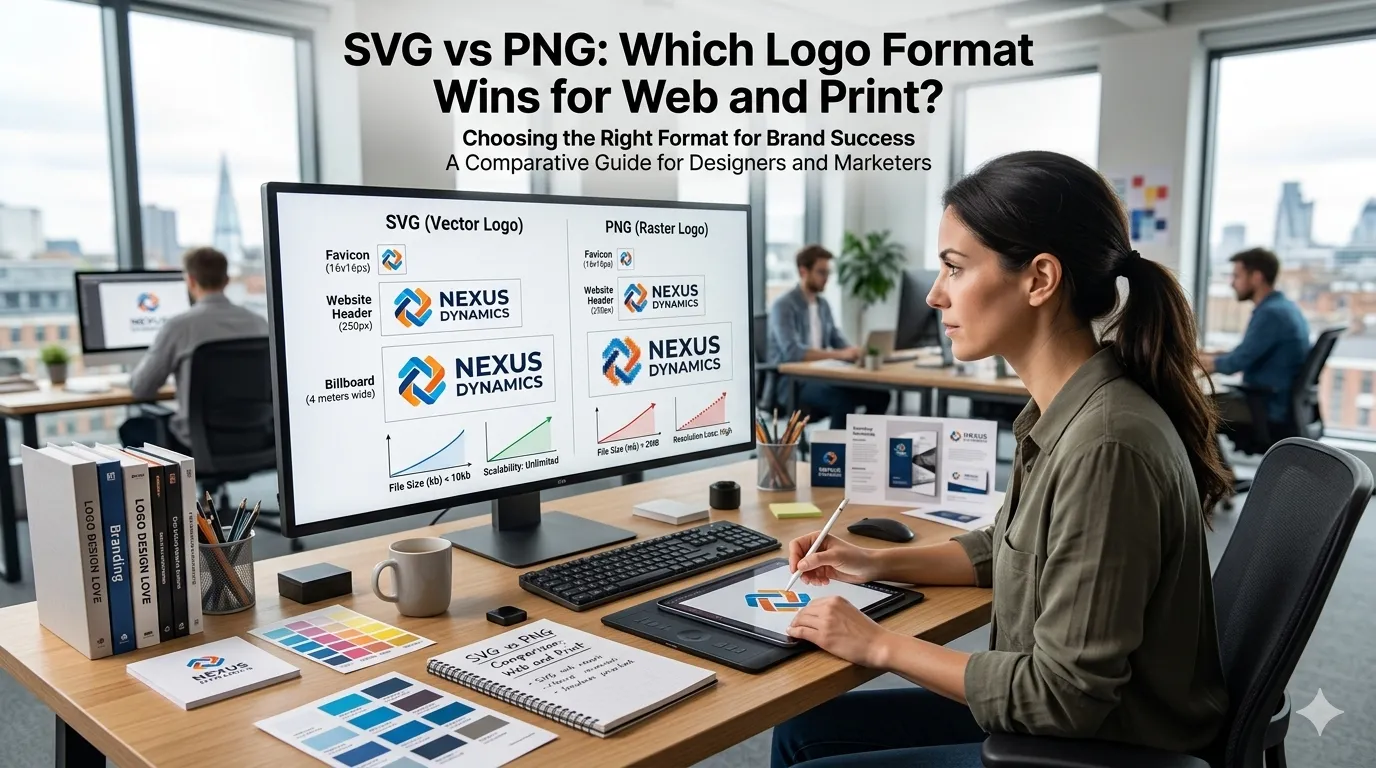
SVG vs PNG is the classic logo format debate. Both can show a clean logo on a website, but they store the image very differently, which changes how they scale, edit, and load.
This guide settles SVG vs PNG with side-by-side comparisons and clear use cases. Pair them with a free image compressor for the smallest, sharpest assets across your brand.
The core difference in one line
SVG is a vector format that scales infinitely without losing quality. PNG is a raster format made of pixels that can blur if you scale it past its native size.
That single fact decides most logo choices. If you might display the logo at many sizes, SVG wins. If you need a one-off image at a fixed size, PNG works just fine.
When SVG wins
- Logos, icons, and brand marks
- Anything that must look crisp at any size
- Logos that animate or change color via CSS
- Illustrations with flat colors and clean shapes
- Brand kits used across web, app, and print
When PNG still works well
- Screenshots with detailed pixel information
- Photo-style graphics that need transparency
- Legacy systems or tools without SVG support
- Email signatures embedded as static images
- Quick exports for slide decks or one-off social posts
Side-by-side comparison
| Feature | SVG | PNG |
|---|---|---|
| Type | Vector | Raster |
| Scalability | Infinite | Limited |
| Transparency | Yes | Yes |
| File size at large sizes | Small | Large |
| Editable in CSS | Yes | No |
Why SVG is the modern default for logos
Logos appear at many sizes on modern sites: header, favicon, footer, mobile, retina displays, social previews. SVG stays sharp at every size with the same file.
SVGs are also editable in code. You can change colors via CSS, animate them with simple keyframes, and apply hover effects without touching the original file.
When PNG is still the right call
If the logo includes photo elements or complex gradients, SVG may produce a huge file. PNG with smart compression can be smaller and easier to manage.
Some platforms still reject SVG uploads for security reasons. Slack avatars, email signatures, and some CMS profile pictures often require PNG.
Combine them in a smart workflow
- Save the master logo as SVG
- Export PNG variants at common sizes for fallback
- Use SVG everywhere it is supported
- Compress PNG exports with an image compressor
- Use a PNG to JPG converter for photo-heavy logos when SVG is too large
Tips for cleaner SVGs
Run SVGs through an optimizer to strip metadata and round paths. Many SVG files exported from design tools include hidden code that bloats the file.
Test SVG color and animation logic across browsers. The format is widely supported, but custom filters and effects can render differently in older versions.
So, which one should you pick?
SVG for logos, icons, and brand marks. PNG for screenshots, fallback uses, and platforms that reject SVG. Most teams keep both in their brand kit and use whichever fits the situation.