
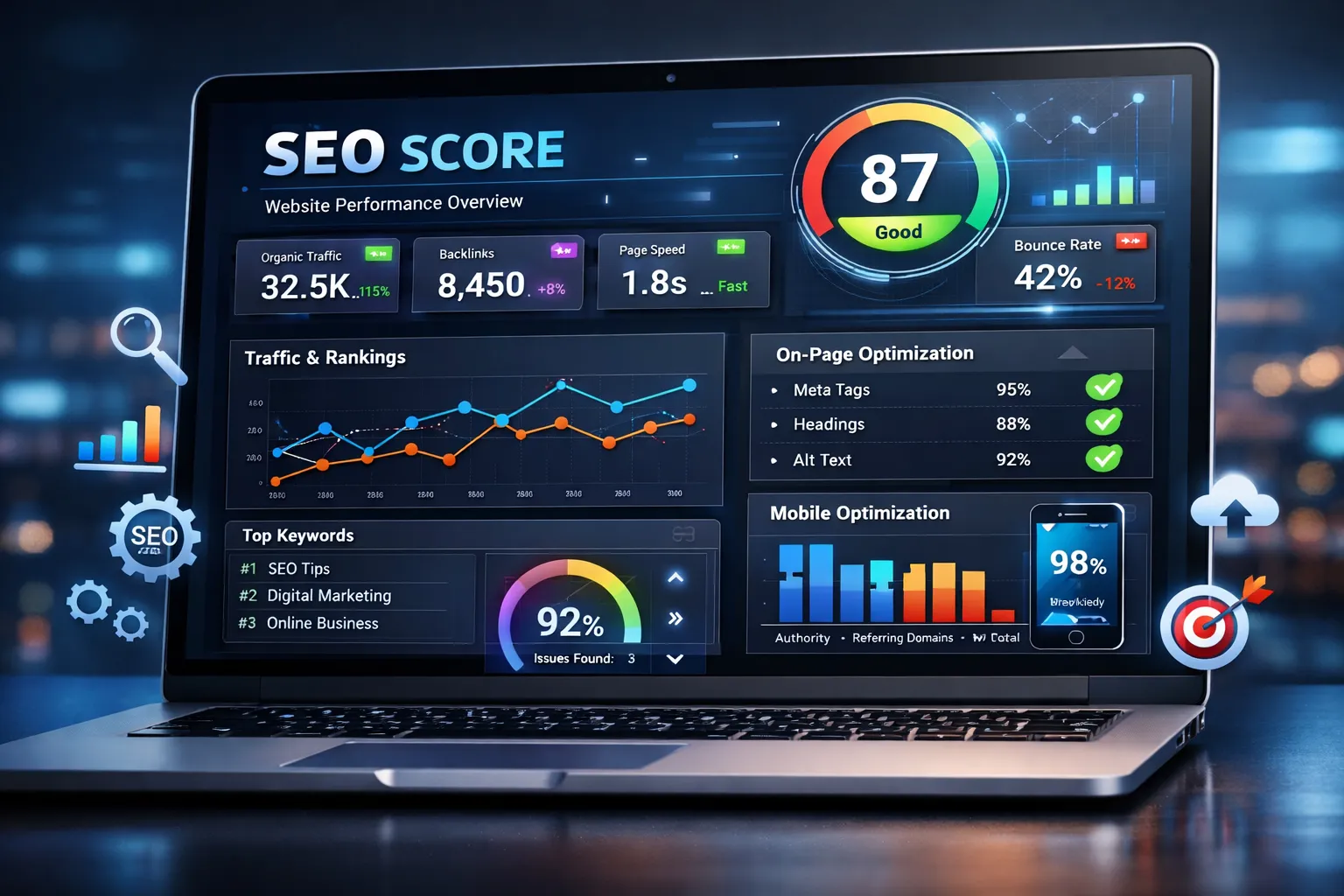
Why SEO Scores Matter in 2026
In today’s competitive online world, ranking high on Google isn’t optional — it’s essential. Whether you’re a blogger, business owner, or digital marketer, understanding how well your site performs on search engines is the first step toward generating traffic, leads, and sales. That’s where a Website SEO Score Checker comes in.
A Website SEO Score Checker evaluates your site’s overall search engine optimization health by looking at key factors like meta tags, page speed, heading structure, mobile responsiveness, backlinks, and content quality. These tools provide a numerical SEO score and highlight areas that need improvement to help your site rank better.
In 2026, SEO tools are more important than ever because search engines like Google continuously update their algorithms. These updates mean that your website must meet not just basic requirements but also technical performance, user experience standards, and content relevance to rank well. Frequent SEO audits keep your site aligned with the latest search trends and standards.
This blog will walk you through the best Website SEO Score Checker tools in 2026, what makes a great SEO audit tool, how to use these tools effectively, and key tips to boost your SEO performance based on real user needs and Google guidelines.
What Is a Website SEO Score Checker?
A Website SEO Score Checker is an online tool that analyzes your website for search engine optimization (SEO) performance. It scans multiple ranking factors and consolidates them into an overall SEO score, usually ranging from 0 to 100. Higher scores indicate better optimization and a stronger chance of ranking higher in search engine results pages (SERPs).
What These Tools Analyze
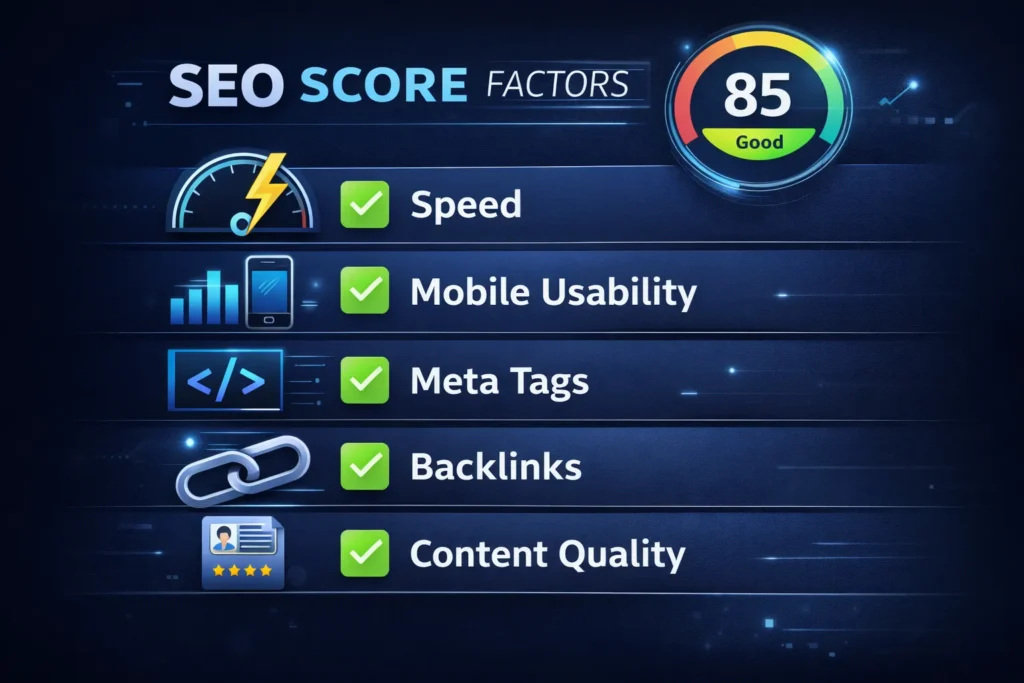
A complete SEO score checker examines:
- On‑Page SEO
Checks meta titles, meta descriptions, headings, URL structure, and keyword usage to ensure each page communicates clearly with search engines. - Technical SEO
Confirms that your website is crawlable and indexable, tests for broken links, XML sitemaps, robots directives, HTTP status codes, and site structure issues. - Page Performance & Speed
Measures loading speed, Core Web Vitals, and mobile responsiveness — all crucial for ranking and user experience. Tools like Google’s PageSpeed Insights combine performance with SEO‑related factors. - Content Quality & Structure
Evaluates content relevance, readability, keyword distribution, internal links, and user engagement potential. - Backlinks & Authority Signals
Analyzes inbound links and domain authority to determine trust and credibility. - Mobile‑Friendly & User Experience
Ensures your site is optimized for mobile devices — a key Google factor in rankings.
What You Get from a Score Checker
After entering your domain URL, these tools generally provide:
- A detailed SEO score report
- A checklist of issues to fix
- Actionable recommendations
- Comparisons with competitors
- Performance insights on specific pages
This report becomes your roadmap to improving SEO — especially important if you want to stay competitive in 2026.
Top Website SEO Score Checker Tools in 2026
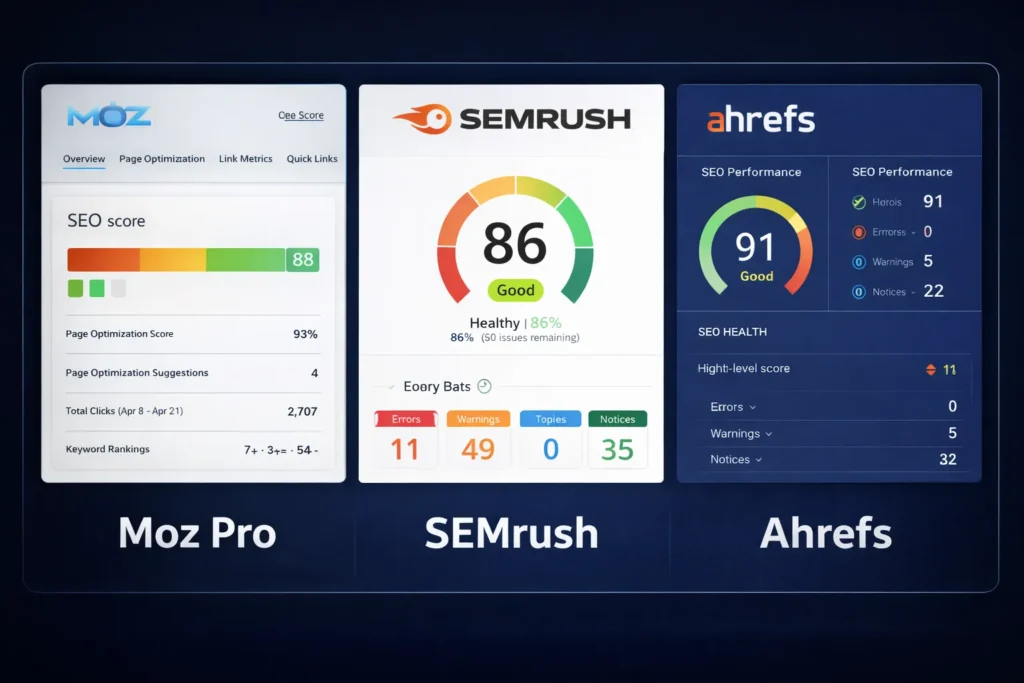
Here’s a curated list of the best SEO score checker tools available now. These include free and premium options with powerful insights you can begin using today.
1. SEMrush SEO Audit Tool
- Overview: One of the most comprehensive audit systems, SEMrush offers detailed SEO scoring, keyword insights, backlink analysis, and competitor insights.
- Best for: Professionals and agencies needing deep analysis.
- Key Features: Prioritized error list, performance recommendations, ongoing tracking.
Pros: Very detailed reports; excellent competitor benchmarking
Cons: Premium pricing for full access
MaxWebKit Website SEO Score Checker
- Overview: A straightforward online tool that checks over 30 key ranking factors, including meta info, speed, mobile responsiveness, and crawl status.
- Best for: Beginners and small business owners who need a quick review.
- Key Features: No sign‑up, instant results, practical recommendations.
Pros: Free; easy to use
Cons: Not as deep as premium tools
3. SEOptimer
- Overview: Easy‑to‑read SEO score reports that break down optimization suggestions by category. Great for visual learners and marketing presentations.
- Best for: Small businesses and freelancers.
Pros: Clear visuals; printable reports
Cons: Some advanced features are behind paid plans
- Overview: Offers a beautiful dashboard with page performance, mobile checks, and link analysis.
- Best for: Mid‑level users who want quick insights and progress tracking.
- Key Features: Visual score summary, task tracking.
4. SiteChecker SEO Audit
Pros: Clean UI; easy follow‑up fixes
Cons: Advanced features are limited in the free version
5. SE Ranking SEO Checker
- Overview: A comprehensive checker identifying snippet optimization issues, content quality, indexing problems, and backlink profiles.
- Best for: SEO consultants and serious marketers.
- Key Features: Mobile & desktop snippet previews, backlink audit, and detailed scoring.
Pros: Excellent breakdown of issues
Cons: Some complexity for beginners
How to Use an SEO Score Checker: Step by Step
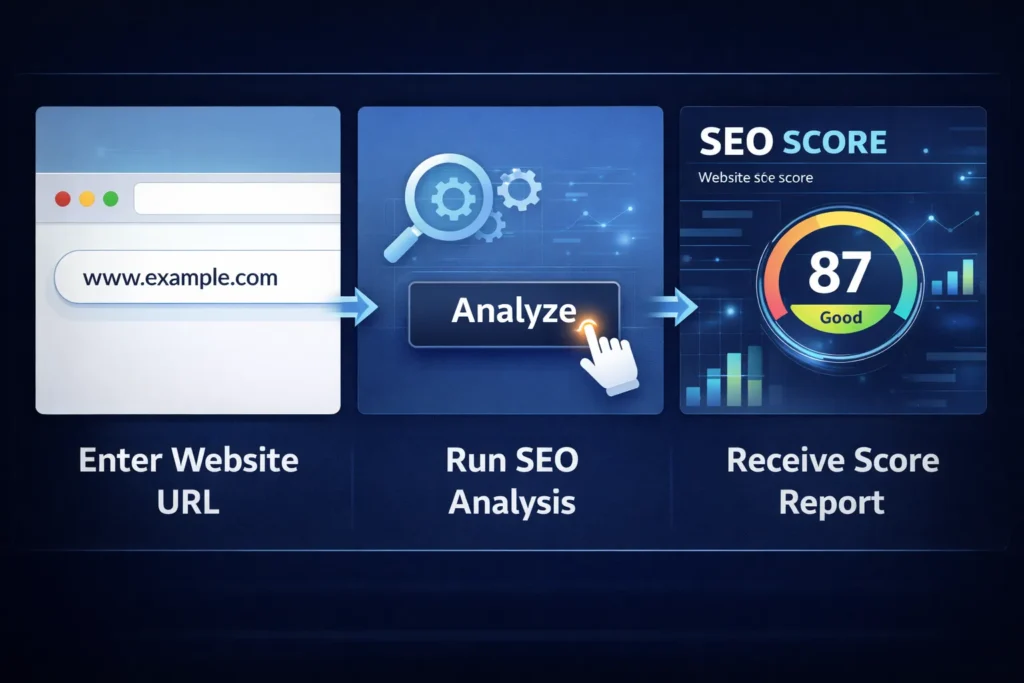
Knowing the tools is half the battle — here’s how to use them effectively:
Step 1: Enter Your URL
Simply paste your site’s domain into the SEO checker tool. Most tools analyze a single page at a time, so start with your homepage.
Step 2: Review Your SEO Score
The tool gives you a score, commonly out of 100. High scores suggest a well‑optimized site, while low scores reveal problems to fix.
Step 3: Analyze the Report Sections
Focus on key areas:
- Meta Tags & Headings
- Content Quality
- Performance Metrics
- Technical Errors
- Mobile Optimization
- Backlinks
Each section shows whether you pass or fail the standard and what needs improvement.
Step 4: Prioritize Fixes
Go after high‑impact issues first:
- Fix critical errors (broken links, crawl errors)
- Improve page speed
- Optimize titles & meta descriptions
- Add relevant keywords
Step 5: Run Frequent Audits
Do quarterly or monthly checks, especially after major content updates.
Tips to Improve Your Website SEO Score
Getting a high SEO score is only useful if you act on insights:
Optimize Meta Titles and Descriptions
Make them unique, under optimal Google length, and keyword‑rich.
Improve Page Load Speeds
Compress images, use caching, and minimize script files — this improves user experience and rankings.
Ensure Mobile Responsiveness
Google prioritizes mobile‑first indexing — your site must work seamlessly on all devices.
Fix Technical Errors
Redirect broken URLs, update XML sitemaps, and remove crawl blocks.
Create High‑Quality, Relevant Content
Better content attracts more backlinks and increases rankings.
Monitor Backlinks
Quality backlinks improve authority and SEO performance.
Final Thoughts
Whether you’re just starting or scaling your website, the Best Website SEO Score Checker 2026 tools will empower you to understand your search performance and make data‑driven improvements. Remember, SEO isn’t a one‑time task — it’s ongoing. By combining regular audits, actionable fixes, and traffic tracking, you’ll stay ahead in search rankings and attract more organic visitors year‑after‑year.
Faqs
Monthly or quarterly, and especially after redesigns or content updates.
No — Google cautions against treating tool scores as final truth; use them as guides.
Yes, especially for small sites; but advanced audits often require premium tools.
Yes, most SEO score checkers analyze mobile responsiveness, page layout, and touch-friendly design to ensure your site works well on smartphones and tablets.
Many tools update scores dynamically as you make changes, but some may require a manual re-scan to reflect improvements in SEO performance.
Free tools provide a basic overview of your SEO health, but paid tools usually offer more in-depth analysis, advanced recommendations, and competitor comparisons.
Improving your SEO score helps boost site optimization, but rankings also depend on content quality, backlinks, competition, and Google’s algorithm updates.