
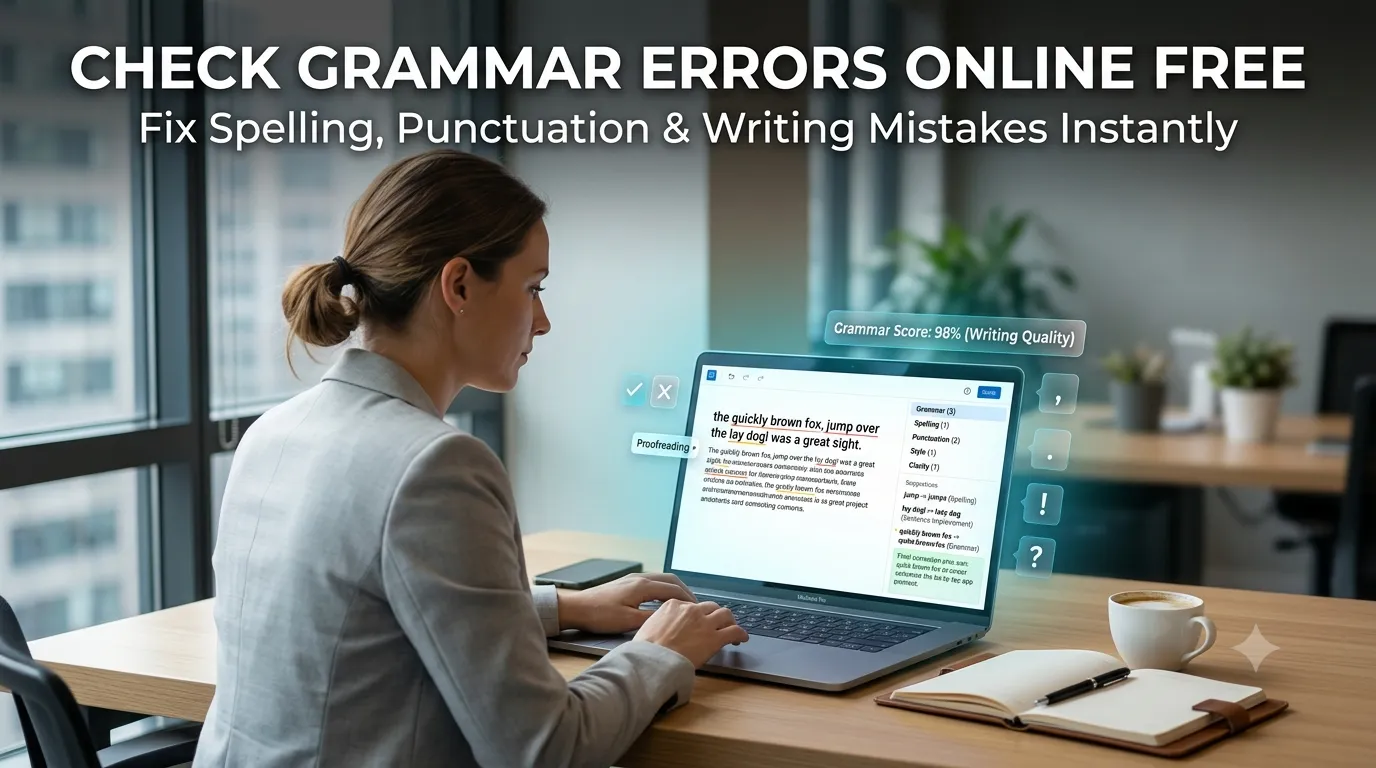
Want to check grammar errors online before sending important emails or publishing posts? You’re tapping into one of the most essential proofreading tools available. AI grammar checkers catch typos, awkward phrasing, and structural mistakes in seconds. Better writing follows naturally.
This guide walks through the easiest method, explains what grammar tools catch, and shares pro tips for cleaner writing. By the end, you’ll handle proofreading like a professional editor.
Why Grammar Mistakes Damage Credibility
Typos undermine professional emails. Wrong verb tenses confuse readers. Misused punctuation changes meaning. Even small mistakes affect how readers perceive writers. Grammar checkers catch errors that human eyes miss, especially when proofreading your own work.
Furthermore, consistent error-free writing builds trust. Customers buy from businesses with polished communication. Recruiters hire candidates with clean resumes. Bloggers gain readers with sharp posts. Grammar matters across every writing context.
Common Grammar Check Uses
- Polishing job application emails
- Final-checking blog posts before publishing
- Proofreading client deliverables
- Reviewing student essays before submission
- Cleaning up social media captions
- Editing newsletter content for subscribers
Step-by-Step: Check Grammar Online
Step 1: Open the Grammar Tool
Visit our Grammar Checker. The tool loads instantly.
Step 2: Paste Your Text
Drop content into the input. The checker highlights errors immediately. Each issue shows suggested corrections and brief explanations of why something needs fixing.
Step 3: Apply or Skip Suggestions
Review each flag. Apply suggestions that match your intent. Skip false positives where your phrasing is correct. Copy the polished text back into your final document.
What Grammar Checkers Catch
| Error Type | Example |
|---|---|
| Spelling | recieve → receive |
| Subject-verb agreement | The team are → The team is |
| Punctuation | Hello world → Hello, world |
| Run-on sentences | Long sentences split into two |
| Passive voice | Suggestions to use active voice |
| Wordiness | Trimming unnecessary phrases |
Tips for Cleaner Writing
Grammar tools work best when paired with good habits. First, draft freely without watching for errors. Polish during dedicated proofreading passes. Constant checking breaks creative flow.
Second, read suggestions critically. Tools sometimes flag intentional stylistic choices. Trust your voice when AI conflicts with creative intent. Third, learn from corrections. Patterns emerge that improve future writing.
Common Grammar Tool Limitations
- Context missing: Tools may flag correct creative choices
- Tone deafness: Casual writing gets formal corrections
- False positives: Some flagged issues aren’t actually errors
- Missed nuance: Subtle errors escape automatic detection
- Style guide differences: Tools may not match your specific style guide
Privacy When Checking Sensitive Drafts
Pick grammar tools processing text in your browser. Confidential drafts stay on your device. Read each tool’s privacy policy first. Reputable services don’t log or store content during checks.
Combining Grammar With Other Tools
Grammar checking fits broader editing workflows. Paraphrase rewrites via our Paraphrasing Tool after corrections. Count words via our Word Counter to track length goals.
Convert case for headings via our Text Case Converter. Each tool fits writers at different polish stages.
Catch Every Error Before Hitting Send
Grammar mistakes embarrass professionals daily. With the right checker, polishing writing takes seconds. Whether for emails, blog posts, or important documents, smart grammar checking keeps your communication sharp.
Try our Grammar Checker today. Free, secure, and ready whenever your writing needs that final polish.