
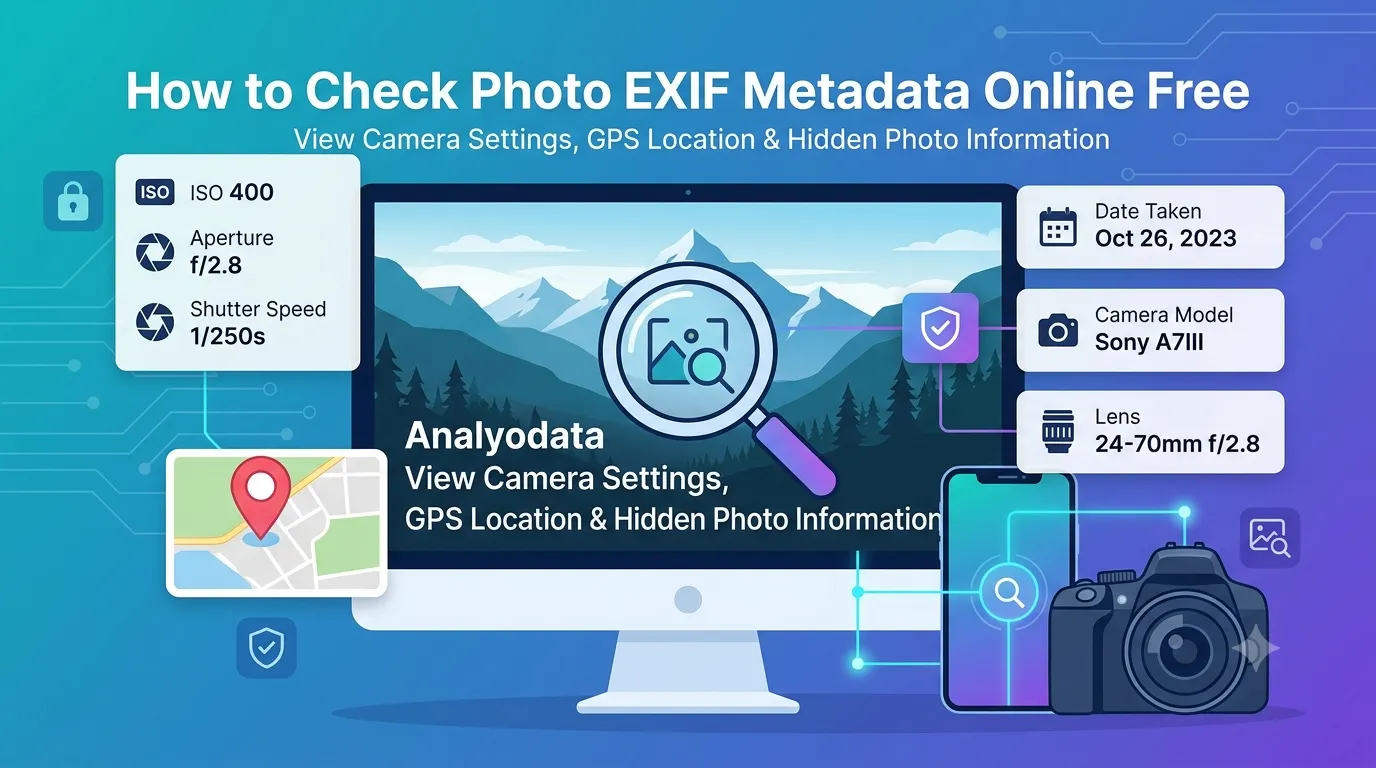
Curious about hidden details inside your photos? Learning how to check photo EXIF metadata online reveals everything from camera settings to GPS coordinates. EXIF data shows when, where, and how a photo was captured. The information helps photographers, journalists, and anyone investigating image authenticity.
This guide walks through the easiest method, explains what each EXIF field means, and shares pro tips for privacy. By the end, you’ll understand your photos at a technical level most users never see.
Why EXIF Data Matters More Than You Think
Every digital photo carries hidden information. Cameras embed shutter speed, aperture, ISO, and lens details. Phones add GPS coordinates of where photos were taken. Software notes editing history. All this metadata travels with every image you share.
Furthermore, EXIF helps photographers learn from their work. Studying camera settings of successful shots improves future photography. Travel bloggers tag posts with photo locations. Journalists verify image authenticity through metadata analysis.
Common EXIF Use Cases
- Photographers studying their own camera settings
- Verifying photo authenticity for journalism
- Mapping travel photos by GPS coordinates
- Identifying camera models from unknown sources
- Checking edit history before publishing
- Confirming photo timestamps for legal records
Step-by-Step: Check EXIF Online
Browser-based EXIF viewers show metadata in seconds. No software downloads needed.
Step 1: Upload Your Photo
Visit our EXIF Viewer. Drag your photo into the upload zone. JPG, TIFF, and most camera RAW formats include rich EXIF data.
Step 2: Read the Metadata
View embedded camera settings, GPS coordinates, dates, and editing software history. Most viewers organize fields into categories like Camera, Location, and Software for easy reading.
Step 3: Export or Strip If Needed
Save EXIF data as text file for your records. Or strip all metadata for privacy before sharing. Many tools offer both options after viewing the embedded information.
Key EXIF Fields and What They Mean
| EXIF Field | What It Reveals |
|---|---|
| Camera Make/Model | Device that captured the photo |
| Date Taken | Exact timestamp of capture |
| GPS Coordinates | Location where photo was shot |
| Shutter Speed/Aperture | Camera exposure settings |
| ISO | Sensor light sensitivity |
| Software | Editing apps used after capture |
Tips for Photographer Learning Through EXIF
Smart photographers learn from EXIF data. First, study settings of your favorite shots. What aperture worked for that landscape? What ISO handled that low-light scene? Patterns emerge that improve future photography.
Second, analyze inspiration photos online. EXIF reveals how professionals achieved specific looks. Third, log unique successful combinations. Custom presets emerge from understanding what works for your style and gear.
Privacy Concerns With EXIF Data
- GPS leaks home addresses: Photos of houses include precise locations
- Camera models reveal ownership: Tracking valuable equipment becomes possible
- Timestamps build patterns: Stalkers can predict daily routines
- Editing software fingerprints: Identifies specific user workflows
- Schools at risk: Photos of children with GPS expose locations
When to Strip EXIF Before Sharing
For privacy-conscious sharing, remove EXIF data first. Social media platforms strip some metadata automatically, but not all. Direct file shares preserve everything embedded in originals.
Use a JPG re-saving tool to strip most EXIF data. Or convert through our Image to JPG converter with metadata removal enabled. Match privacy approach to the sharing context.
Privacy When Using EXIF Viewers
EXIF viewers handle photos with potentially sensitive embedded data. Pick tools processing files in your browser. Photos and their metadata stay on your device throughout.
Read each tool’s privacy policy first. Reputable services delete uploads within an hour. Avoid platforms requiring account creation for one-off EXIF checks.
Combining EXIF With Other Photo Tools
EXIF analysis fits broader photo workflows. Strip metadata before sharing via our Image to JPG converter. Compress photos for web use via our Image Compressor after EXIF review.
For preserving full data during edits, work in TIFF format using our Image to TIFF converter. Each tool handles a specific photo metadata need.
When EXIF Doesn’t Help
Heavily edited photos often lose accurate EXIF data. Screenshots typically lack camera information entirely. Social media re-uploads strip most metadata before display. Manage expectations based on source.
For maximum EXIF preservation, work with original RAW or untouched JPG files straight from cameras. Edited or re-saved copies progressively lose embedded metadata over their processing journey.
Understand Your Photos Like a Pro
EXIF data reveals everything cameras quietly track. With the right viewer, checking metadata takes seconds and unlocks valuable insights for photographers, journalists, or privacy-conscious users.
Try our EXIF Viewer today. Free, secure, and ready whenever you need to see the hidden technical details inside any photo.