
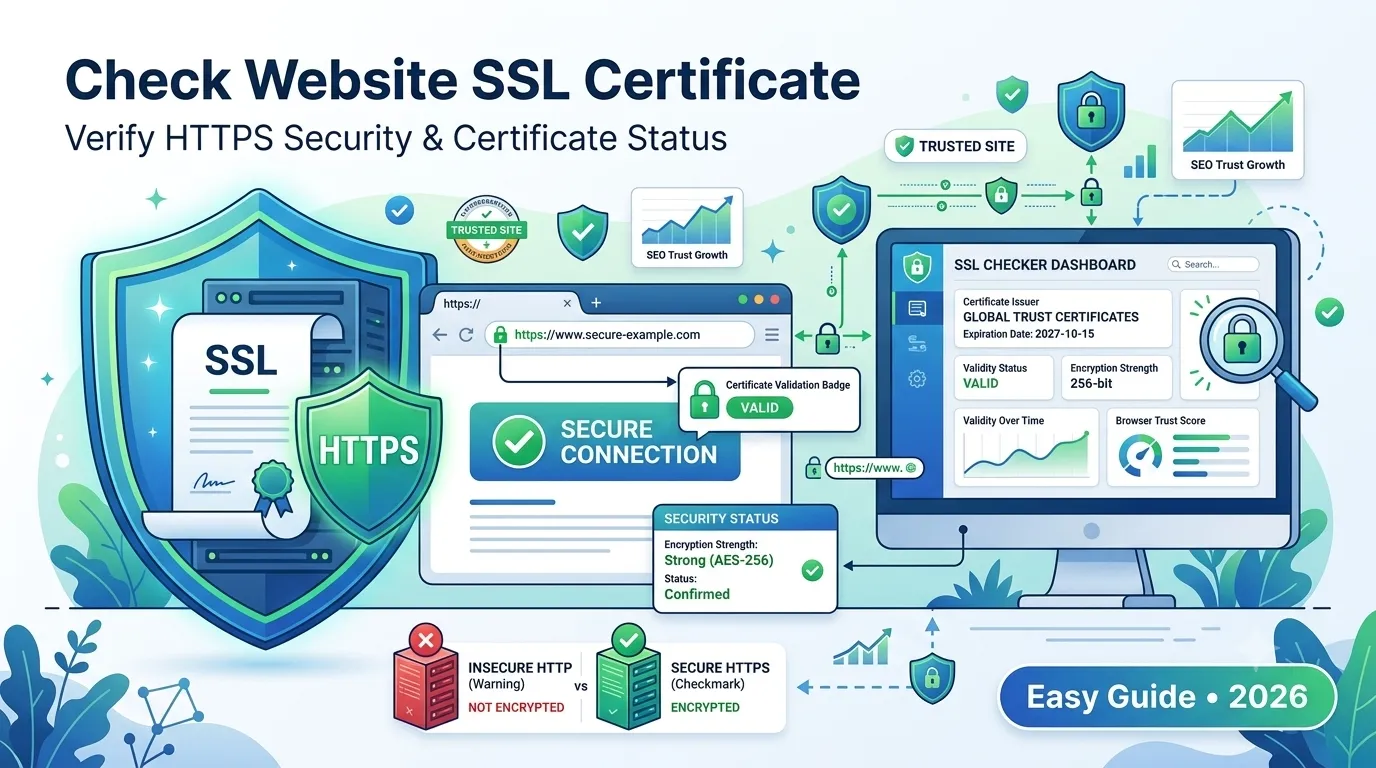
Today, every modern website needs a valid SSL certificate. Without it, browsers display scary warnings, users lose trust, and Google ranks your pages lower. So learning how to check website SSL certificate status is a skill every site owner needs in 2026.
The good news? You do not need to be a developer to do it. With the right free tool, anyone can verify SSL validity, expiry, and configuration in seconds.
This complete guide explains what an SSL certificate is, why it matters, and how to check any website’s SSL in under a minute.
What Is an SSL Certificate?
An SSL certificate (Secure Sockets Layer) is a small digital file that encrypts the data exchanged between a user’s browser and your website. It is what turns http:// into the safer https:// version.
SSL protects:
- Login details and passwords
- Payment and card information
- Contact forms and email submissions
- Cookies and sensitive session data
Without SSL, hackers can read this data in plain text. Therefore, SSL is a must, not a nice-to-have.
Why You Should Check Website SSL Certificate Status
An SSL certificate does not last forever. It can expire, misconfigure, or even fail silently in the background. Regular checks help you avoid serious issues like:
- Browser warnings that scare away visitors
- Drops in SEO rankings
- Failed checkouts on e-commerce sites
- Loss of user trust and credibility
- Data leaks during form submissions
So, even a small SSL issue can quietly hurt your business if you do not check it.
How to Check Website SSL Certificate in 4 Easy Steps
You can check any site’s SSL certificate without coding or installing tools.
Step 1 — Open a Free SSL Checker
Visit our free SSL Checker. It runs in any browser and works on every website.
Step 2 — Enter the Website URL
Type or paste the domain you want to check. Make sure to include https:// at the start.
Step 3 — Run the Check
Click “Check SSL”. The tool instantly fetches certificate data and shows clear results.
Step 4 — Review the Results
You will see useful details like:
- Issuer (Let’s Encrypt, DigiCert, GoDaddy)
- Expiry date
- Validity status
- Domain coverage
- Encryption strength
Now you know exactly where your SSL stands.
How to Manually Check SSL Inside Any Browser
Want a quick browser-based check? Try these steps:
Chrome / Edge
- Click the lock icon in the address bar
- Select “Connection is secure”
- Click “Certificate is valid” to view details
Firefox
- Click the lock icon
- Choose “Connection secure → More information”
- Open the “View Certificate” link
Safari
- Click the lock icon in the URL bar
- Open “Show Certificate” for full details
However, browsers only show basic info. For deeper insights, use our SSL Checker instead.
Signs of an Invalid or Expired SSL Certificate
If something is wrong with your SSL, browsers usually warn users immediately. Watch out for these red flags:
- “Your connection is not private” warning
- Crossed-out https:// in the address bar
- SSL handshake or protocol errors
- Mixed-content warnings inside the console
- Failed redirects from HTTP to HTTPS
Any of these signs means it is time to act fast.
Common Causes of SSL Errors
SSL issues are usually easy to fix once you know the cause. The most common problems include:
- Certificate expired (most common cause)
- Wrong domain name (no www. or wildcard support)
- Self-signed certificate without trusted CA
- Server time configuration issues
- Missing intermediate certificate chain
Therefore, regular monitoring saves you from sudden downtime and SEO loss.
Why SSL Affects SEO and Rankings
Google has officially confirmed HTTPS as a ranking signal. Sites with valid SSL gain SEO advantages, including:
- Higher organic rankings
- Better Core Web Vitals scores
- Higher click-through rates
- Improved user dwell time
- Reduced bounce rate from trust signals
So SSL is not just a security feature — it directly impacts your search visibility.
SSL Certificate Types Explained
| Type | Best For | Trust Level |
|---|---|---|
| Domain Validation (DV) | Blogs, small sites | Basic |
| Organization Validation (OV) | Business websites | Medium |
| Extended Validation (EV) | Banks, e-commerce | Strongest |
| Wildcard SSL | Subdomains | Flexible |
| Multi-Domain (SAN) | Multiple sites | Convenient |
Choose the right type based on your business size, scope, and trust needs.
How to Renew or Fix an SSL Certificate
Fixing an SSL issue is straightforward. Follow these steps:
- Identify the issue using our SSL Checker
- Log in to your hosting or SSL provider dashboard
- Renew the certificate before expiry
- Reinstall the certificate on your server
- Force HTTPS using our Htaccess Redirect Generator
Repeat this process every 60–90 days, or set up auto-renewal for peace of mind.
Best Practices to Maintain a Strong SSL
- Use modern protocols (TLS 1.2 or TLS 1.3)
- Enable HSTS to enforce HTTPS
- Avoid mixed content (HTTP images on HTTPS pages)
- Monitor with monthly automated checks
- Add SSL to subdomains where needed
These small habits prevent serious issues before they cost you traffic.
Final Thoughts
Knowing how to check website SSL certificate health is one of the simplest yet most powerful security checks you can do. It protects your visitors, your SEO, and your brand reputation.
So, do not wait for browser warnings. Run a quick scan today with our free SSL Checker, fix any issues, and keep your site secure 24/7.
FAQs
Use a free SSL checker tool. Paste the URL and instantly see the issuer, expiry, and status of the certificate.
Check at least once a month, especially before renewals or after server changes.
Browsers display a warning, and your site may lose traffic, sales, and SEO rankings until you renew.
Yes. Google uses HTTPS as a confirmed ranking signal, so a valid SSL certificate helps improve visibility.
Yes. Let’s Encrypt offers free SSL certificates valid for 90 days, with easy auto-renewal.
DV is basic, OV verifies your organization, and EV provides the highest trust for banks and large e-commerce sites.
You may have mixed content, an expired certificate, or a missing intermediate chain. A quick SSL check will reveal the cause.