
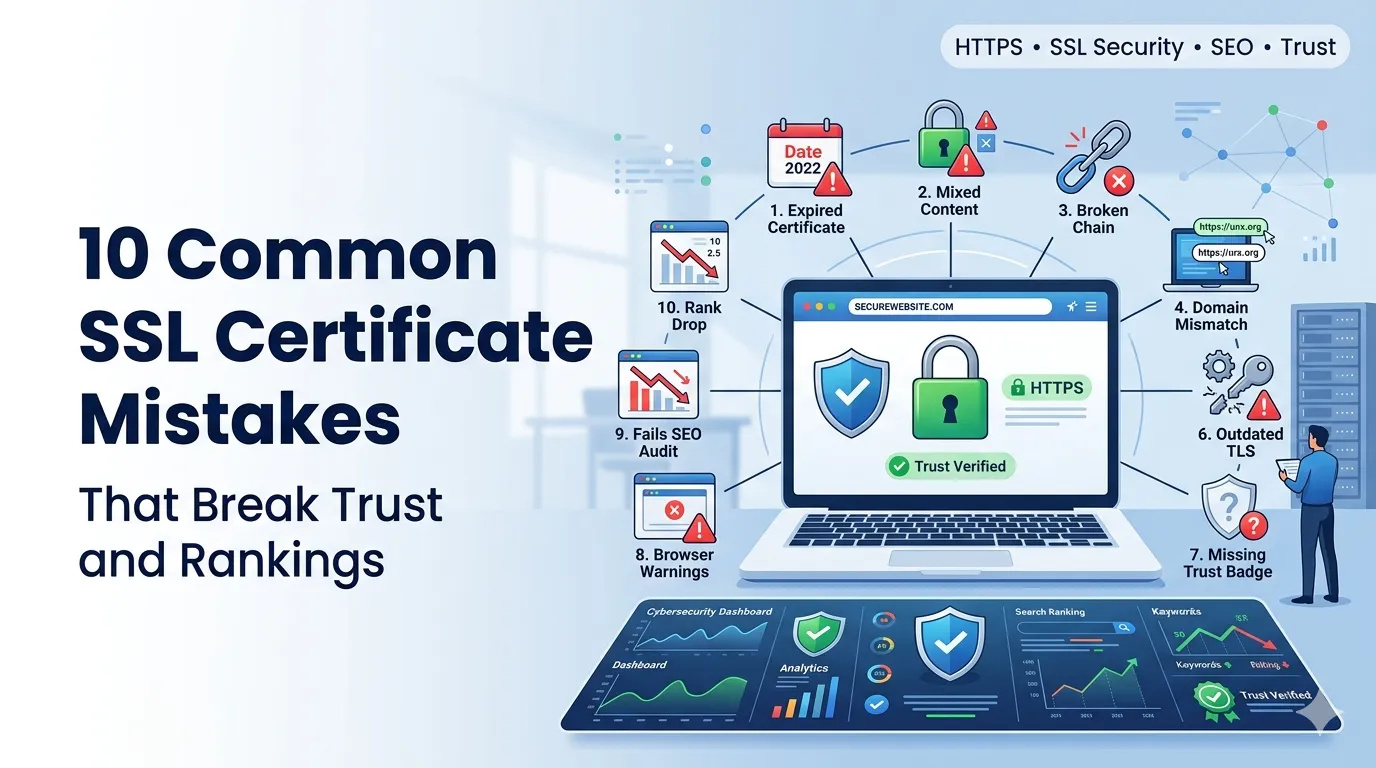
Common SSL certificate mistakes can wreck trust in a single afternoon. Visitors hit a scary warning page, bounce immediately, and rankings drop until the issue is fixed and crawlers re-verify your site.
This guide walks through 10 common SSL certificate mistakes and shows the safer pattern for each. With a free SSL checker and a few habits, your padlock stays solid all year.
1. Forgetting to renew on time
Expired certificates trigger immediate browser warnings. Set calendar reminders 30 and 7 days before expiry, and enable auto-renew where possible to avoid the panic of last-minute issuance.
2. Mixed content warnings
Loading some assets over http on an https page breaks the padlock. Audit images, scripts, and iframes for legacy http URLs and switch them to https or protocol-relative paths.
3. Skipping http to https redirects
Without a forced redirect, users may land on http pages even when the certificate works. Configure a sitewide 301 from http to https and confirm with a redirect checker.
4. Self-signed certificates on public sites
Self-signed certs trigger browser warnings because they are not issued by a trusted authority. Use a free certificate from a recognized issuer for any site facing real users.
5. Mismatched domain names
Certificates issued for example.com do not automatically cover www.example.com. Use a wildcard or SAN certificate when you need multiple subdomains, and verify each variant in the SSL checker.
6. Outdated TLS versions
Old TLS 1.0 and 1.1 are deprecated and unsafe. Enable TLS 1.2 and 1.3 only. Most modern servers do this automatically, but legacy setups may still allow weak protocols.
7. Missing intermediate certificates
Browsers need the full certificate chain to validate trust. Servers that omit intermediates work in some browsers and break in others. The SSL checker shows whether the chain is complete.
8. Weak cipher suites
Old cipher suites weaken encryption even with a valid certificate. Configure server defaults to modern, secure ciphers. Most hosting panels include one-click hardening that applies sensible recommendations.
9. Ignoring SSL on staging and dev
Staging without SSL teaches teams bad habits and breaks integrations that require https. Use Let’s Encrypt or self-signed certs with a clear browser bypass on staging so flows match production.
10. Forgetting to monitor after install
One-time setup is not enough. Schedule monthly checks with the SSL checker, watch for header changes, and track uptime with a percentage calculator on availability metrics.
SSL rescue checklist
- Enable auto-renew where available
- Fix mixed content by switching all assets to https
- Force a sitewide 301 from http to https
- Confirm full chain with SSL checker
- Enable TLS 1.2 and 1.3 only