
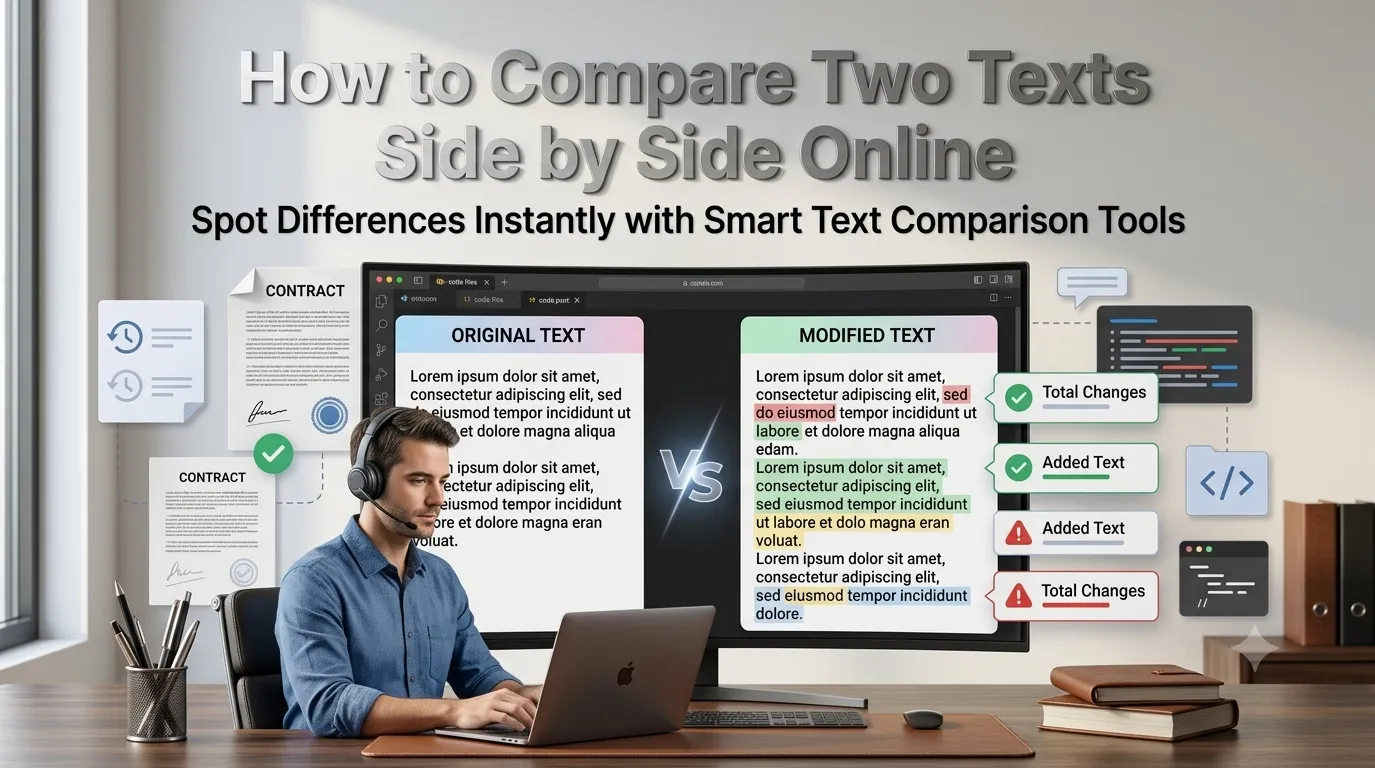
Need to compare two texts side by side to spot differences quickly? Online text diff tools highlight changes character by character in seconds. Writers, developers, and editors rely on diff tools to track revisions, catch unauthorized edits, and merge document versions.
This guide walks through the easiest method, explains diff visualization options, and shares pro tips for productive comparisons. By the end, you’ll handle text comparison effortlessly across any document type.
Why Text Comparison Saves Hours
Manual proofreading misses tiny changes. Two paragraphs that look identical may differ by single characters. Diff tools highlight every difference visually, making review fast and reliable.
Furthermore, version tracking matters everywhere. Writers compare drafts. Developers review code changes. Lawyers verify contract edits. Diff tools provide the source of truth across all these contexts.
Common Text Comparison Uses
- Tracking changes between document drafts
- Verifying contract revisions before signing
- Comparing translations against originals
- Reviewing code changes in pull requests
- Catching unauthorized edits in shared documents
- Verifying email template differences
Step-by-Step: Compare Texts Online
Step 1: Open the Tool
Visit our Text Diff Tool. Loads instantly.
Step 2: Paste Both Versions
Drop original text into the left field. Paste new version into the right. The tool highlights additions, deletions, and changes instantly with color coding.
Step 3: Review Differences
Scan through highlighted changes. Accept or reject as needed. Most tools let you export the merged result. Copy the polished output for your final document.
Diff Visualization Options
| View Type | Best For |
|---|---|
| Side by side | Visual comparison of full versions |
| Inline diff | Compact change review |
| Unified diff | Developer code reviews |
| Word-level diff | Editing track changes |
| Character-level diff | Detecting tiny edits |
Tips for Efficient Comparison
Smart workflow speeds reviews. First, paste clean versions. Whitespace differences from formatting bloat diff output. Trim before comparing for cleaner results.
Second, focus on intentional changes first. Skip cosmetic edits like trailing spaces. Third, save final versions after merging. Working from confirmed diff output prevents accidentally reverting important changes.
Privacy When Comparing Sensitive Texts
Pick tools processing text in your browser. Confidential drafts stay on your device. Read privacy policies first. Reputable services don’t log compared content during diff operations.
Combining With Other Tools
Text comparison fits broader editing workflows. Run grammar checks on final versions using our Grammar Checker. Count words after final merging via our Word Counter. Each tool finalizes documents progressively.
Track Every Change Confidently
Manual comparison misses subtle changes. With the right diff tool, spotting differences takes seconds. Whether for contracts, drafts, or code, smart text comparison delivers reliable version tracking.
Try our Text Diff Tool today. Free, secure, and ready whenever you need to compare two versions quickly.