
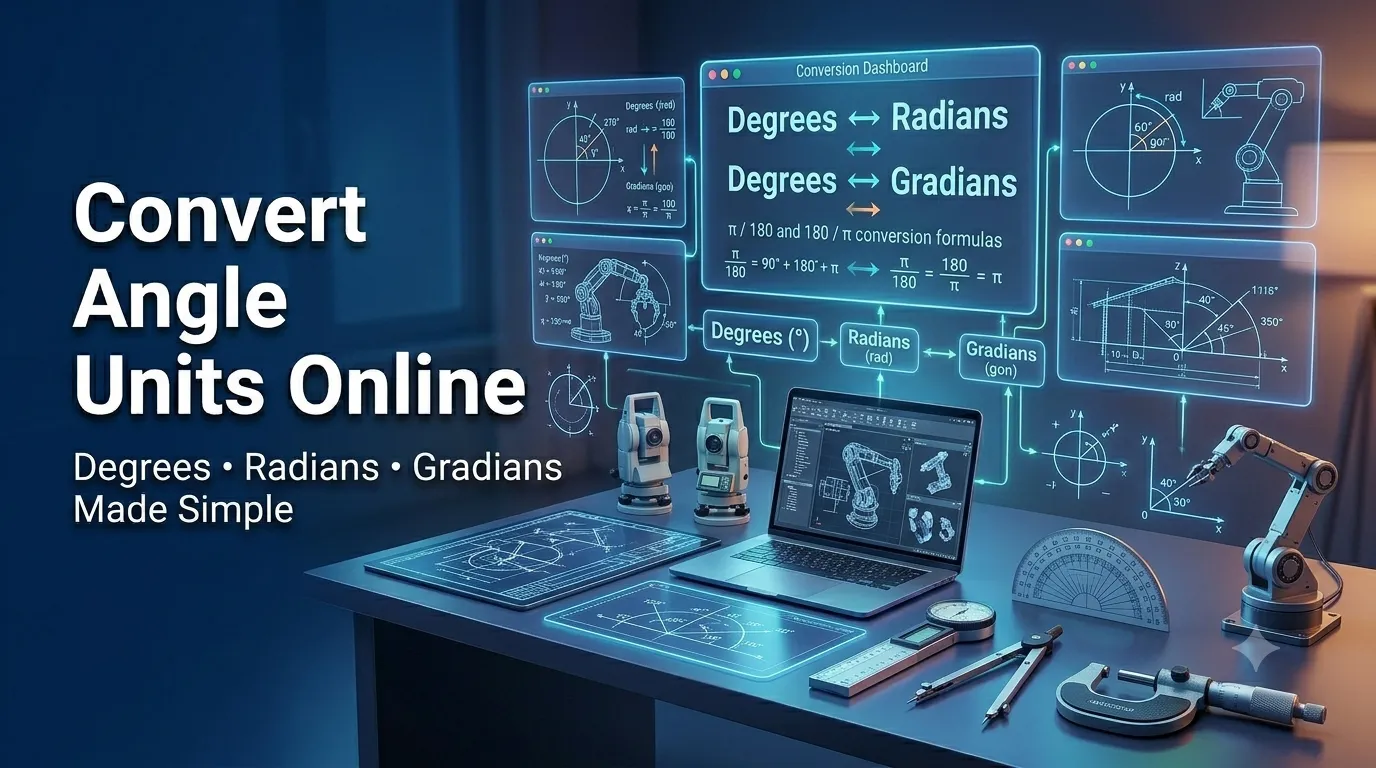
Degrees, radians, and gradians describe angles inside very different communities. Learning to convert angle units online keeps every drawing and equation consistent. This guide walks beginners through every step needed to swap between common angle measurements confidently.
Math classes, CAD software, and surveying tools each default to different scales. That inconsistency creates surprises when collaborating across professions. A quick conversion eliminates guesswork in seconds.
Why accurate angle conversions matter every project
Precise angle values protect drawings, navigation routes, and physics calculations. Reliable conversions also keep cross-discipline conversations productive.
Engineers, designers, and surveyors rely on fluent switches every workday. Additionally, students translate textbook problems between degrees and radians. Such clarity removes friction whether you draft once or daily.
Common scenarios that benefit from quick math
Several everyday situations call for a focused conversion. Recognize them and reach for a calculator immediately.
- Translating physics problems that mix degrees with radians
- Designing 3D models inside software that defaults to radians
- Reading surveying notes in gradians while building site plans
- Setting solar panel pitches from architectural drawings precisely
- Programming robotics movements that require radian inputs
- Adjusting astronomy charts mixing arcminutes with decimal degrees
Step-by-step process to convert angle units
Follow this sequence whenever drawings mix units. Each step keeps numbers trustworthy.
Identify the source unit clearly
Note whether the value uses degrees, radians, or gradians. Confirm whether the source treats a full turn as 360, 2π, or 400. Accurate identification prevents downstream mistakes immediately.
Choose the target unit thoughtfully
Match the destination unit to the audience whether classroom, CAD, or survey crew. Engineers default to radians while architects often use degrees. Confirm preferences before sharing values.
Enter values into a trusted calculator
Submit source and target units through a reliable online tool. Save the converted figure inside your notes for repeat tasks. Cross-check samples manually to confirm tool accuracy.
Best practices for sustainable measurement habits
Beyond the calculator, certain routines reduce errors. Apply them every drafting session.
Label every measurement with explicit units inside shared documents. Confirm conventions with collaborators before sending drawings or specs. Maintain a personal cheat sheet for conversions you reach for most often.
| From | To | Quick Multiplier |
|---|---|---|
| Degrees | Radians | π / 180 |
| Radians | Degrees | 180 / π |
| Gradians | Degrees | 0.9 |
| Degrees | Gradians | 10 / 9 |
Tools that simplify the entire workflow
Manual math invites mistakes during design reviews. Dedicated calculators handle every unit instantly without confusion. Bookmark a favorite for classroom and studio use.
Try our Angle Converter directly inside your browser without sign-up. Need to convert length too? Pair it with the Length Converter for full drafting clarity. Surveying fans also love combining it with the Area Converter for property layouts.
Common mistakes beginners should avoid
Several pitfalls trip up new converters. Watch out for these traps before they distort drawings.
- Forgetting to switch calculator mode between degrees and radians
- Confusing arcminutes with decimal minutes inside surveying notes
- Mixing gradians with degrees inside architectural blueprints
- Trusting rough rounding when precision matters for robotics
- Ignoring sign conventions when working with negative angles
Turning conversions into smoother collaboration
Reliable angle math protects drawings, navigation routes, and physics homework alike. Document conversions inside shared documents to support teammates. Encourage everyone to declare units explicitly during reviews.
Pair the workflow with our Length Converter for full drafting context. Steady habits, accurate math, and clear conventions turn angle chaos into manageable details. Each converted figure supports the next confident step.