
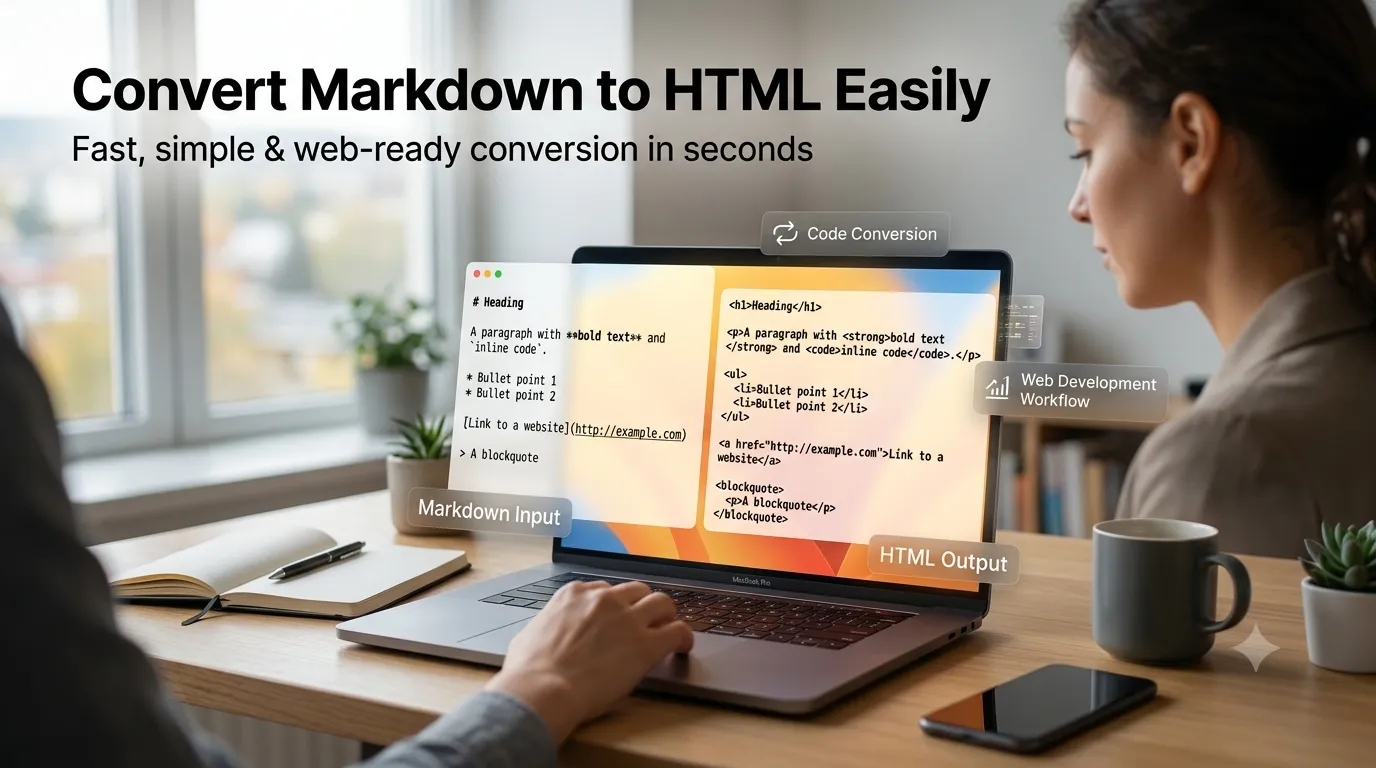
Want to convert HTML to markdown for clean source files or content migration? Online converters strip HTML tags and rebuild content as readable markdown in seconds. The technique helps move legacy content into modern markdown-based workflows.
This guide walks through the easiest method, explains common conversion challenges, and shares pro tips for clean output. By the end, you’ll handle HTML-to-markdown conversion effortlessly.
Why Convert HTML Back to Markdown
Developers and writers love markdown’s readability. Existing HTML content gets cleaner when converted back. Markdown source files version-control easier than HTML. Editing happens faster in plain-text format.
Furthermore, static site generators expect markdown input. Hugo, Jekyll, and Eleventy all process markdown natively. Converting legacy HTML opens migration paths to modern static site workflows.
Common HTML-to-Markdown Uses
- Migrating WordPress posts to static sites
- Cleaning scraped web content for republishing
- Editing legacy HTML in markdown editors
- Standardizing content libraries to markdown
- Preparing content for GitHub-based publishing
- Extracting clean source from HTML emails
Step-by-Step: Convert HTML to Markdown
Step 1: Open the Tool
Visit our HTML to Markdown Converter. Loads instantly.
Step 2: Paste HTML
Drop HTML source into the input. Tool converts tags to markdown syntax. View live preview if available.
Step 3: Copy Markdown Output
Copy clean markdown. Paste into your text editor or static site generator. Tags strip to readable text formatting that travels easily between platforms.
Conversion Mapping Reference
| HTML | Markdown |
|---|---|
| <h1> | # text |
| <strong> | **text** |
| <em> | *text* |
| <a href> | [text](url) |
| <ul><li> | – item |
| <code> | `code` |
Common Conversion Challenges
Some HTML features lack markdown equivalents. Complex tables, nested formatting, and custom styles need manual handling. Most converters strip incompatible elements rather than break syntax.
Furthermore, inline styles disappear. Markdown handles structure, not styling. Pick converters that preserve common HTML features. Manual review catches the rest.
Privacy When Converting Content
Pick tools processing HTML in your browser. Source code stays on your device. Read privacy policies first. Reputable services don’t log converted content.
Combining With Other Tools
HTML-to-markdown conversion fits broader content workflows. Convert back via our Markdown to HTML Converter for round-trip flexibility. Check word counts via our Word Counter.
Migrate Content to Markdown Workflows
HTML powers the web but markdown writes faster. With the right converter, migration takes seconds. Whether moving to static sites or editing legacy content, smart HTML-to-markdown conversion smooths transitions.
Try our HTML to Markdown Converter today. Free, secure, and ready whenever you need clean markdown source.