
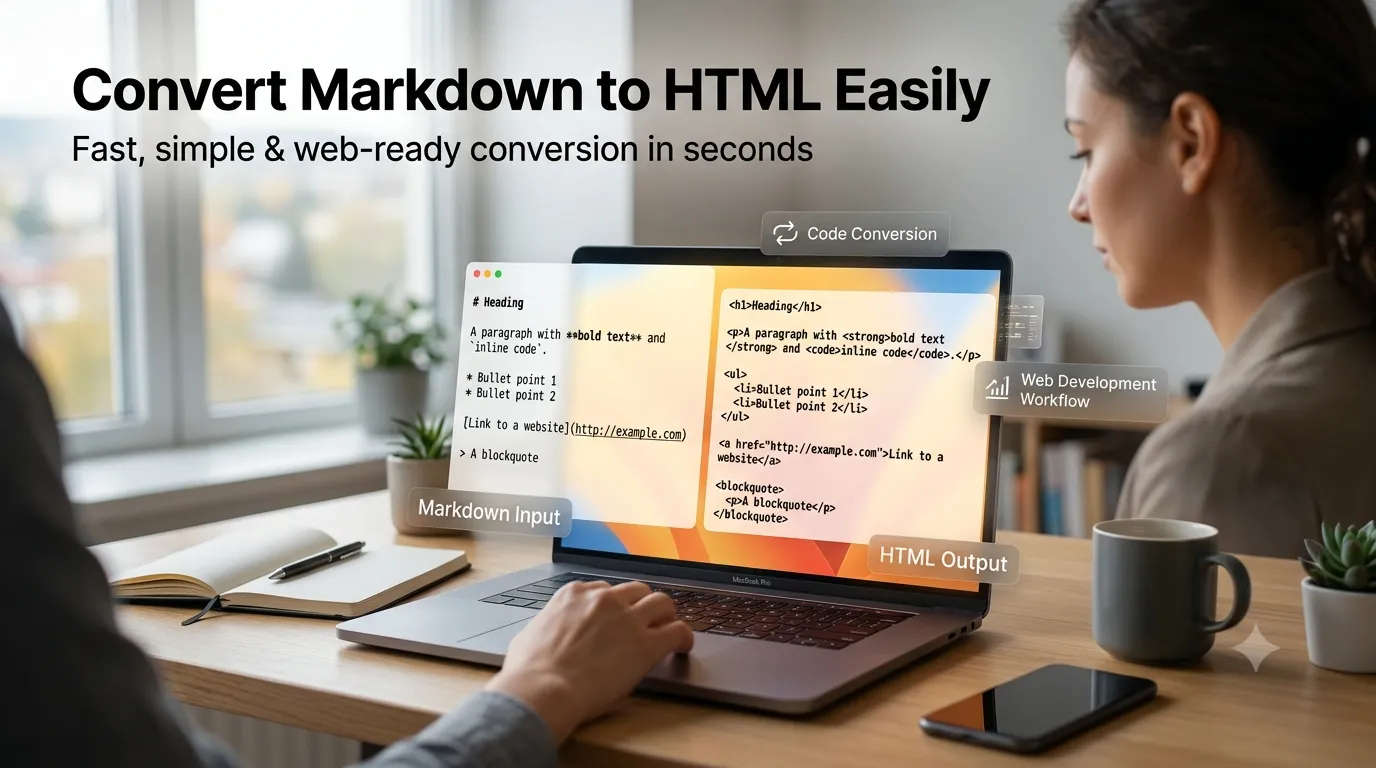
Want to convert markdown to HTML online for blog posts or documentation? Markdown writes faster than raw HTML. The plain-text format keeps focus on content while online converters handle the HTML translation in seconds.
This guide walks through the easiest method, explains markdown syntax basics, and shares pro tips for clean HTML output. By the end, you’ll handle markdown conversion confidently for any project.
Why Markdown Beats Raw HTML
Markdown writes in plain text with simple symbols. Two pound signs create headings. Asterisks make text bold. Brackets and parentheses build links. Writers focus on content rather than fighting tag syntax.
Furthermore, markdown stays readable in raw form. Code reviews on GitHub work because markdown renders nicely as text. Plain HTML mixed with content looks cluttered and slows collaboration considerably.
Common Markdown-to-HTML Uses
- Blog posts written in markdown for CMS uploading
- Documentation drafts ready for static site generators
- README files converted for project websites
- Newsletter HTML from markdown source
- Educational content publishing
- Documentation portals built from markdown sources
Step-by-Step: Convert Markdown to HTML Online
Step 1: Open the Tool
Visit our Markdown to HTML Converter. Loads instantly.
Step 2: Paste Markdown
Drop markdown into the input. Most tools show live HTML preview alongside. Edit markdown and watch HTML update instantly.
Step 3: Copy HTML Output
Copy the generated HTML. Paste into your CMS, email template, or website. The HTML uses semantic tags ready for styling and indexing.
Common Markdown Syntax
| Markdown | HTML Output |
|---|---|
| # Heading | <h1>Heading</h1> |
| **bold** | <strong>bold</strong> |
| *italic* | <em>italic</em> |
| [link](url) | <a href=”url”>link</a> |
| – item | <li>item</li> |
| `code` | <code>code</code> |
Tips for Clean HTML Output
Smart writing produces clean code. First, use consistent heading hierarchy. One H1 per page. Use H2 for sections, H3 for subsections. Skipping levels confuses screen readers and SEO.
Second, prefer reference-style links for repeated URLs. Define once, reuse throughout. Third, test output in preview mode. Some converters handle edge cases differently than standard markdown specifications.
Privacy When Converting Drafts
Pick tools processing markdown in your browser. Drafts stay on your device. Read privacy policies first. Reputable services don’t log content during conversion operations.
Combining Markdown With Other Tools
Markdown conversion fits broader content workflows. Check grammar via our Grammar Checker before conversion. Convert reverse direction via our HTML to Markdown converter. Each tool serves writers at different content stages.
Write Faster With Markdown
Markdown speeds writing while HTML powers the web. With the right converter, switching between them takes seconds. Whether for blogs, documentation, or emails, smart conversion bridges both worlds.
Try our Markdown to HTML Converter today. Free, secure, and ready whenever your content needs web-ready output.