
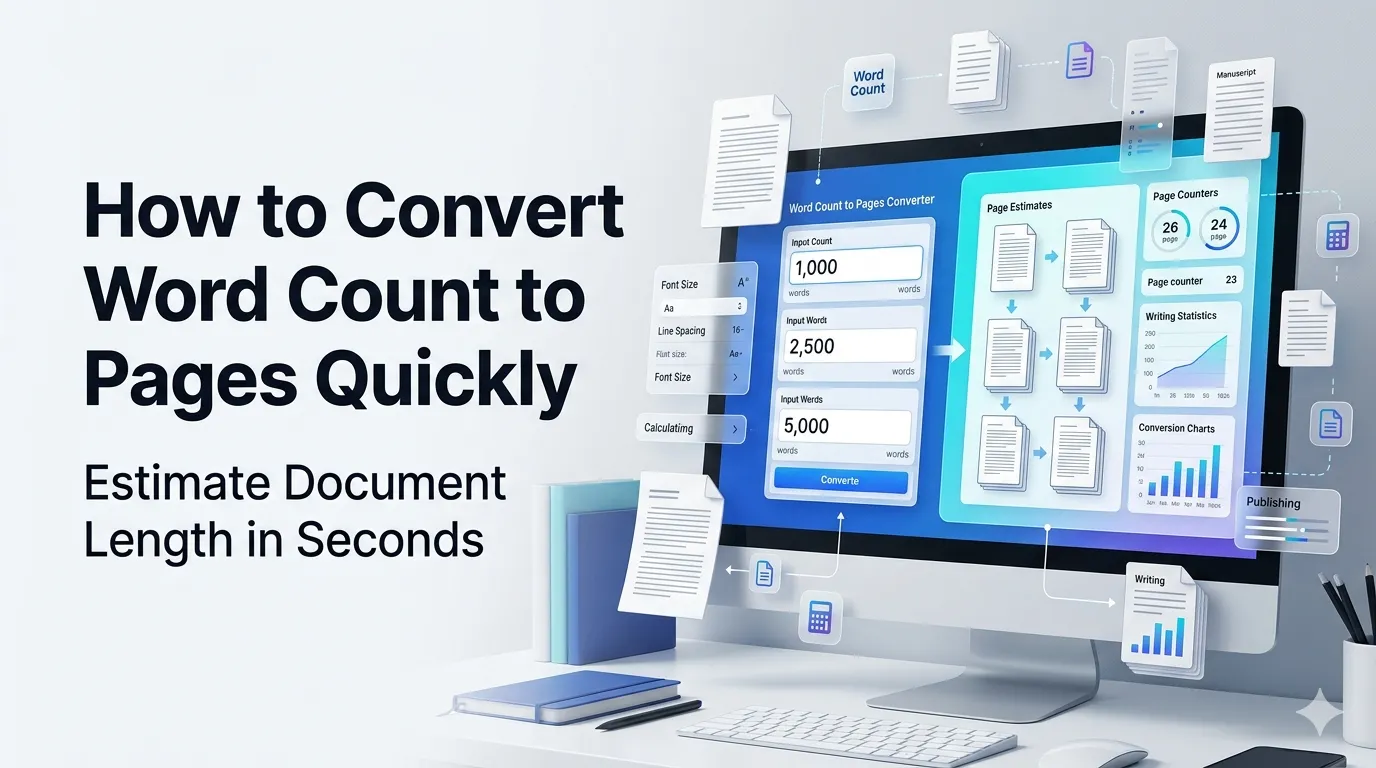
Want to convert word count to pages for academic essays or book projects? Online calculators translate word counts into estimated page counts in seconds. Students, writers, and editors rely on these conversions to plan content length efficiently.
This guide walks through the easiest method, explains font and spacing variables, and shares pro tips for accurate estimates. By the end, you’ll plan content length confidently.
Why Word-to-Page Conversion Matters
Page requirements rule academic life. Professors specify page counts. Publishers think in pages. Editors estimate book lengths from manuscripts. Translating words to pages helps writers plan content for specific destinations.
Furthermore, page estimates guide pricing. Freelance editors charge per page. Translators quote in pages. Print costs scale with page counts. Accurate conversions enable better budgeting throughout publishing projects.
Common Conversion Uses
- Estimating academic essay page counts
- Planning book manuscript length
- Budgeting print publishing costs
- Quoting freelance editing work
- Filing legal briefs with page limits
- Sizing blog posts for design layouts
Step-by-Step: Convert Words to Pages
Step 1: Open the Tool
Visit our Word to Page Converter. Loads instantly.
Step 2: Enter Word Count and Settings
Type your word count. Pick font size, spacing, and font family. Most academic work uses 12pt Times New Roman with double spacing.
Step 3: Review Page Estimate
See estimated page count based on settings. Adjust word target if needed to hit specific page goals. Save estimate for project planning records.
Word-to-Page Reference Table
| Words | Single-Spaced Pages | Double-Spaced Pages |
|---|---|---|
| 250 | 0.5 | 1 |
| 500 | 1 | 2 |
| 1000 | 2 | 4 |
| 2500 | 5 | 10 |
| 5000 | 10 | 20 |
| 10000 | 20 | 40 |
Privacy and Word Calculators
Calculators take word counts as input. No content privacy concerns apply. Browser-based tools work entirely without uploads. Use freely for sensitive project planning.
Combining With Other Tools
Word-to-page conversion fits broader writing workflows. Count words first via our Word Counter. Check sentence counts via our Sentence Counter. Plan project length comprehensively.
Plan Content Length With Confidence
Word and page counts often differ. With the right calculator, conversion takes seconds. Whether for essays, books, or business documents, smart estimates help writers plan effectively.
Try our Word to Page Converter today. Free, secure, and ready whenever your project needs length estimates.