
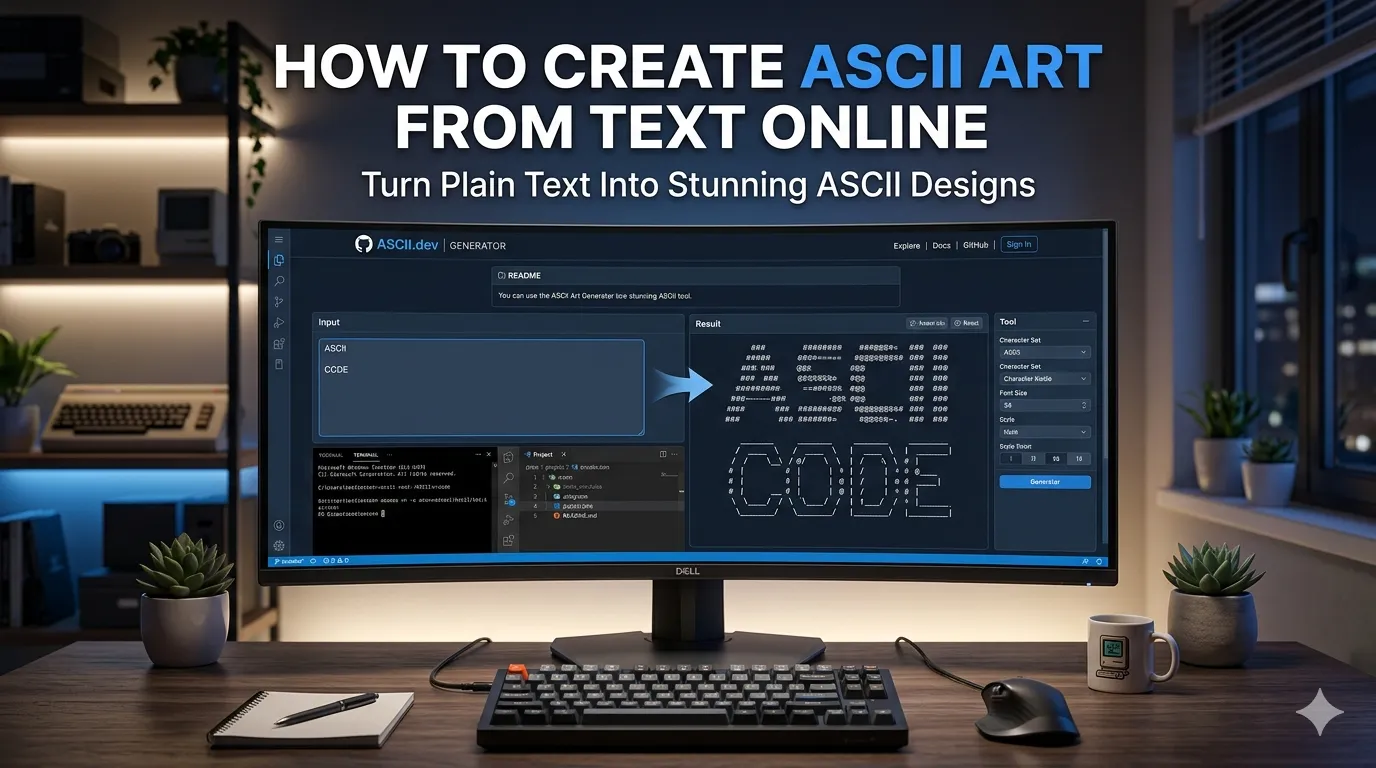
Want to create ASCII art from text for retro emails, README files, or Discord chats? ASCII art turns plain words into striking visual displays made entirely from keyboard characters. Online generators handle the transformation in seconds, no design skills needed.
This guide walks through the easiest method, explores popular ASCII styles, and shares pro tips for striking results. By the end, you’ll create eye-catching text art for any context.
Why ASCII Art Still Captivates People
ASCII art predates modern graphics. Programmers used it for terminal decoration. Email signatures featured it for personality. Today, developers still embed ASCII art in README files, terminal applications, and chat platforms where graphics don’t work.
Furthermore, ASCII art carries nostalgic appeal. The simple character-based aesthetic reminds users of early computing eras. That retro feel makes ASCII art perfect for tech communities and developer-focused content.
Common ASCII Art Uses
- GitHub README files with project banners
- Terminal application splash screens
- Email signatures showing developer personality
- Discord channel decorations
- Retro-themed website headers
- Birthday or celebration messages in chat apps
Step-by-Step: Generate ASCII Art Online
Step 1: Open the Generator
Visit our ASCII Art Generator. The tool loads instantly.
Step 2: Type Your Text and Pick Style
Type the text you want as art. Browse different ASCII font styles. Choose block letters, shadow effects, or decorative patterns. Most generators offer 50+ font options matching different moods.
Step 3: Copy and Paste
Click copy. Paste into your destination platform. ASCII art works in any monospace font context, including code editors, terminals, and chat apps that preserve character spacing properly.
Popular ASCII Font Styles
| Style | Best Use |
|---|---|
| Block letters | Bold headers and announcements |
| Shadow effect | Dramatic project banners |
| Bubble text | Fun chat messages |
| Slim style | Compact signatures |
| 3D effect | Eye-catching README banners |
Tips for Effective ASCII Art
Smart ASCII use enhances rather than distracts. First, keep short. ASCII art uses lots of characters. Brief project names work better than full paragraphs.
Second, ensure monospace display. ASCII relies on fixed-width characters. Variable-width fonts break the visual effect. Third, test in actual destination. Some platforms compress whitespace, ruining ASCII alignment.
Common ASCII Art Mistakes
- Break ASCII alignment instantly
- Too long text: Becomes unreadable across mobile screens
- Wrong color contexts: ASCII works best on plain backgrounds
- Mobile viewing: Phones may scroll horizontally for wide art
- Forgetting code blocks: Markdown needs code formatting for ASCII
Privacy When Generating ASCII
ASCII generators process simple text in your browser. No upload concerns apply. Read each tool’s privacy policy regardless. Reputable services don’t log generated content during creation.
Combining ASCII With Other Tools
ASCII art pairs with broader text workflows. Check character counts via our Character Counter. Convert text case for ASCII input via our Text Case Converter.
For social media flair, use our Fancy Text Generator alongside ASCII for variety. Each tool serves developers and creative users at different design moments.
Add Retro Flair to Any Text
ASCII art turns simple text into eye-catching displays. With the right generator, creating retro character art takes seconds. Whether for GitHub, Discord, or developer signatures, smart ASCII use adds personality everywhere.
Try our ASCII Art Generator today. Free, secure, and ready whenever you need that classic terminal aesthetic.