
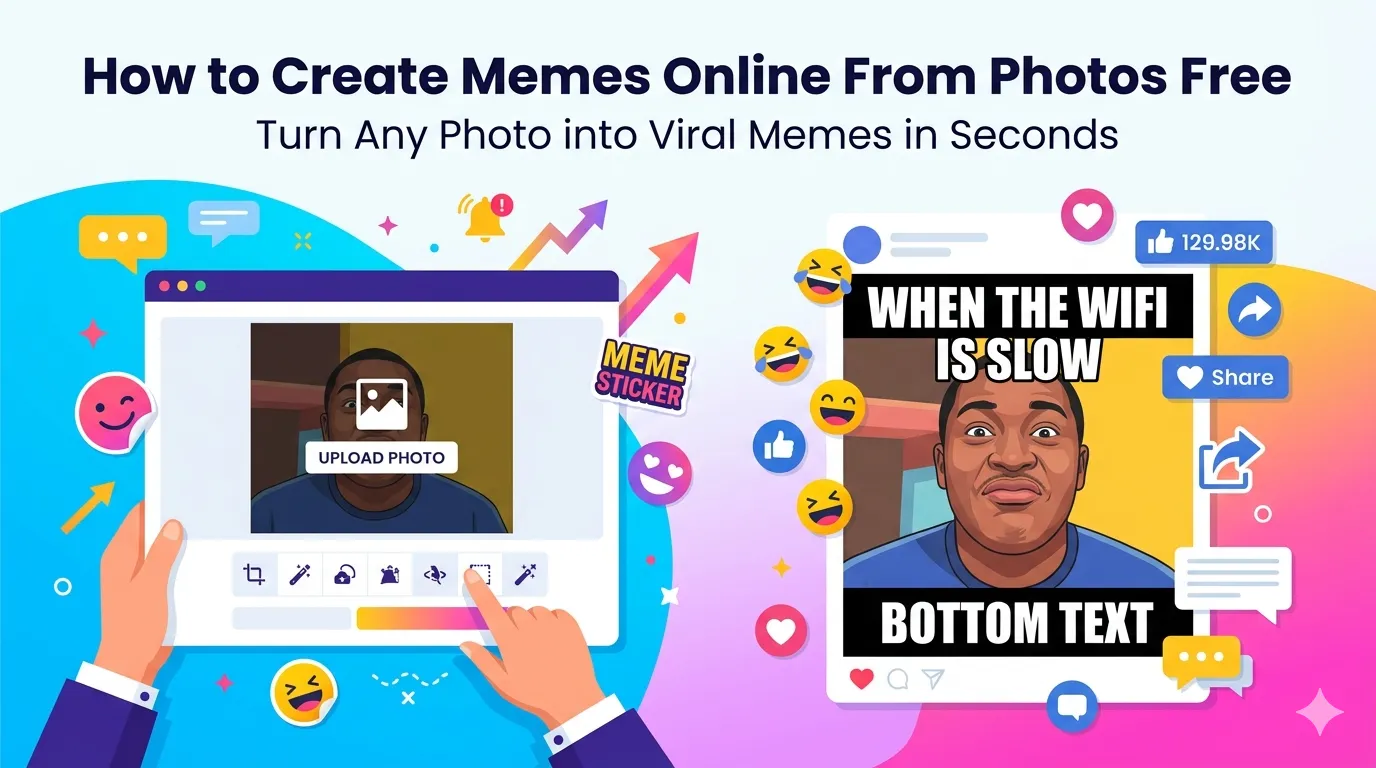
Want to create memes online from photos and watch them explode across social media? You’re tapping into one of the internet’s most powerful content formats. A well-crafted meme spreads faster than any blog post, ad, or video. Online meme makers turn ordinary photos into shareable jokes in seconds.
This guide walks through the easiest method, explains what makes memes go viral, and shares pro tips for engagement-boosting results. By the end, you’ll handle meme creation like a marketing pro.
Why Memes Win on Social Media
Memes communicate complex ideas in seconds. Bold image plus short text equals instant understanding. Followers share memes far more often than text posts. Algorithms reward this engagement with massive organic reach.
Furthermore, memes humanize brands. Corporate accounts using memes feel approachable and current. Personal accounts gain personality through clever meme creation that shows wit and timing.
Where Memes Drive Results
- Twitter posts that spread brand personality
- Instagram stories building daily engagement
- TikTok overlays adding humor to video content
- Reddit communities embracing creative humor
- WhatsApp groups sharing inside jokes
- Marketing campaigns going viral organically
Step-by-Step: Make Memes Online
Browser-based meme generators handle the work in seconds. No design software required.
Step 1: Upload or Pick a Template
Visit our Meme Generator. Upload your own photo or pick from popular meme templates. Both options work equally well depending on your creative direction.
Step 2: Add Your Text
Type top and bottom text following classic meme conventions. Keep wording short and punchy. The best memes use 5-12 words split across two lines. Adjust font, size, and color to match the image mood.
Step 3: Download and Share
Save the finished meme as a JPG or PNG. Post immediately on social media platforms. The faster you publish trending memes, the more reach they capture before the moment passes.
What Makes Memes Go Viral
| Viral Factor | Why It Matters |
|---|---|
| Timing | Match trending topics within hours |
| Relatability | Reflects shared experiences widely |
| Brevity | Short text reads instantly |
| Bold contrast | White text on dark image stands out |
| Cultural reference | Taps existing meme formats audience recognizes |
Tips for Engagement-Boosting Memes
Smart meme habits drive engagement. First, follow trending formats early. The same template that worked yesterday becomes stale tomorrow. Speed matters more than perfection.
Second, stay relatable. Universal experiences resonate broadly. Third, use Impact font for classic meme style. Modern memes also work with Arial, Helvetica, or whatever matches your brand voice.
Common Meme Mistakes
- Too much text: Reduce to 5-12 words for maximum impact
- Wrong font choice: Impact remains the classic meme font
- No outline on text: White text needs black outline for readability
- Stale templates: Stick with currently trending formats
- Overcomplicated jokes: Memes work better with simple, clear humor
Building Brand Memes Without Cringe
Brand memes work when done right. First, understand the meme format before using it. Misused templates feel out of touch. Second, avoid forced product mentions. Memes that read like ads underperform consistently.
Focus on shared experiences relevant to your audience. SaaS brands joke about deployment Fridays. Restaurants joke about busy weekend shifts. Authentic, situation-relevant humor connects better than generic templates.
Privacy When Using Personal Photos
Memes featuring real people raise privacy concerns. Always get permission before posting recognizable faces. For brand accounts, stick to stock photos, illustrations, or your own team members who consent to meme use.
For meme tools themselves, pick services processing files in your browser. Personal photos used in private memes stay on your device, never reaching third-party servers.
Combining Memes With Other Tools
Memes pair with broader content workflows. Crop source photos using our Image Cropper for focused subjects. Compress final memes with our Image Compressor for fast platform uploads.
For animation, turn meme series into GIFs with our Image to GIF converter. Each tool tackles a specific need in modern social media workflows.
When Memes Backfire
Bad meme timing damages brands. Don’t joke about disasters or sensitive events. Avoid memes that punch down at marginalized groups. Cultural references you don’t understand fully often backfire publicly.
For brand accounts, run questionable memes by colleagues before posting. Multiple perspectives catch tone issues fast. The cost of one regrettable meme far exceeds the reward of being witty.
Make Memes That Move Audiences
Memes drive engagement no other format matches. The right tool turns ordinary photos into viral content in seconds. Whether you’re building personal brand or growing business reach, smart meme creation delivers results.
Try our Meme Generator today. Free, secure, and ready whenever you spot a trending moment that needs your perfect take.