
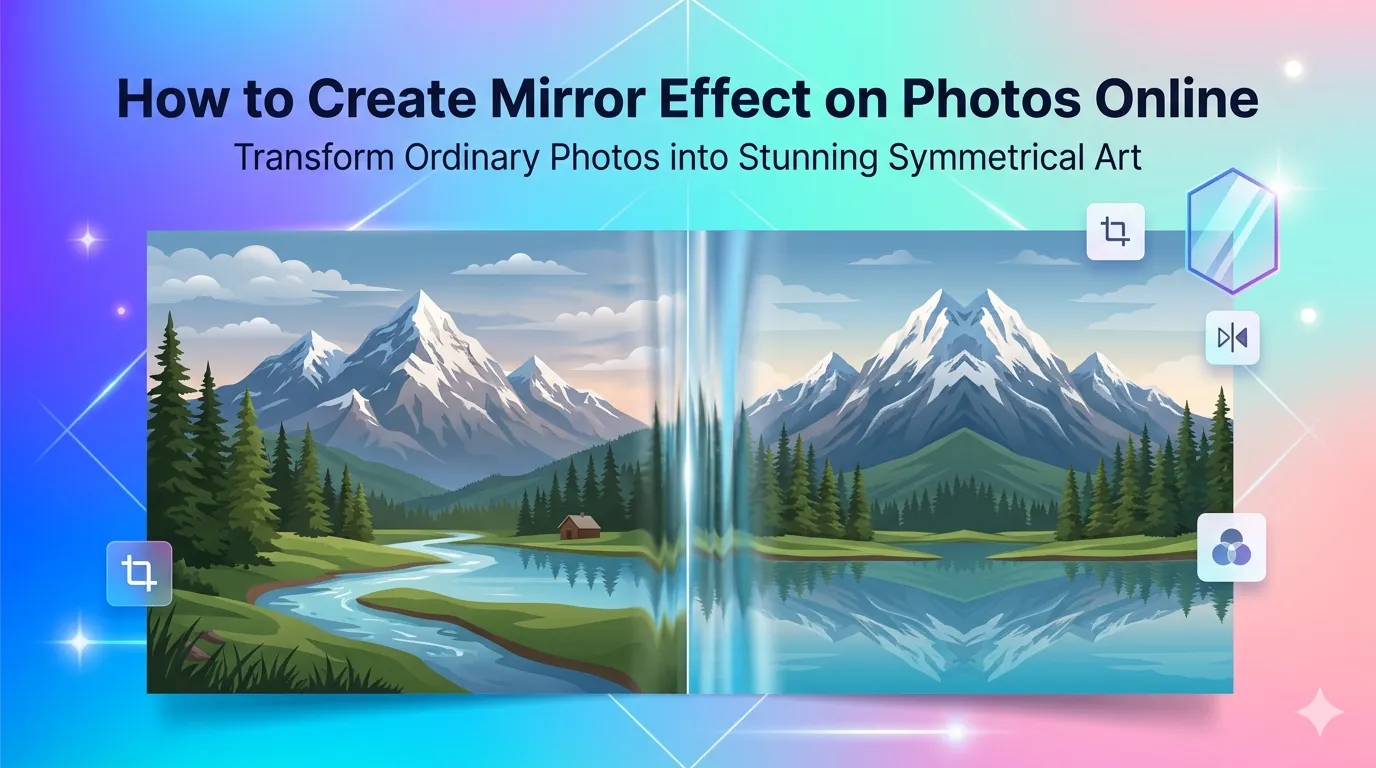
Want to create mirror effect on photos for stunning symmetry or reflective drama? You’re tapping into one of the most striking creative effects available. Whether you’re crafting kaleidoscope-style art or building dreamy reflections, online mirror tools deliver eye-catching results in seconds.
This guide walks through the easiest method, explains different mirror directions, and shares pro tips for striking compositions. By the end, you’ll create symmetrical art from any photo.
Why Mirror Effect on Photos Captivates Viewers
Symmetry catches the human eye instantly. Our brains love balanced compositions. Mirror effects amplify that natural attraction by doubling visual interest in any photo. The result feels dreamy, surreal, and impossible to scroll past.
Furthermore, mirror photos perform brilliantly on social media. Instagram, Pinterest, and TikTok thrive on visually striking content. Mirror effects deliver that wow factor that drives shares and saves.
Popular Mirror Effect Uses
- Creating surreal landscape art from regular photos
- Building Instagram-worthy abstract compositions
- Designing kaleidoscope patterns for digital art
- Making symmetrical architecture photos pop
- Producing reflection effects for water scenes
- Generating unique wallpapers and digital backgrounds
Step-by-Step: Add Mirror Effect Online
Browser-based mirror tools handle the work in seconds. No design software or technical skills required.
Step 1: Upload Your Photo
Visit our Photo Mirror tool. Drag your image into the upload zone. Common formats like JPG, PNG, and WebP work without issues.
Step 2: Choose Mirror Direction
Pick horizontal, vertical, or four-way mirror options. Horizontal mirrors create reflections perfect for water and architecture. Vertical mirrors produce symmetrical portraits. Four-way mirrors deliver kaleidoscope art.
Step 3: Download the Mirror Image
Apply the effect and download. Save in your preferred format. Share on social media, use in digital art projects, or print as unique wall decor for distinctive home aesthetics.
Mirror Direction Options Explained
| Mirror Direction | Best Effect |
|---|---|
| Horizontal (left-right) | Symmetrical portraits and faces |
| Vertical (top-bottom) | Water reflections and landscapes |
| Diagonal | Dynamic geometric compositions |
| Four-way kaleidoscope | Abstract patterns and art |
| Eight-way prism | Complex mandala-style art |
Tips for Striking Mirror Compositions
Smart photo choices create dramatic mirrors. First, pick photos with strong vertical or horizontal lines. Architecture, trees, and bridges produce especially striking mirror effects.
Second, use high-contrast sources. Bold colors and clear shapes amplify mirror impact. Third, crop tightly before applying mirrors. Excess background creates muddy reflections. Focused subjects deliver cleaner symmetrical results.
Common Mistakes in Mirror Effect on Photos
- Wrong source choice: Busy photos create chaotic mirror results
- Skipping crop: Tight crops produce cleaner symmetry
- Wrong direction: Test multiple mirror options before committing
- Low-quality sources: Mirrors double visible flaws in original photos
- Over-processing: Combine mirrors with one other effect, not five
When Mirror Effects Work Best
Some photos transform stunningly under mirror effects. Architecture with clean geometric lines doubles into impossible shapes. Tree silhouettes mirror into otherworldly forests. Single human portraits become symmetrical faces with surreal beauty.
For best results, plan the source photo with mirroring in mind. Strong central focal points, simple backgrounds, and clear shapes mirror cleanly. Busy multi-subject photos rarely produce satisfying mirror results.
Privacy When Mirroring Personal Photos
Personal photos deserve careful handling. Pick mirror tools processing files in your browser. Images stay on your device throughout the effect application.
Read each tool’s privacy policy first. Reputable services delete uploads within an hour. Avoid platforms requiring account creation for one-off mirror effect tasks.
Combining Mirror Effects With Other Tools
Mirror effects pair beautifully with other photo tools. Crop tightly first using our Image Cropper for focused symmetry. Apply mood with our Photo Filter after mirroring for cinematic results.
For final delivery, resize using our Image Resizer to fit your destination platform. Each tool fits a specific creative workflow step.
When Mirror Effects Don’t Suit Photos
Not every photo benefits from mirroring. Documentary photography typically loses authenticity through mirror effects. Editorial shots designed for storytelling rarely improve through symmetry. News photos must show reality, not artistic distortion.
Reserve mirror effects for creative, artistic, and social media projects. Save them for content where artistic flair beats documentary accuracy. Match effect to purpose rather than applying to everything indiscriminately.
Transform Ordinary Photos Into Symmetrical Art
Mirror effects unlock creative potential hiding in every photo. With the right tool, you transform regular snapshots into striking symmetrical compositions in seconds. Perfect for social media, digital art, or unique wall decor.
Try our Photo Mirror tool today. Free, secure, and ready whenever your photos need that wow factor that stops scrolling and starts conversations.