
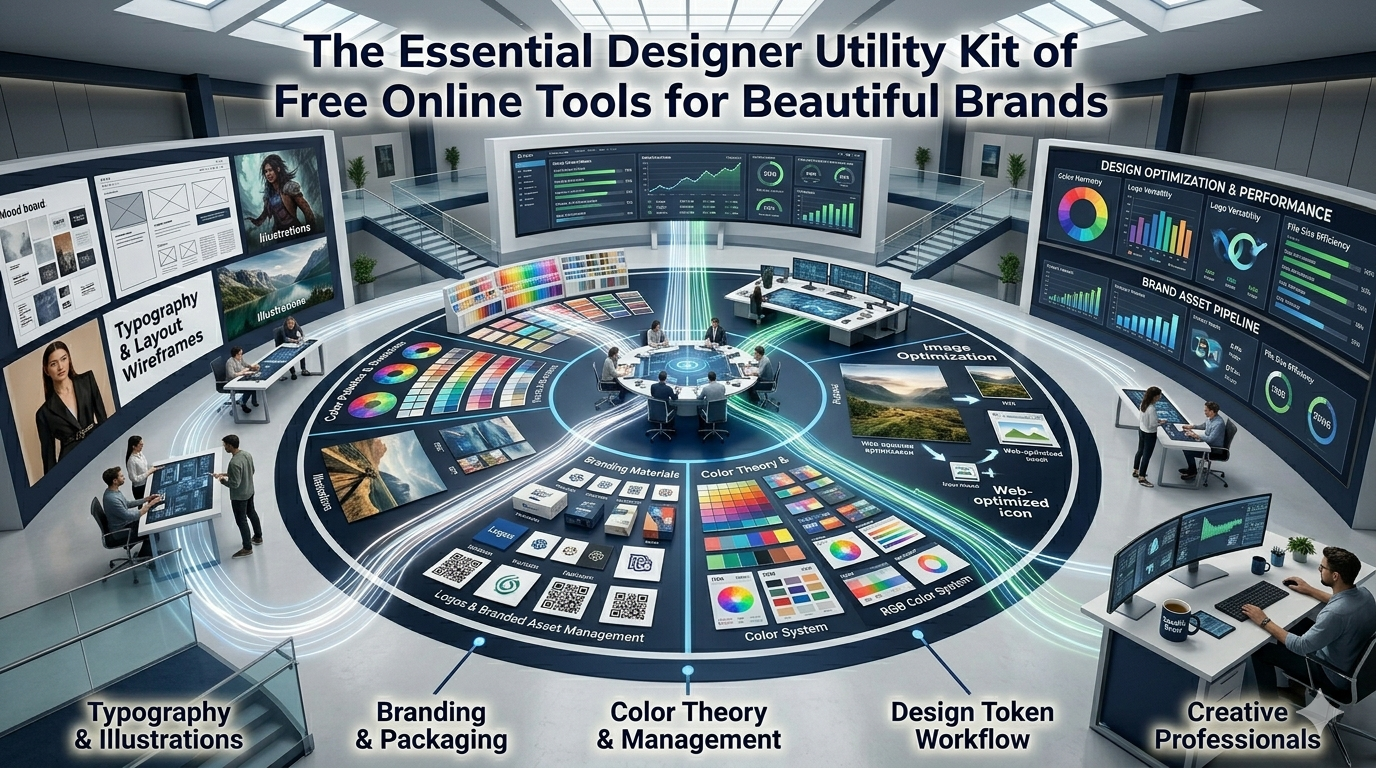
Designers translate ideas into delightful visuals across web, print, and social. The essential designer utility kit brings the best browser-based helpers together for faster delivery. This pillar guide walks beginners through every category needed to ship cohesive, on-brand work.
Premium suites pack power yet cost real money every month. Free browser tools handle most everyday tasks without complex licenses. The right approach keeps creative momentum strong on every project.
Why a curated designer kit matters today
Designers juggle color systems, file formats, and presentation moments daily. Focused utilities shorten feedback loops and protect creative energy.
Freelancers manage many clients without breaking budget lines. Additionally, in-house teams streamline brand consistency across global launches. Such tooling supports creativity whether projects feel tiny or massive.
Categories that empower every designer
Several categories meet daily creative needs without installs. Recognize them and bookmark each inside your design playbook.
- Color palette and conversion helpers
- Image resizing and compression utilities
- PDF polish for presentations and proposals
- Typography and lorem ipsum content placeholders
- Social media previews and Open Graph tags
- Brand kit identity helpers like favicons and QR codes
Top picks for every design routine
The following utilities accelerate creative work. Bookmark them inside your design system handbook today.
Color systems
Use the Color Palette Generator, Hex to RGB Converter, and RGB to Hex Converter when crafting brand systems. They protect token consistency.
Image polish
Reach for the Image Resizer, Image Compressor, and PNG to WebP Converter while preparing assets. They ensure every visual loads quickly.
Content placeholders
The Lorem Ipsum Generator, Username Generator, and Slug Generator fill prototypes with realistic content. They protect spacing decisions during reviews.
Brand polish
The Favicon Generator, QR Code Generator, and Open Graph Generator deliver final polish to every brand launch.
Best practices for sustainable design ops
Beyond tools, supporting routines keep visuals consistent. Apply them every quarter.
Document brand guidelines and asset libraries inside shared folders. Pair tools with accessibility audits for inclusive design. Schedule regular reviews to refresh palettes and typography.
| Need | Featured Tool | Smart Tip |
|---|---|---|
| Color palette | Color Palette Generator | Match brand tokens |
| Image asset | Image Resizer | Export multiple sizes |
| Prototype copy | Lorem Ipsum Generator | Match real word count |
| Brand launch | Open Graph Generator | Refresh seasonally |
Tools that simplify the entire workflow
Bouncing between subscriptions splits creative attention quickly. A curated browser kit keeps creativity flowing. Bookmark a few favorites and revisit them inside every project.
Explore the entire Smart SEO Toolz library for hundreds of categorized utilities. Pair the experience with our URL Shortener for cleaner campaign assets. Designers also love combining it with the Percentage Calculator for ratio checks.
Common mistakes beginners should avoid
Several pitfalls trip up new designers. Watch out for these traps before launching new visuals.
- Skipping documentation for design tokens
- Trusting one stock photo source without licensing checks
- Forgetting accessibility checks for color contrast
- Letting tool sprawl confuse team members
- Ignoring asset cleanup after major project handoffs
Turning toolkits into joyful creativity
Strong kits free designers to focus on storytelling and emotion. Pair tools with periodic creative retreats to maintain inspiration. Encourage cross-pollination of ideas across teams.
Pair the workflow with our Word Counter when designing copy-heavy assets. Steady curation, accessible documentation, and shared excitement turn design work into manageable delight. Each utility supports the next confident launch.