
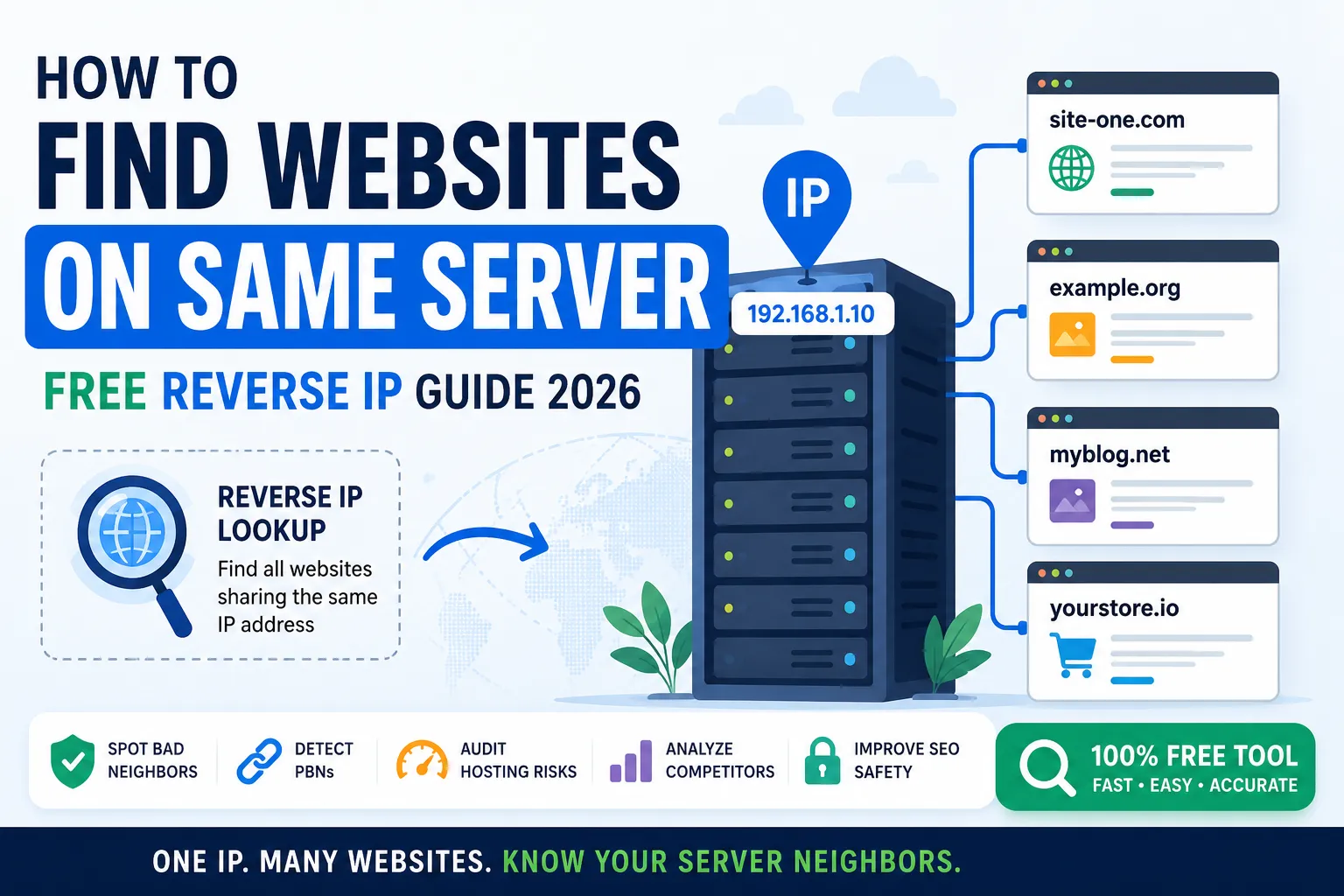
Every web server hosts many websites at once. Some servers carry just a few, while others stack hundreds. So learning how to find websites on same server is one of the smartest moves for SEO research, security audits, and competitor analysis in 2026.
This little-known technique uncovers bad neighbors, blacklists, link networks, and shared infrastructure in seconds. It even reveals where your competitors quietly host their best-performing sites.
This guide explains what reverse IP lookup means, why you should use it, and how to find websites on same server using a free tool in 2026.
What Is Reverse IP Lookup?
A reverse IP lookup is the process of finding all websites that share the same IP address. Instead of going from domain to IP, you go from IP to all domains.
So with just one IP, you can list every neighbor site sharing that server.
Why You Should Find Websites on Same Server
- Spot spammy neighbors that hurt your SEO
- Detect Private Blog Networks (PBNs)
- Audit shared hosting risks
- Analyze competitor link networks
- Research hosting choices before buying
So a reverse lookup gives quick SEO and security insights you cannot get elsewhere.
How to Find Websites on Same Server in 3 Easy Steps
Step 1 — Use Our Free Reverse IP Lookup
Visit our free Reverse IP Lookup. Paste any IP or domain to instantly see all sites on the same server.
Step 2 — Confirm IP Details
Pair the result with our Domain to IP and GEO IP Locator for full hosting context.
Step 3 — Analyze the Neighborhood
Check whether neighbor sites look clean, niche-relevant, or spammy. Bad neighborhoods can affect your own SEO trust signals.
When You Should Run a Reverse IP Lookup
- Before buying a new domain or aged domain
- When migrating to a new web host
- After unexplained SEO ranking drops
- While researching competitor link networks
- During security or blacklist audits
So this small lookup helps protect both rankings and infrastructure.
Bad Neighbors and How They Affect Your SEO
- Shared blacklists from spammy sites
- Cross-IP link patterns Google may distrust
- Slower performance from overloaded servers
- Spam mail flagged by ISPs
- Lower hosting reputation overall
Combine this audit with our Blacklist IP Checker for a complete reputation check.
Reverse IP Lookup vs Class C IP Checker
| Tool | What It Finds | Best For |
|---|---|---|
| Reverse IP Lookup | All sites on the same IP | Audit hosting neighbors |
| Class C IP Checker | Sites sharing the same Class C block | Spot link networks & PBNs |
So both tools work together to give a full IP-based audit.
How to Investigate Competitor Hosting Setups
- Find their IP via our Domain to IP tool
- Run a reverse IP lookup on the result
- Inspect related sites and content patterns
- Cross-check authority with our Domain Authority Checker
- Save findings for SEO benchmarking
This combo reveals hidden link networks, partner brands, or PBN patterns competitors use.
Limitations of Reverse IP Lookup
- CDN-hosted sites may share Cloudflare IPs
- Large data centers may show thousands of results
- Some shared hosts mask true neighbor counts
- VPS and cloud servers can rotate IPs
So treat lookup results as helpful clues, not absolute truth.
Privacy and Legal Notes
- Reverse IP lookups use public DNS data
- No personal information is exposed
- Using it for research is fully legal
- Misuse for attacks remains illegal
Always use IP intelligence responsibly and ethically.
Smart Tools That Pair With Reverse IP Lookup
- Reverse IP Lookup — list all sites on one IP
- Domain to IP — find a site’s server IP
- Class C IP Checker — find shared Class C blocks
- Blacklist IP Checker — flag risky neighbors
Used together, they form a complete server-research stack — and remain 100% free.
Common Mistakes With Reverse IP Lookups
- Trusting old or cached IP data
- Confusing CDN IPs with original hosts
- Ignoring partial result lists
- Forgetting to verify with multiple tools
- Skipping the Class C check after a lookup
Cross-checking always gives the cleanest, most reliable result.
Final Thoughts
Learning how to find websites on same server gives you instant insight into hosting safety, competitor strategy, and SEO risks. In 2026, this tiny audit can prevent big SEO and security problems.
Start now with our free Reverse IP Lookup. Discover your hosting neighbors, audit your environment, and protect your rankings before any silent threat appears.
FAQs
Use a free reverse IP lookup tool. Paste any IP or domain to instantly see all websites sharing that server.
It helps you spot bad neighbors, audit hosting risks, and analyze competitor link networks.
Yes. Cloudflare uses shared IPs, so the real host stays hidden. Combine other tools to find clues.
It can. Bad neighbor sites may reduce server trust, performance, and email deliverability.
Yes. It uses public DNS data and reveals no personal information. So it is fully legal.
Reverse IP shows sites on the same IP. Class C IP shows sites sharing the same network block.
Yes. It uncovers hidden brands, link networks, or partner sites your competitors host together.